

POS hint when stock is missing
When a charger is finished on the Surulere till, jump to a prefilled ask instead of sending the customer away empty-handed forever.
-
Search on POS
Scan or type the product. Zero stock (and the ask-around hint) appears when you have
trade.post.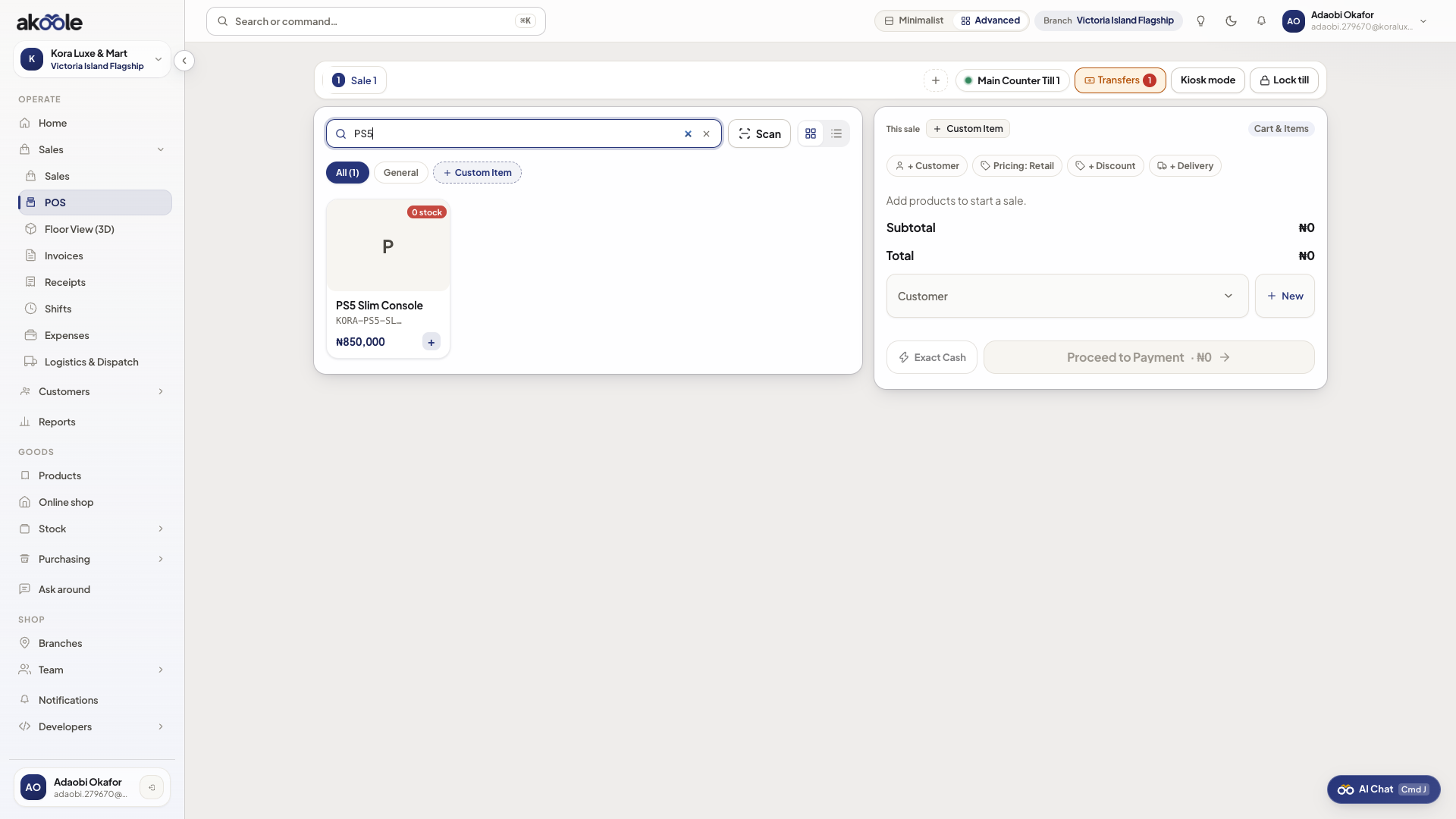
POS search for an item that is out of stock, with Ask around -
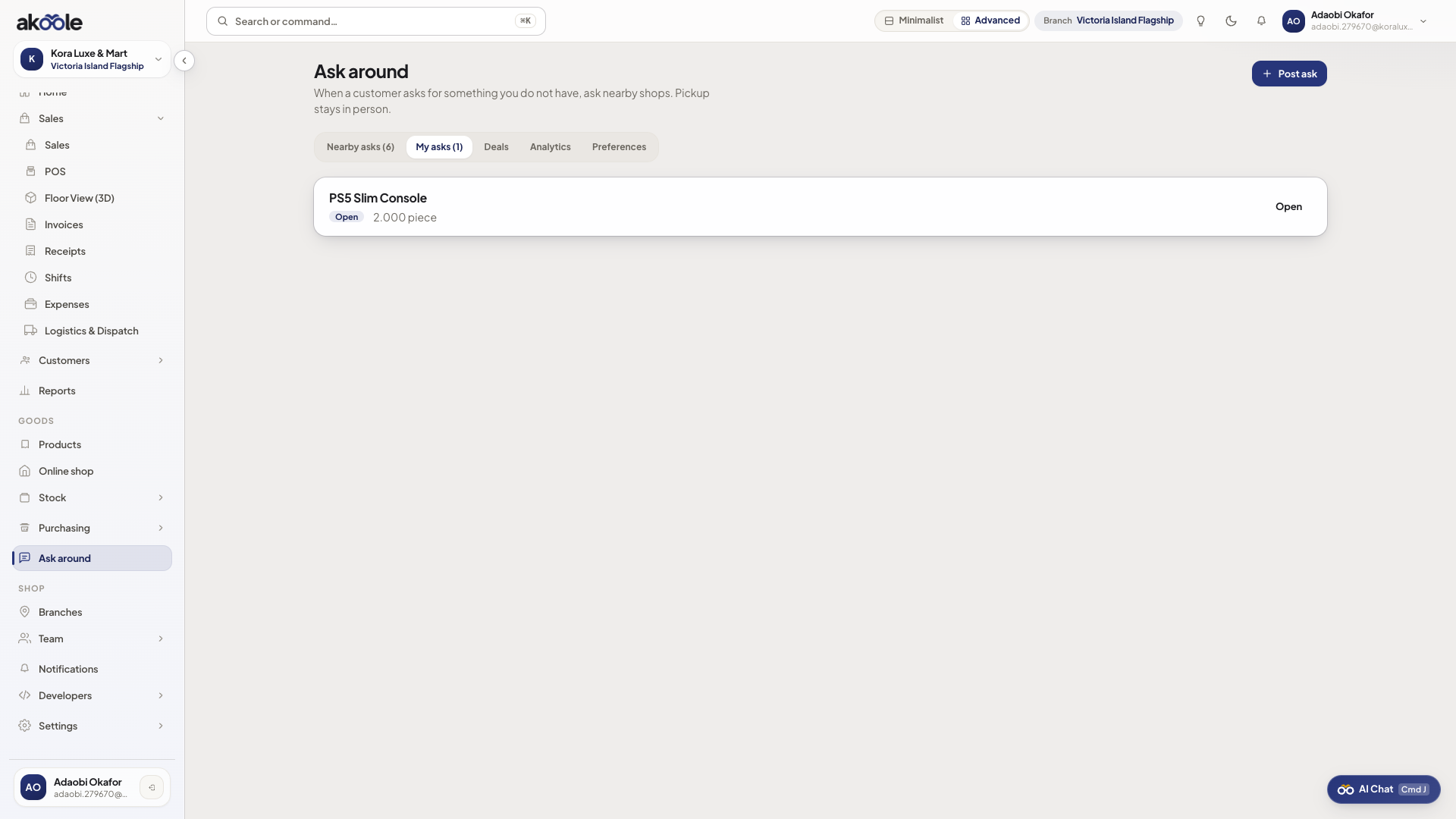
Follow the hint
The link is
/trade/needs/newwith name, barcode, qty prefilled. Confirm qty before posting. -
Do not fake a sale
Do not sell air. Either wait for the pickup GRN or send the customer to a neighbour with eyes open.
-
When stock returns
Receive the deal or a normal GRN, then sell on the till as usual.
Show screenshot
If something goes wrong
Section titled “If something goes wrong”No hint
Not opted in, or role lacks trade.post. Cashier preset may not post asks.
Hint on a misspelled search
You will ask for a product that does not exist. Check barcode first.