

Returns and credit notes
Take back one carton, restock it, and give a credit note - without rewriting Saturday’s receipt.
-
Find the original sale
Open Receipts, search receipt number or customer. Open the sale. Do not create a negative “new sale” to fake a return.
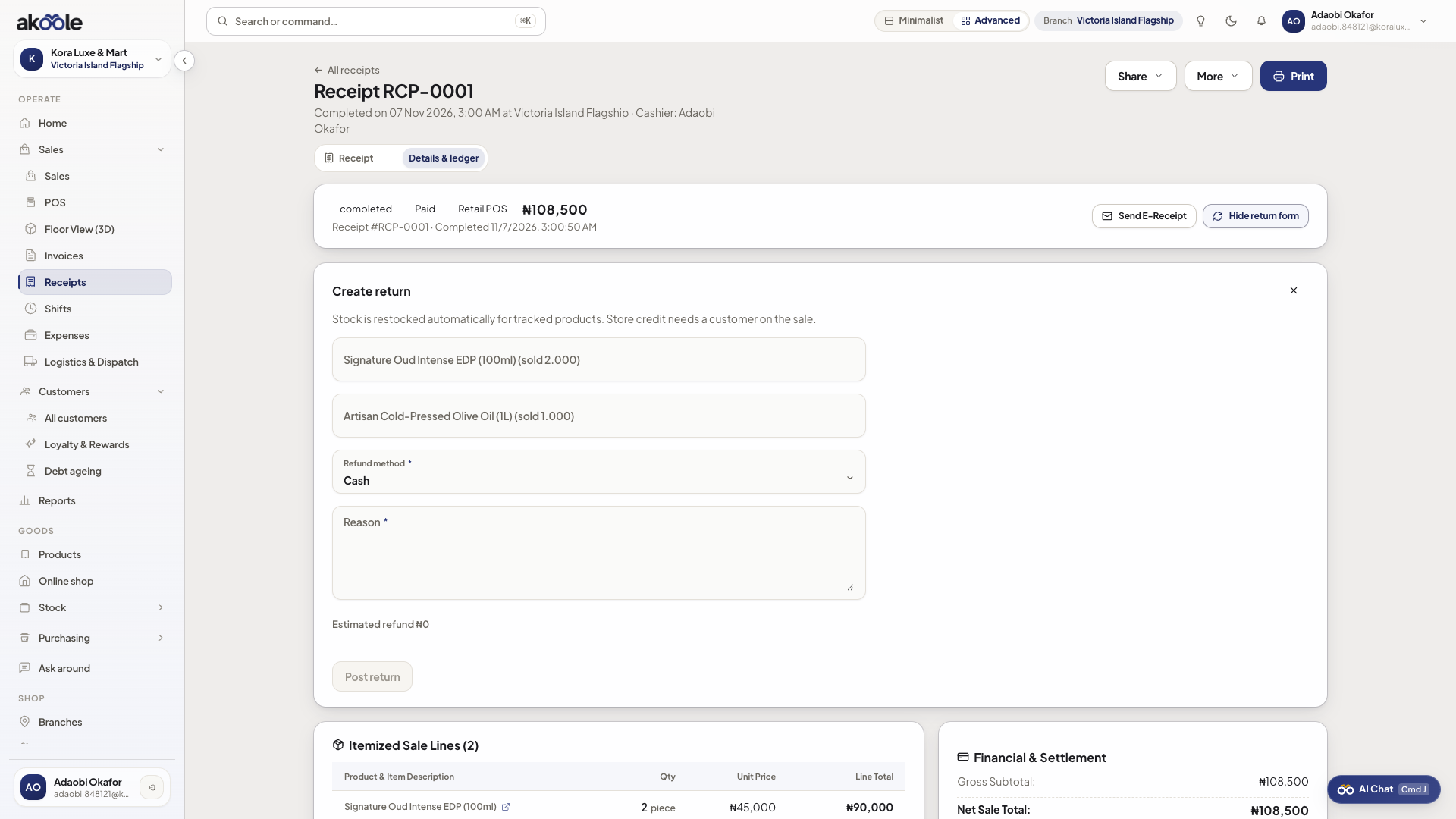
Receipt detail with the Create return panel open -
Select lines and reason
Choose qty to return and a reason (damaged, customer changed mind, wrong size). Policy may cap cashier amount.
Show screenshot
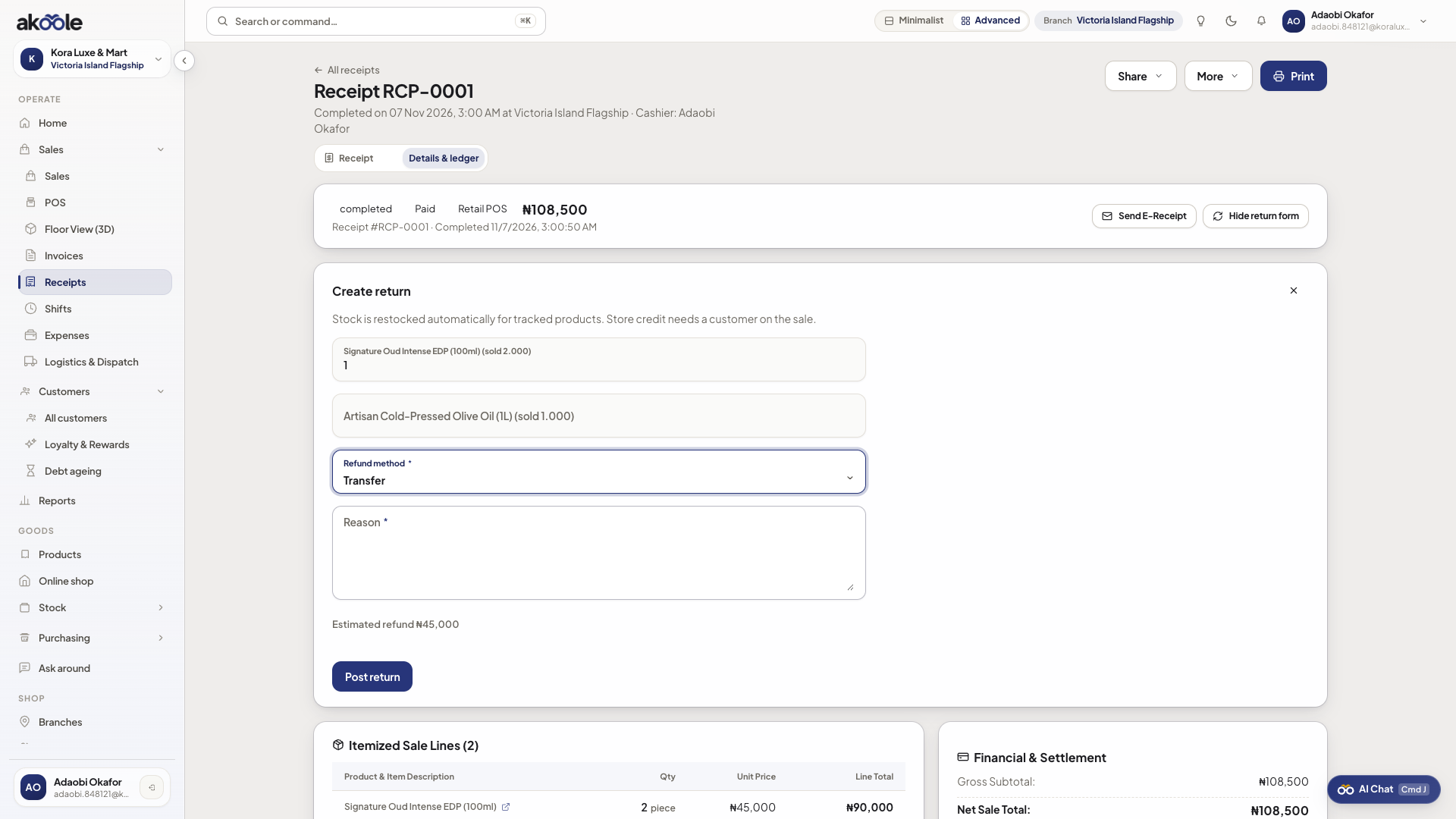
Return with item quantities, refund method and reason -
Manager approval if needed
Over the cashier limit, a manager approves. Then inventory restocks (or scrap path) and Documents issues a credit note.
-
Refund or book credit
Pay cash/transfer back or leave credit on the customer. The original invoice/receipt numbers stay as issued; the credit note references them.
-
Owner gets a ping
On a completed sale, the owner (same WhatsApp recipient as flagged till variance) gets in-app and WhatsApp that a return posted. This is not gated on printing the original receipt.
If something goes wrong
Section titled “If something goes wrong”Cannot return
Need sales.return. Already fully returned, or sale not completed.
Serial/IMEI mismatch
Return the serial that was sold. Electronics tracking will block a different IMEI.