

AI Copilot overview & chat
Use the Universal AI Copilot (UniversalAiChat) to answer natural-language business questions, generate executive financial summaries, and perform store actions using real-time database records.
-
Launch the AI Copilot
Click the floating sparkle button in the bottom-right corner (or press
Cmd+K/Ctrl+Kand typeAI Copilot). A side chat drawer slides open.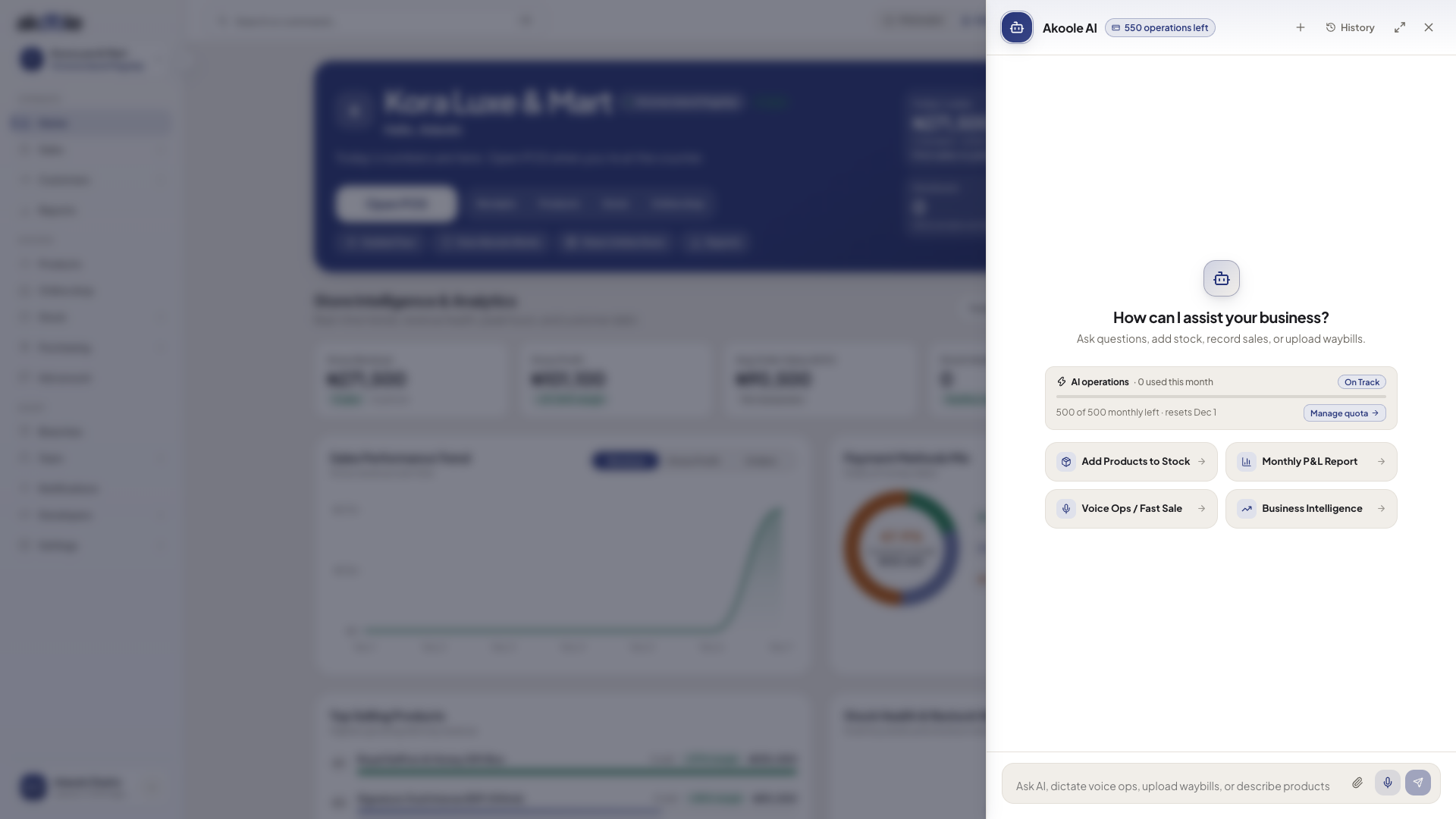
AI Copilot drawer open on Home with starter prompts and the message box -
Ask natural-language business questions
Type questions in plain English or Nigerian business phrasing:
- “What were my top 5 most profitable products this week?”
- “Which customers owe more than ₦100,000 for over 30 days?”
- “Generate an executive Monthly Profit & Loss summary for my Victoria Island branch.”
The Copilot looks up your real shop data and replies with structured tables, charts, and direct navigation links.
Show screenshot
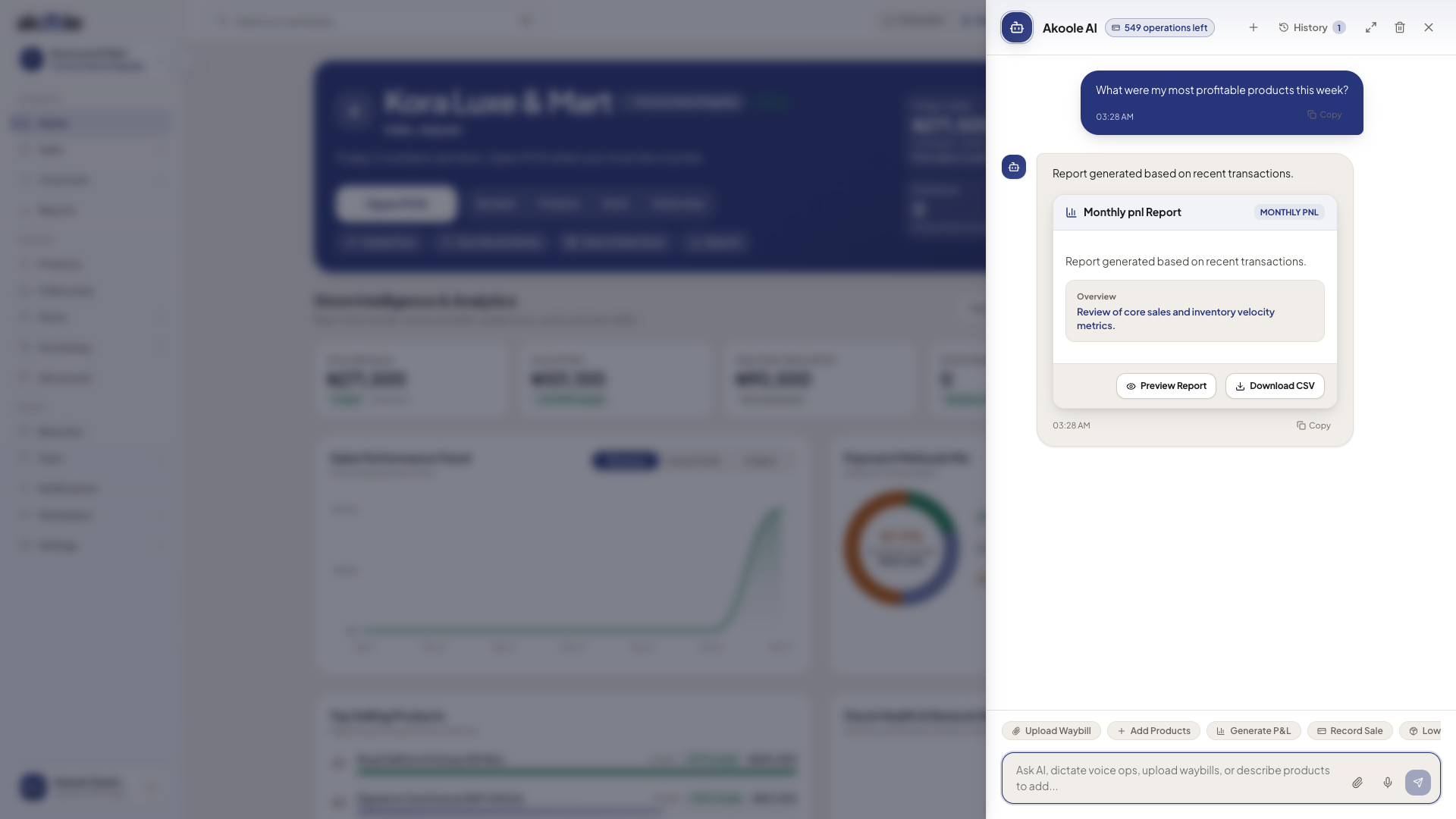
AI Copilot answering a question with a generated report card and download options -
Use quick prompt chips
Tap pre-built suggestion chips at the top of the chat:
- Monthly P&L: Compares total revenue against Cost of Goods Sold (COGS) and operational expenses.
- Leakage Scan: Audits unusual cashier discounts, below-floor overrides, and till variances.
- Reorder Radar: Highlights items with less than 3 days of stock cover.
-
Watch the full AI suite walkthrough
Common problems & fixes
Section titled “Common problems & fixes”- AI indicates quota exceeded: Check your quota in Leakage Sentinel & credit packs and top up your AI credit pack as needed.