

Bulk import products
You load many SKUs at once without typing each form, without burning your monthly import quota on a dry run.
-
Open Bulk import
Go to Products and tap Bulk import. Do not burn a monthly slot until the file validates.
-
Download the template
Download the sample spreadsheet. Fill name, SKU, barcode, retail, cost, wholesale if you use it, category, unit, and opening qty if the template includes it.
Show screenshot
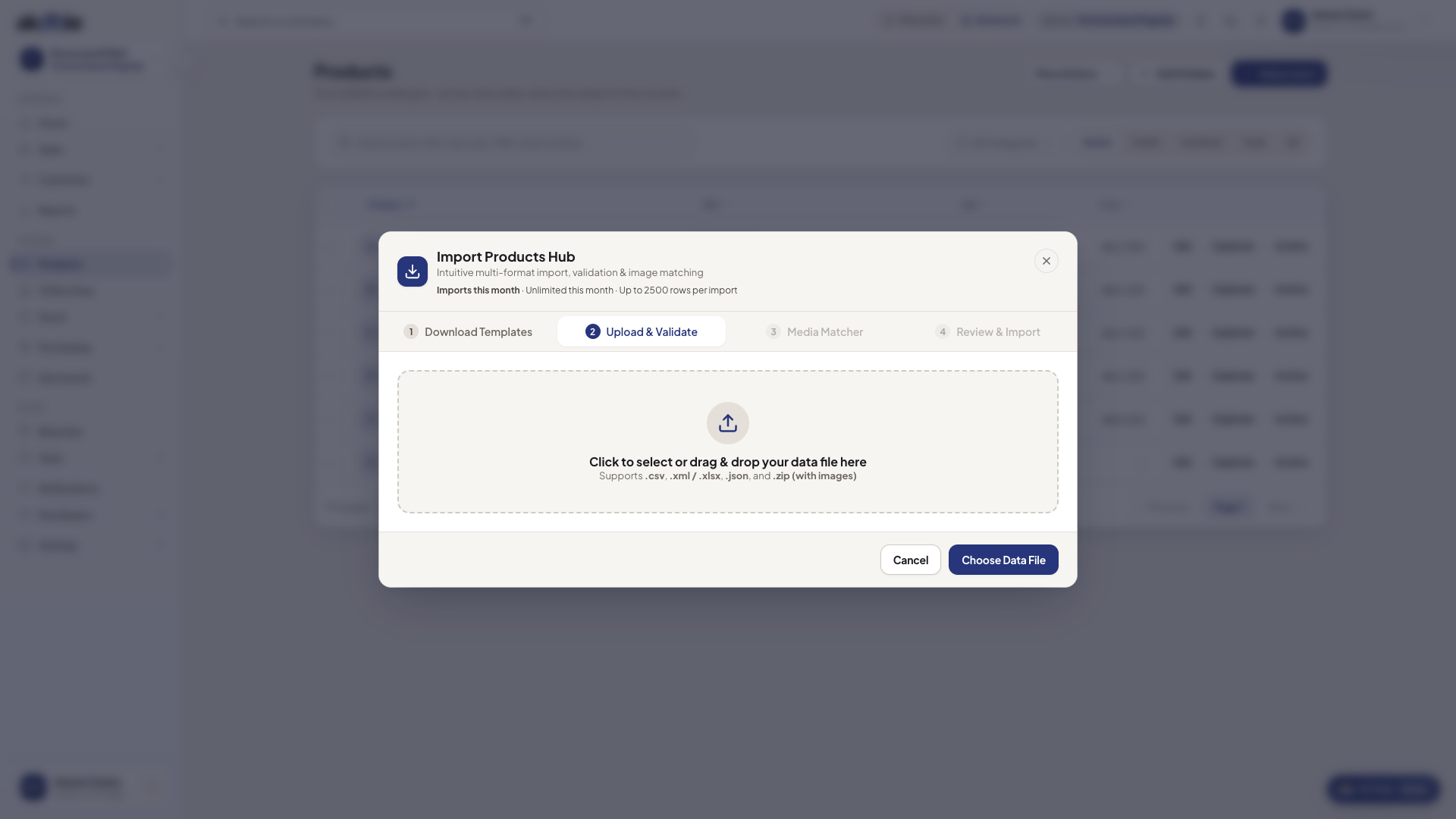
Bulk import of products from a spreadsheet -
Dry-run the file
Drop the CSV in. Fix duplicate barcodes and missing names the validator reports. Dry-run does not count against the monthly cap.
-
Commit the import
Confirm the import. That consumes one of your monthly imports on Starter or Growth. Business and Enterprise are unlimited.
-
Spot-check Products and stock
Open a few rows. Confirm cashiers still cannot see cost. If opening qty was in the file, check on-hand at Surulere.
If something goes wrong
Section titled “If something goes wrong”Monthly cap reached
Starter allows 2 committed imports per calendar month; Growth 10. Wait for next month, upgrade, or edit SKUs by hand. Templates and validation are free.
Row cap on a single file
Very large files can hit a per-operation row limit. Split the spreadsheet and import in batches (each batch is a monthly import on Starter/Growth).