

Purchase orders
Send Alaba a numbered PO for 20 cartons of 50cl water before the van leaves Mile 2.
-
Open purchase orders
Go to Buying → Purchase orders. Filter by status if you are chasing open orders.
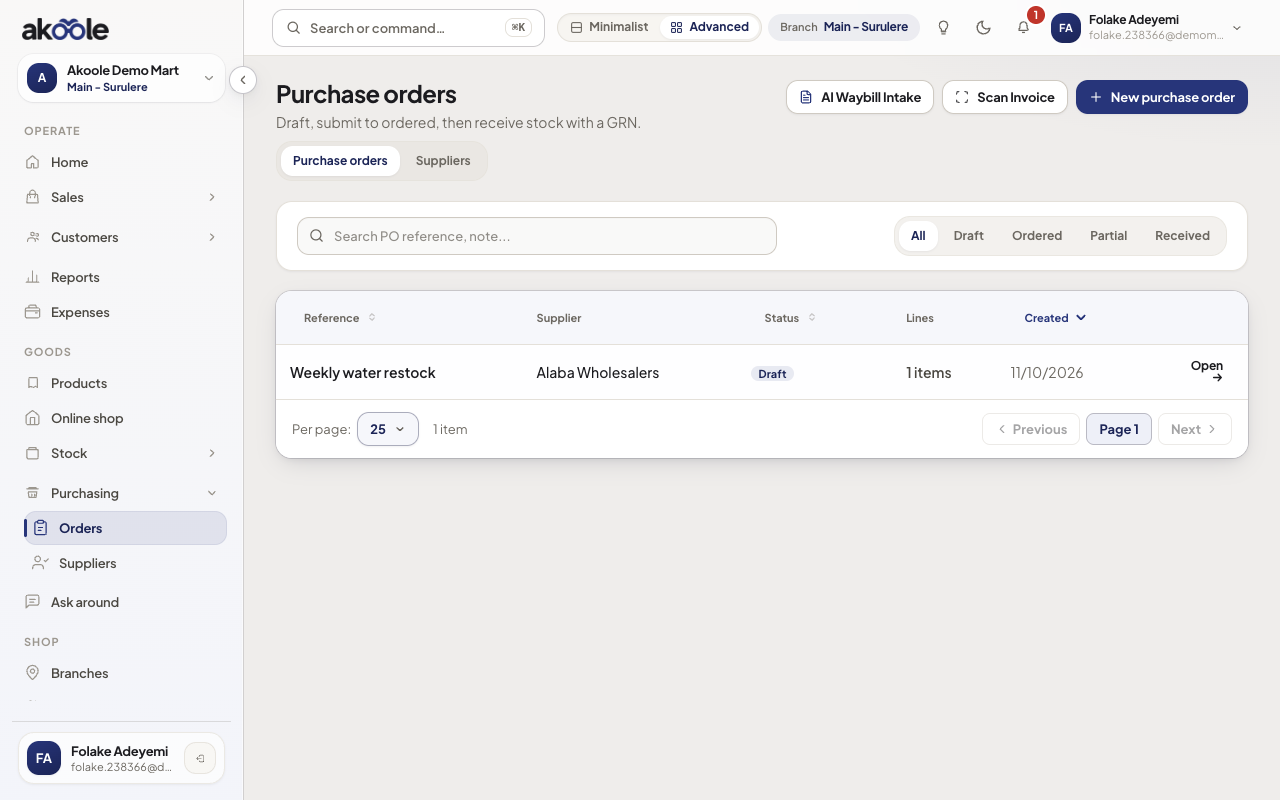
Purchase orders list with the new draft -
Create lines
New purchase order. Pick supplier and branch. Add products with expected cost in naira and quantities. From Home, Create PO on a days-of-cover row prefills those lines - still a draft until you submit.
Show screenshot
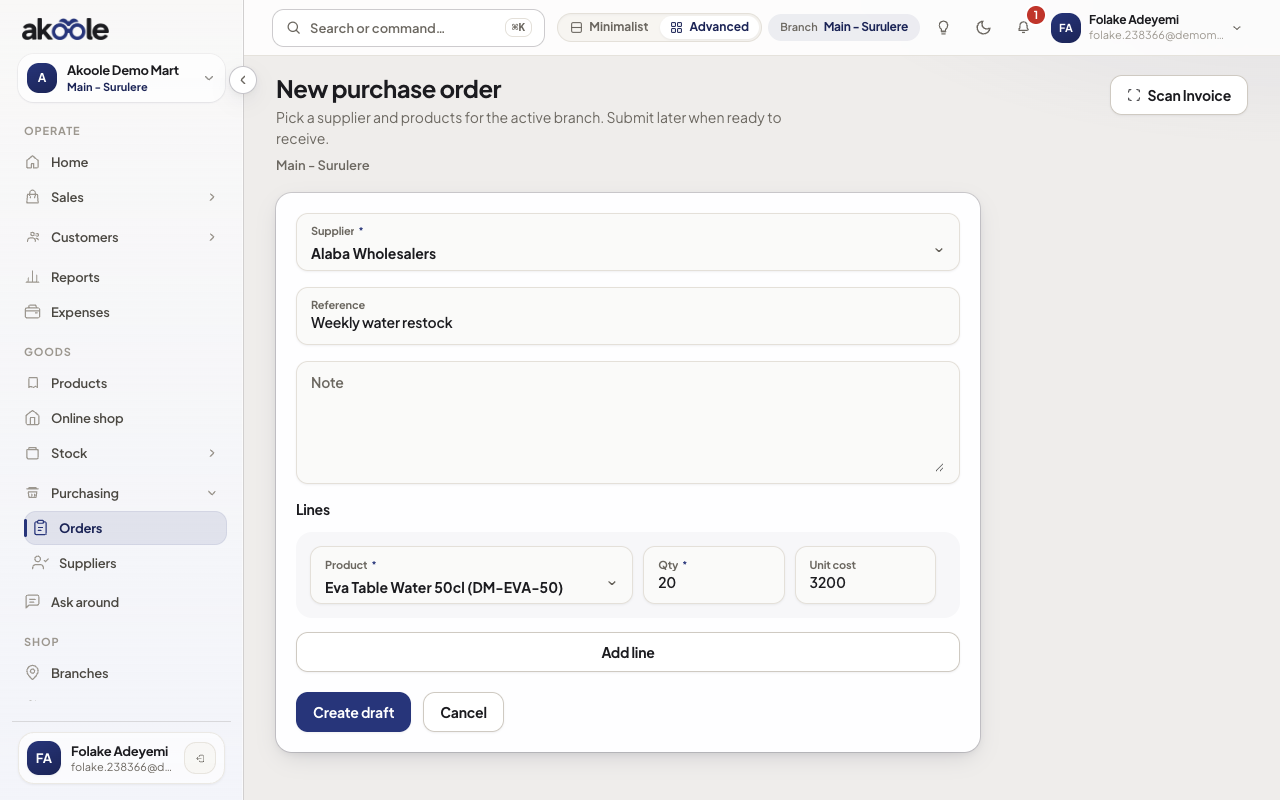
New purchase order: Alaba Wholesalers, 20 Eva Table Water 50cl at ₦3,200 -
Send or download
Mark the PO ordered and download/share the PDF. WhatsApp the file to the supplier’s buyer line. On-hand does not increase yet.
Show screenshot
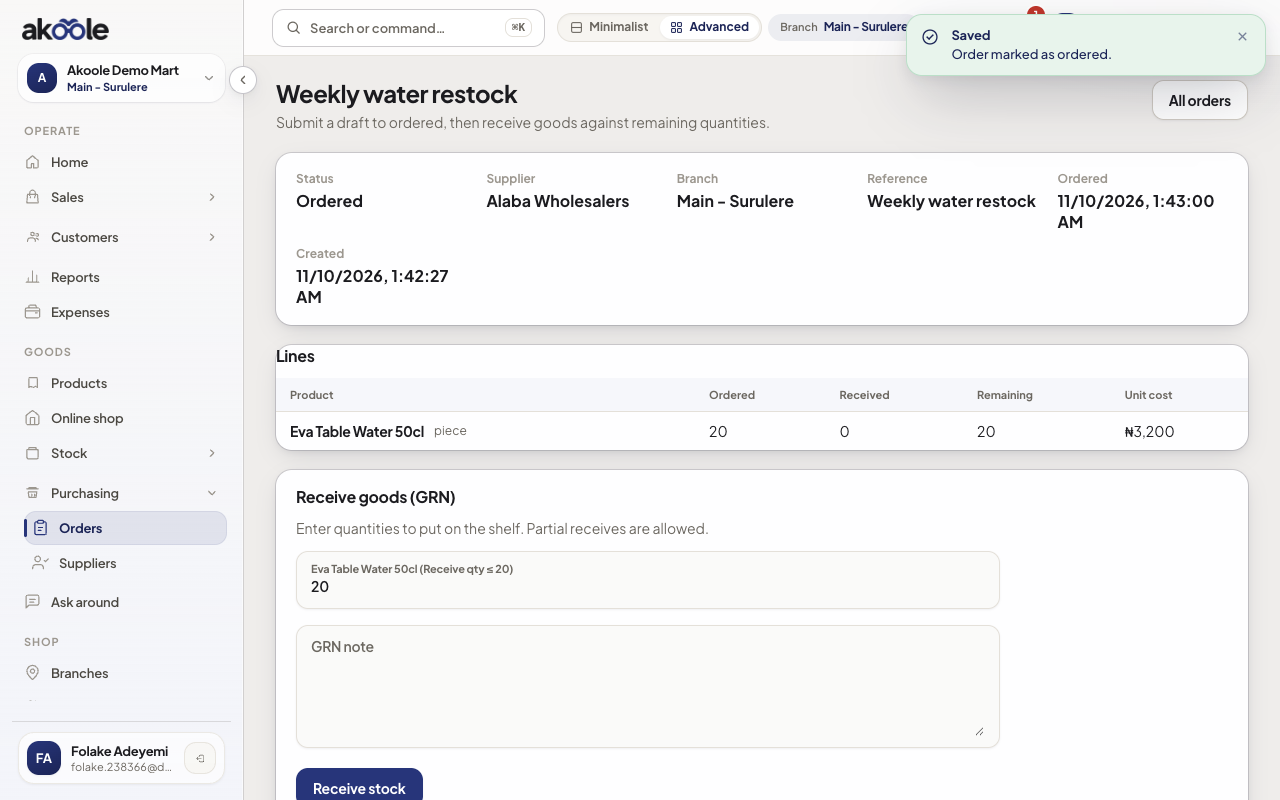
Purchase order marked Ordered, with its lines and the Receive goods form -
Wait for the van
Partial deliveries keep the PO partial. Do not invent stock on the till to “make the shelf look right”.
Show screenshot
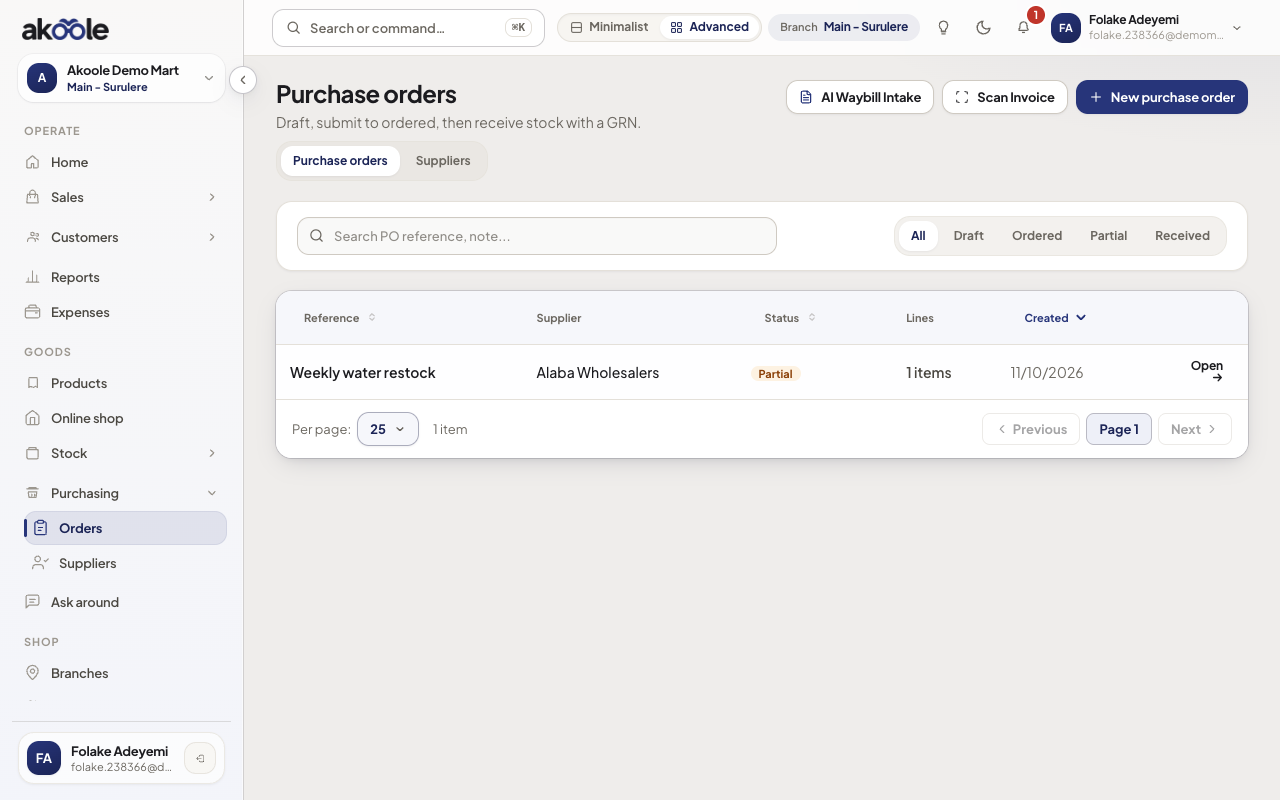
Purchase orders list with the order now Partial
If something goes wrong
Section titled “If something goes wrong”Cannot create
You need purchasing.manage. Cashiers cannot raise POs.
Cost looks wrong after receive
Receiving updates average/FIFO cost going forward. It does not silently rewrite old sale COGS.