

Branding
Set Akoole Demo Mart’s logo, app icon, tagline, palette, Africa/Lagos timezone, and Nigeria as country.
-
Open organisation settings
Go to Settings → Organisation (
/settings/organisation). This is brand and shop identity, not CAC/TIN/bank - those live under Business details. -
Name, industry, tagline
Confirm the shop name, industry pack, and a short tagline (“Surulere’s neighbourhood mart”). Industry affects starter chips and suggested widgets; it is not a different product.
-
Logo and icon
Upload logo and icon. Crop in the modal. The icon is what people see on a PWA home screen; the logo appears in the staff app and on documents. You can remove either later.
-
Palette
Pick a preset or tweak the palette. Colours apply to the staff app for your team. Customer-facing receipts follow document design; do not expect the public shop theme to be this same screen (storefront themes are separate on Growth+).
Show screenshot
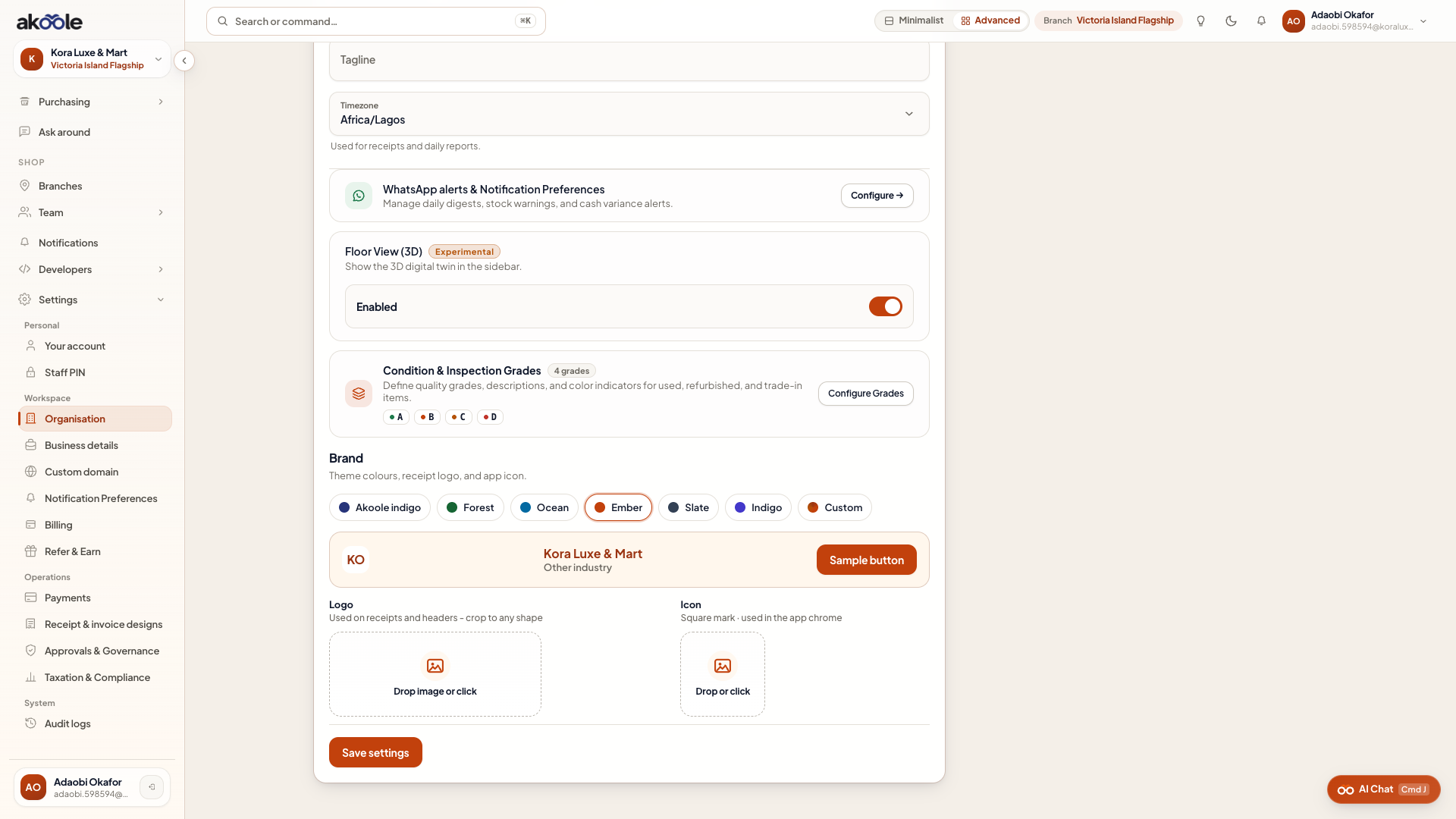
Brand colour palettes -
Timezone and country
Set Africa/Lagos and Nigeria. This drives business dates, not a second currency. Save.
If something goes wrong
Section titled “If something goes wrong”Upload fails
Use a common image type (PNG/JPEG) and a smaller file. Crop again if the modal is still open.
Public shop still looks generic
Staff branding ≠ storefront theme. Configure the online shop under Storefront settings on Growth+.