

Add your first product
Save at least one product with a sell price in NGN so POS is unlocked, using industry chips or a blank item.
Before you start
Section titled “Before you start”Owners in the wizard. Managers can add products later from Products. Cashiers typically do not create the first SKU.
- Your shop exists (see Create your shop).
- Know a sell price in NGN, for example Peak Milk 400g at ₦2,800.
- Opening quantity is optional but useful so stock is not zero on day one.
-
Open the Product step
In onboarding, the second step is Product. Industry packs may show starter chips (Peak Milk, Indomie, a sample item). Tap a chip to fill name and price, or type your own. Suggestions may fill unit/category as you type.
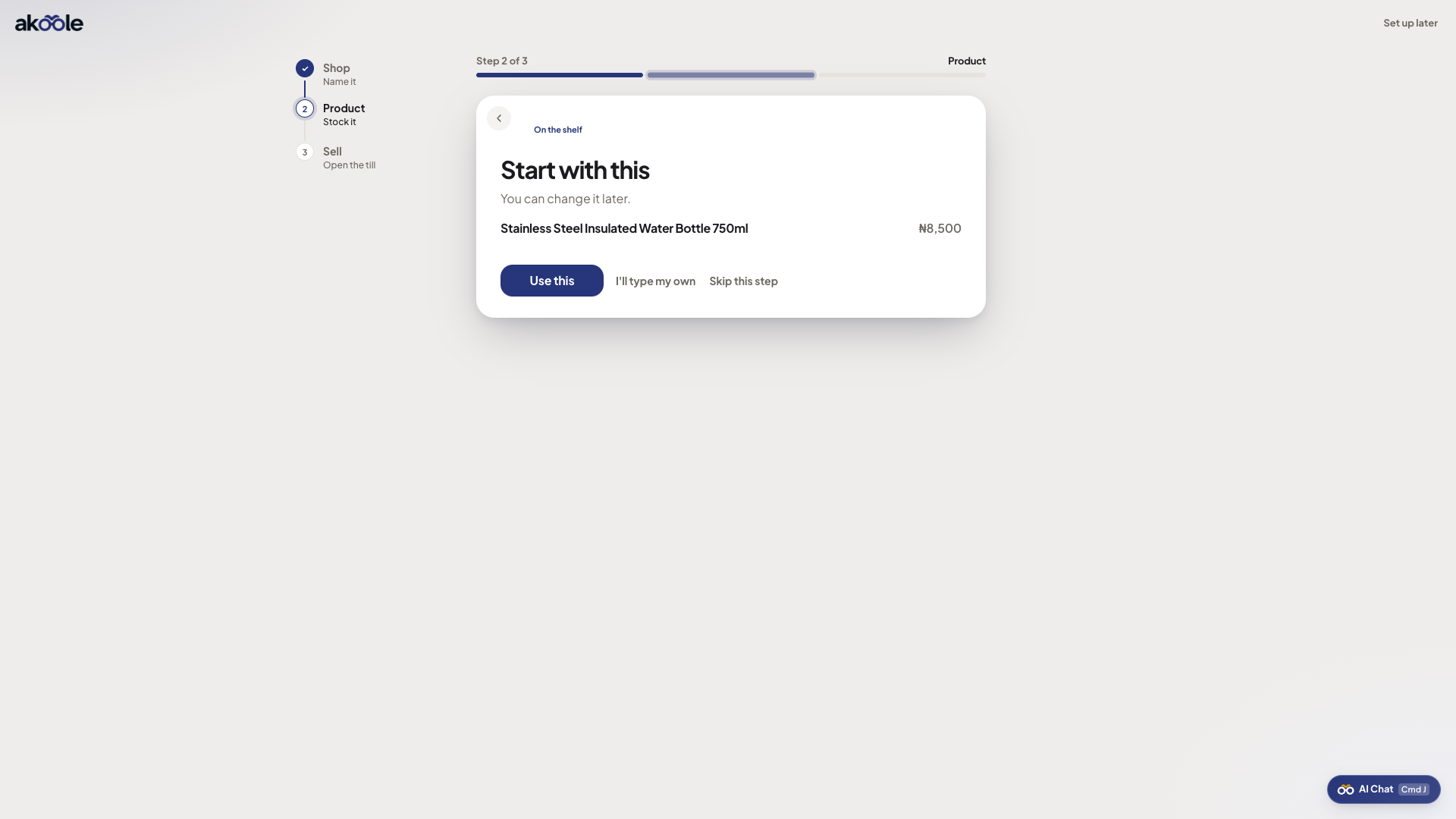
Onboarding step 2 with product suggestions -
Name, sell price, photo, quantity
Set name, sell price in NGN, optional photo, and opening quantity at the current location (Main). You do not need cost, barcode, or wholesale yet - those wait under Add a product.
Show screenshot
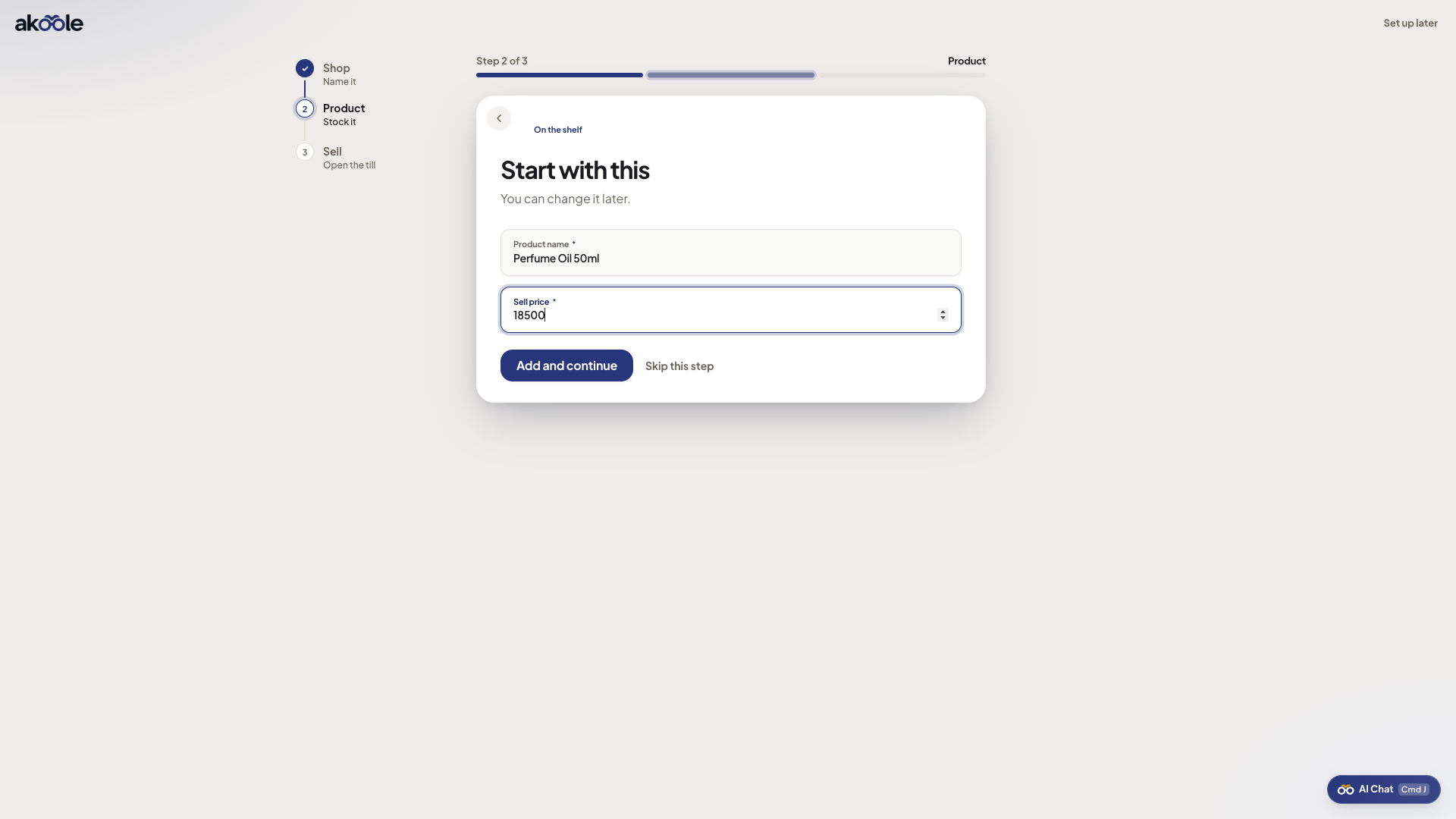
Onboarding step 2 adding your own product -
Save, add another, or continue
Save. Use Add another if you want a second SKU now, or Continue. Skipping with an empty shelf asks you to confirm: Open POS stays locked until something is sellable.
-
Sell step - Open POS
The last onboarding step names what is on the shelf and makes Open POS the primary button. Quiet links cover brand, bank details, and invite. A Starter trial note may show; the Growth online-shop nudge is for Home after the first sale, not this screen.
Show screenshot
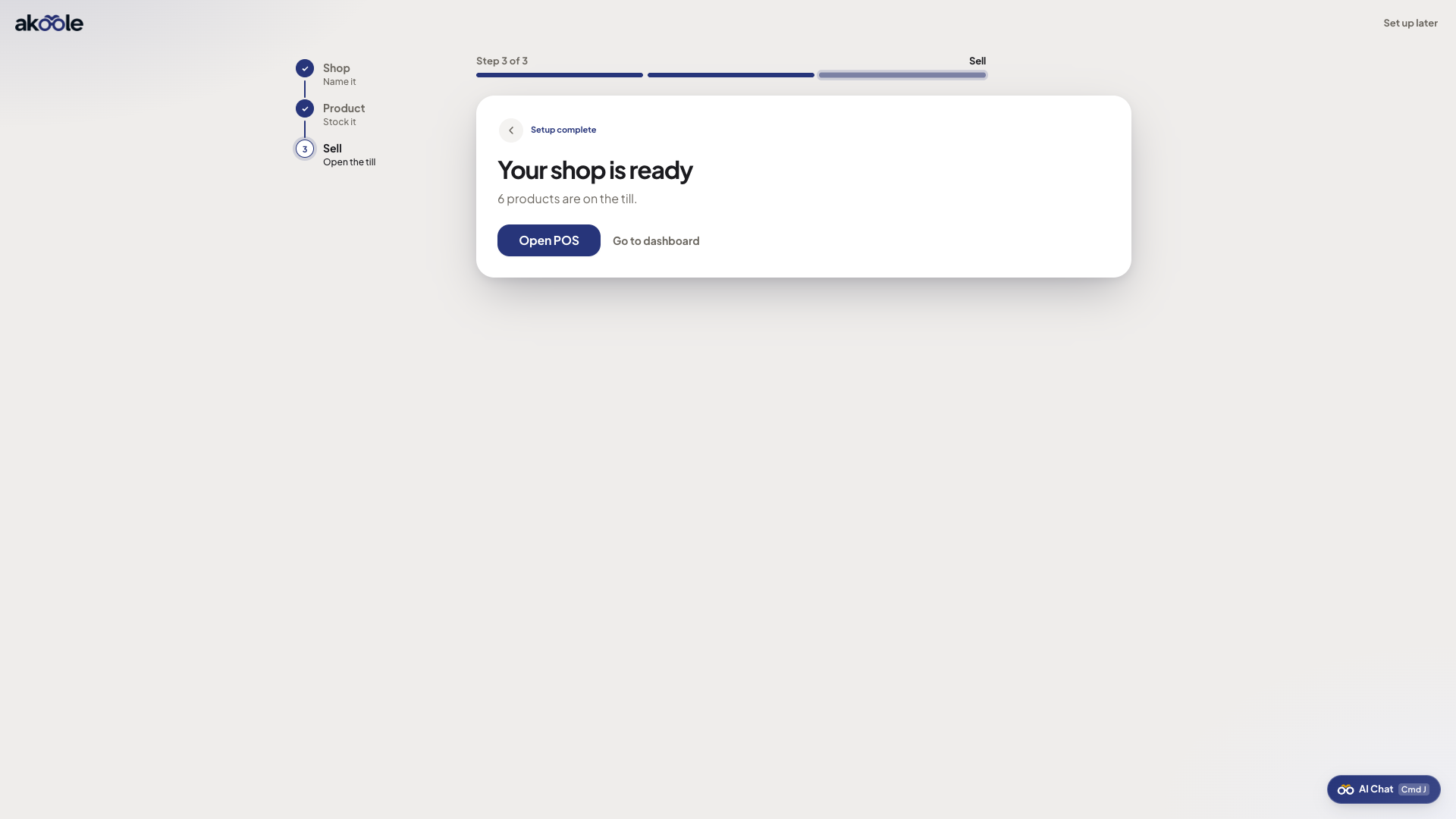
Onboarding step 3: ready to sell -
Ring the first NGN
Open POS, tap the product, take cash or transfer. You have activated. Variants, barcodes, and storefront visibility can wait.
-
Add more later from Products
After the wizard, Products → New is the same idea with more fields. Home checklist still tracks “add a product” until you have one.
What success looks like
Section titled “What success looks like”At least one item is on the shelf at a NGN price, Open POS is unlocked, and you can complete a cash or transfer sale.
If something goes wrong
Section titled “If something goes wrong”Open POS is locked
There is no sellable product yet. Go back to the Product step or Products → New. Skip-empty-shelf is a warning, not a cheat code.
Price looks wrong
Sell price is NGN (naira), not kobo. ₦2,800 is 2800, not 280000.