

Custom roles
Create a named role such as “Surulere supervisor” with discounts and receiving, still without Billing.
-
Confirm the plan gate
On Starter or Growth, custom role create returns an error. Upgrade under Billing first if you need a hybrid permission set.
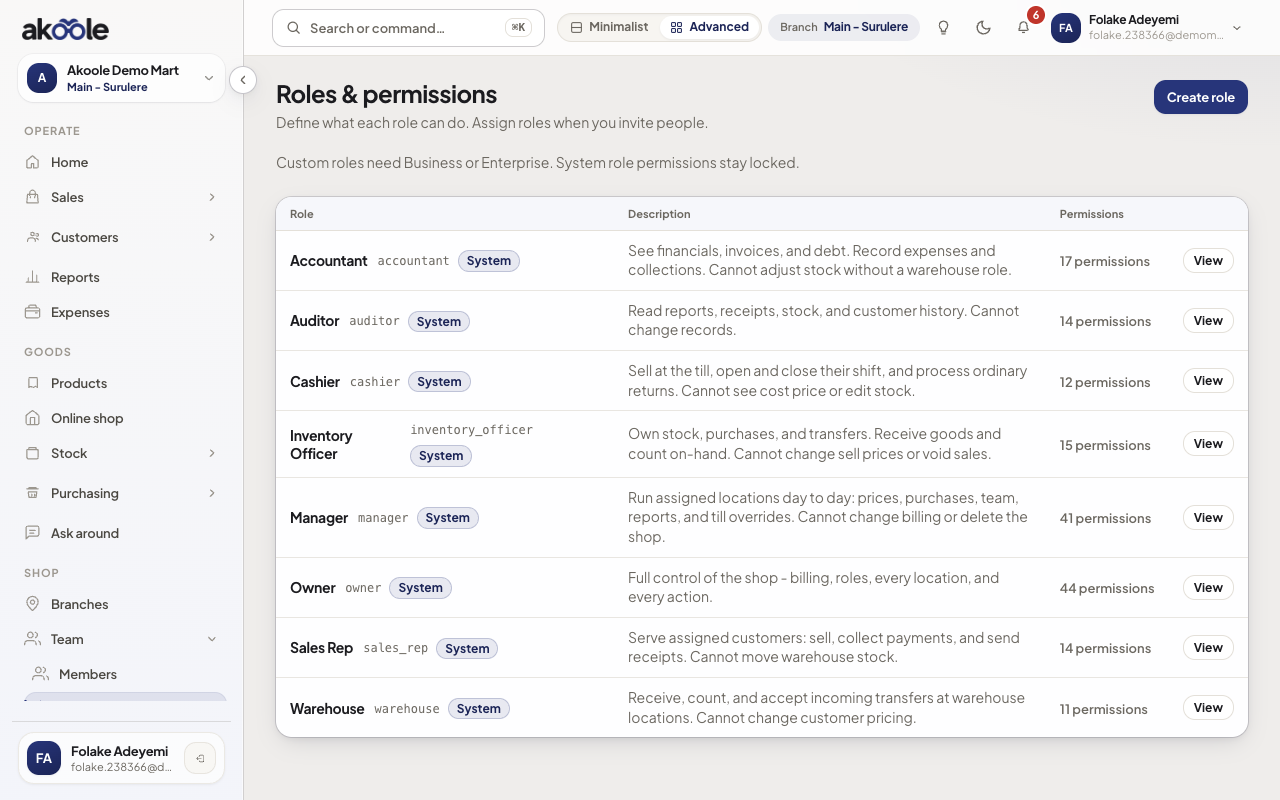
Roles page with New role next to the presets -
Create from a preset
Prefer cloning Cashier or Manager so you start from a known baseline. Name it in plain language (“Floor supervisor”).
Show screenshot
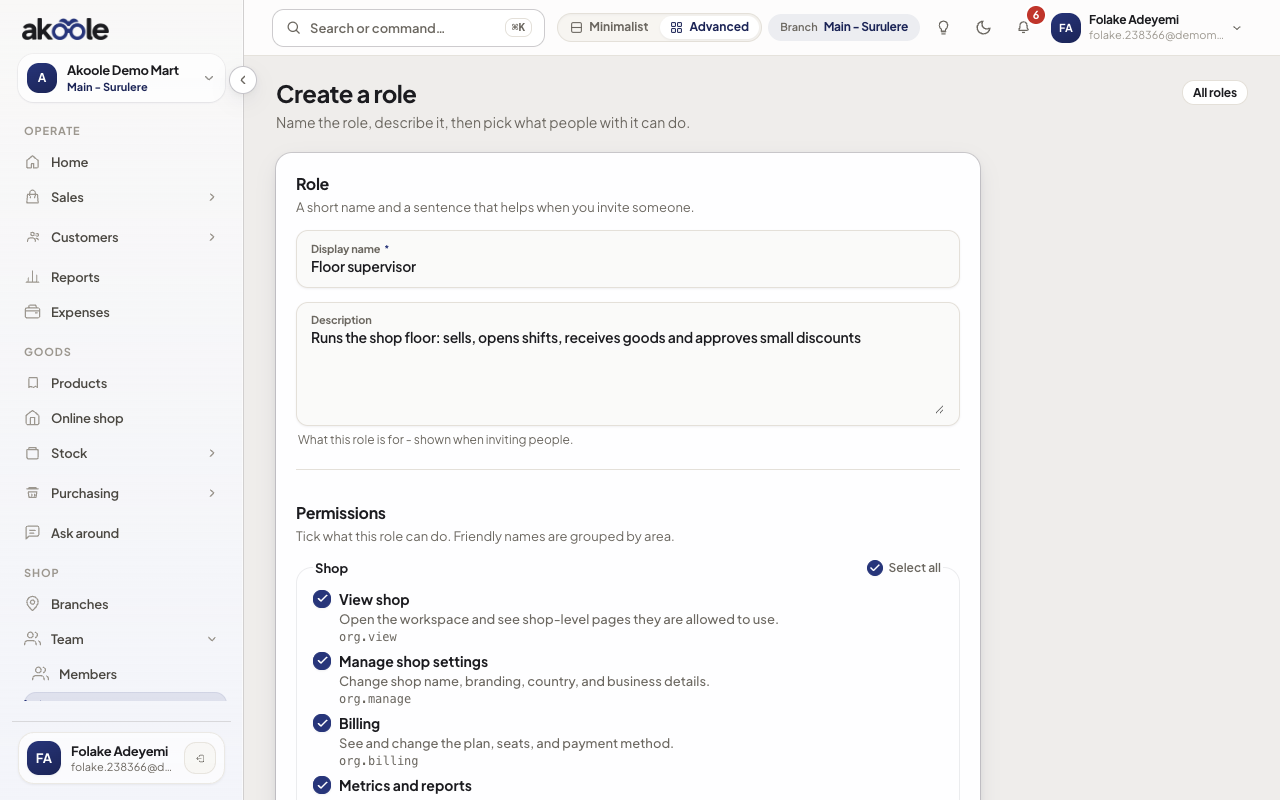
New role: Floor supervisor -
Toggle only what they need
Typical extras: override discounts, Override floor price, receive goods, view reports. Keep See cost prices off for floor staff. Never grant platform (Akoole Admin) permissions - they are not on this list.
Show screenshot
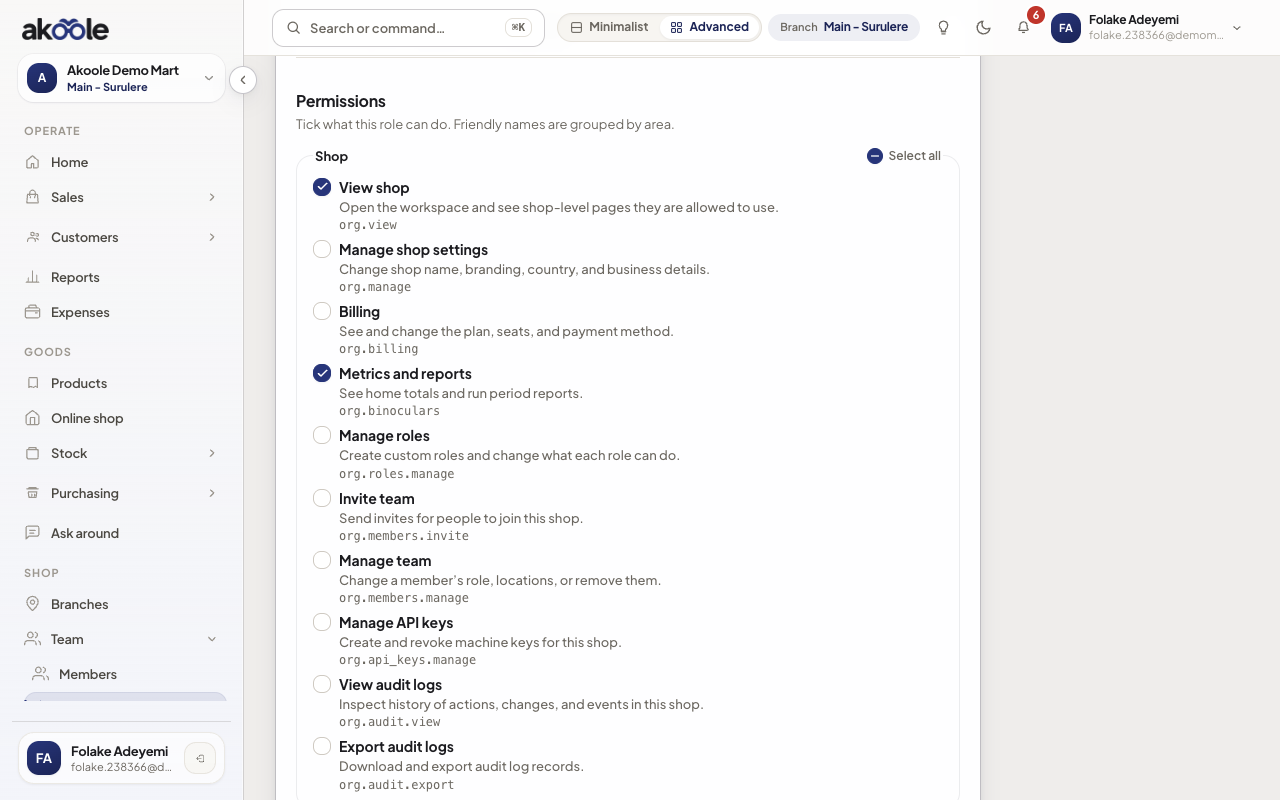
Choosing what a Floor supervisor can do, group by group -
Save and assign
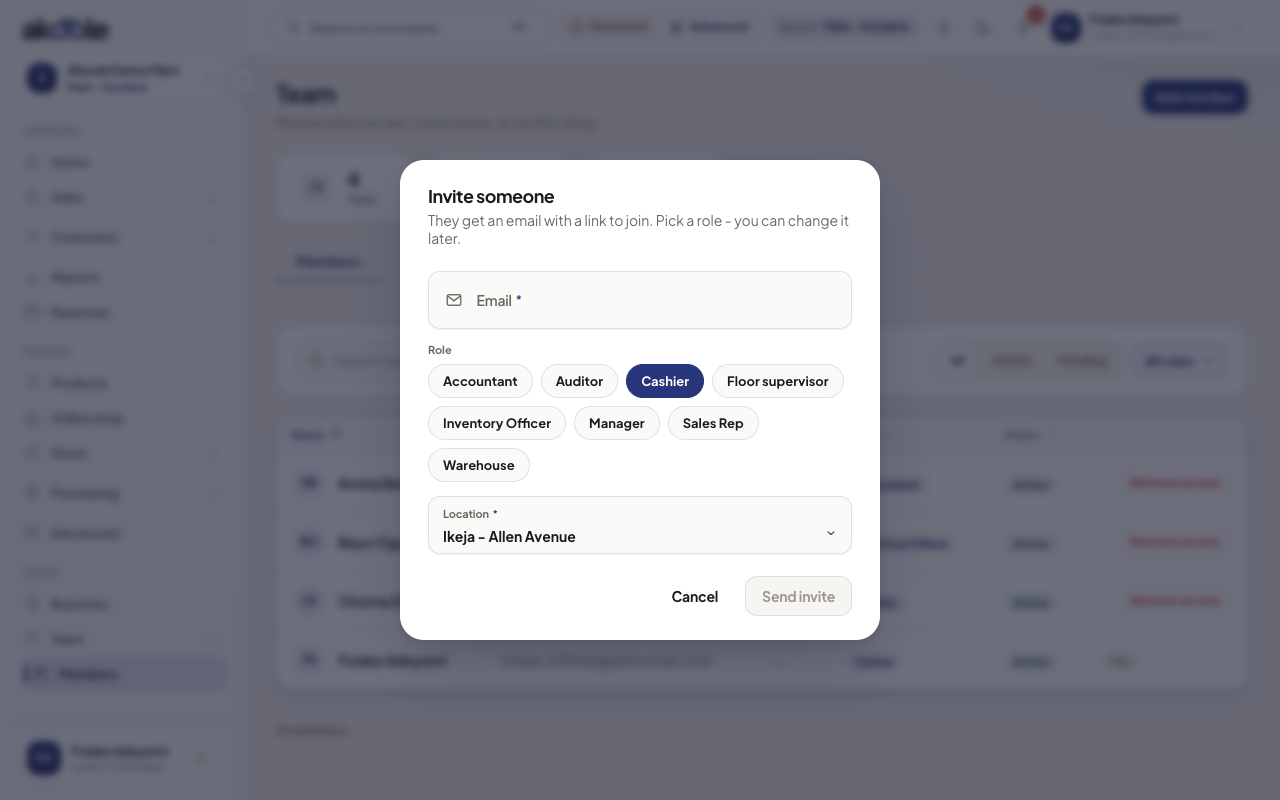
Save, then change a membership to the new role from Team. Owner preset stays non-deletable.
Show screenshot
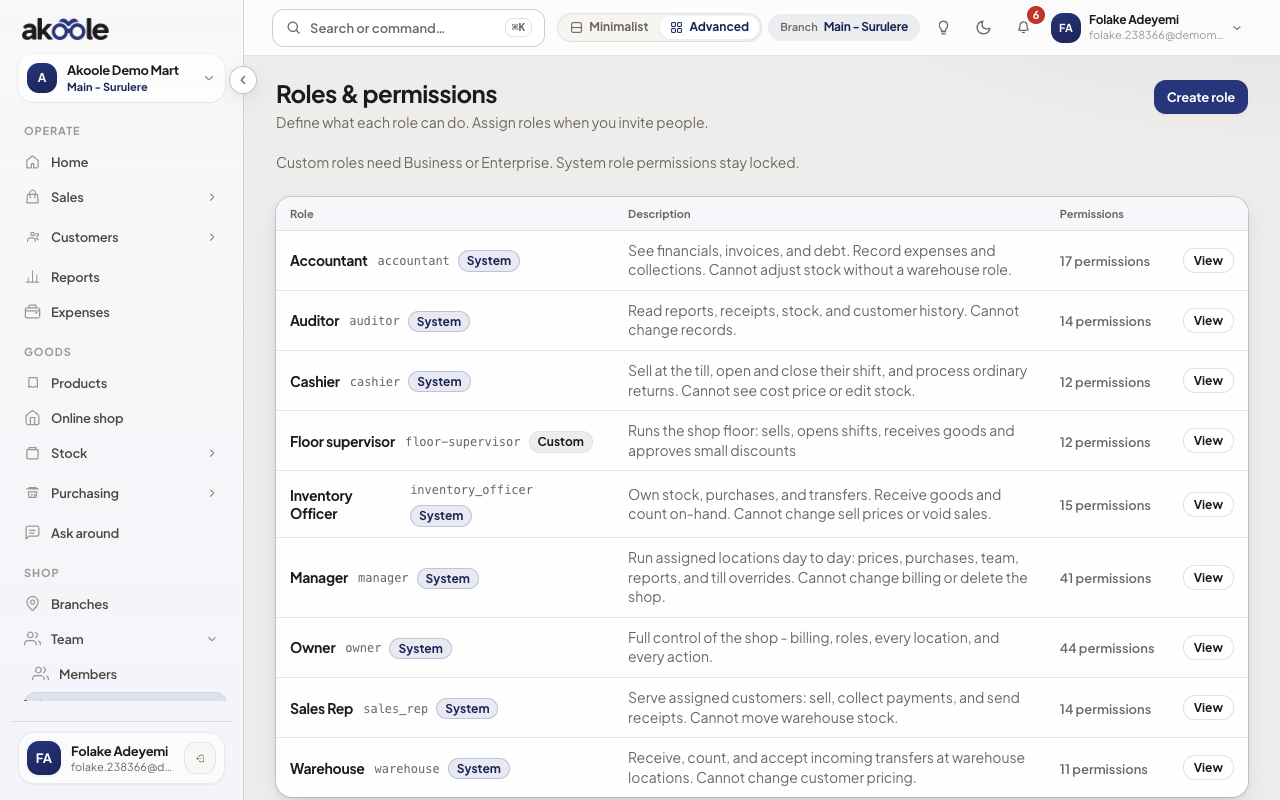
Roles list with the custom Floor supervisor role -
Protect the last Owner
You cannot strip billing or role-admin from the last Owner. Keep at least two Owners if more than one person must recover the shop.
Show screenshot
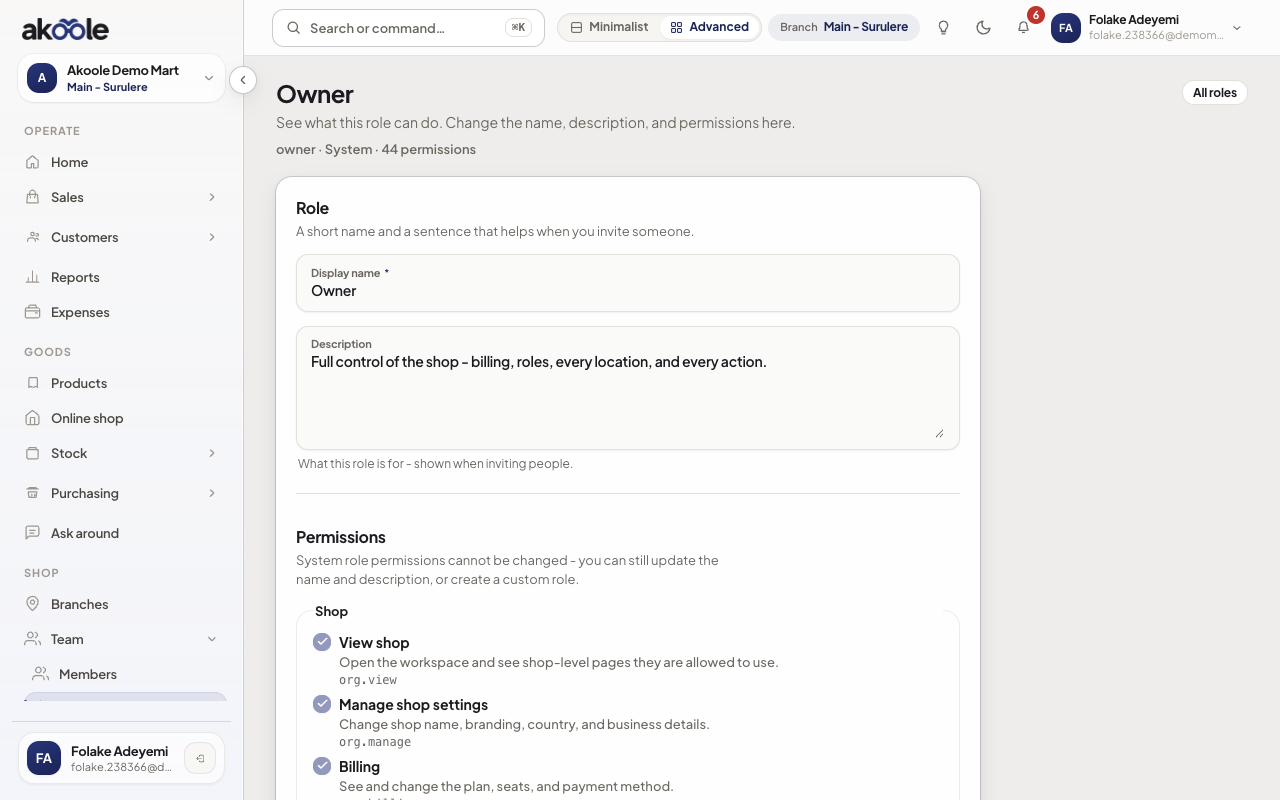
Owner preset: billing and role management always on
Show screenshot
If something goes wrong
Section titled “If something goes wrong”Create role is 403
You are not on Business/Enterprise, or you lack Manage roles. Owner-only on most shops.
API keys cannot copy this role wholesale
Machine keys cannot include billing, role-admin, or invite scopes even if a human role has nearby powers. See API keys.