

Fulfil online orders
Pack Adewale’s paid order, mark shipped with Tunde the rider, and not sell the last carton twice on POS.
-
Open online orders
Online shop → Orders. Filter unfulfilled / ready for pickup / shipped. Notifications also fire on checkout.
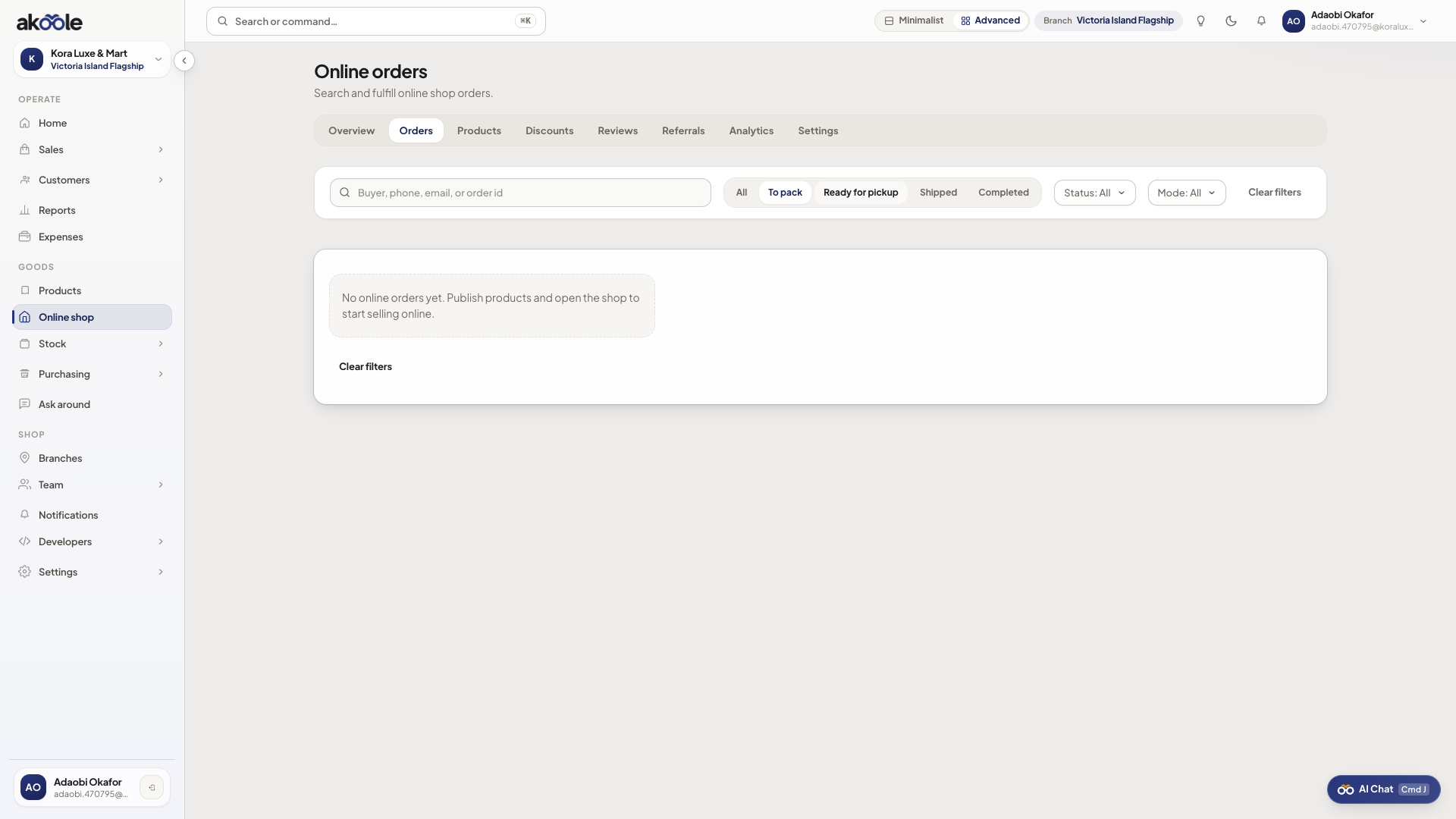
Online orders list -
Open the order
Address, phone, lines, pickup vs delivery. This is not a POS cart you can silently edit.
-
Advance fulfillment
Pack → ready for pickup or shipped → completed. Cancel/refund follows sales rules. Stock was reserved when the sale completed.
-
Hand to logistics if a rider is involved
Print a waybill from Logistics so the bike is not “Tunde will remember”.
If something goes wrong
Section titled “If something goes wrong”Oversold
POS sold the last unit. Pause the SKU online, refund or substitute per your policy.
Unpaid orders
Do not pack. Wait for payment webhook/settle.