

Transfer stock between branches
You move cartons from Surulere to another branch without duplicating stock or losing units in the danfo.
-
Start a transfer
Go to Stock transfers → New transfer. Pick source (Surulere) and destination.
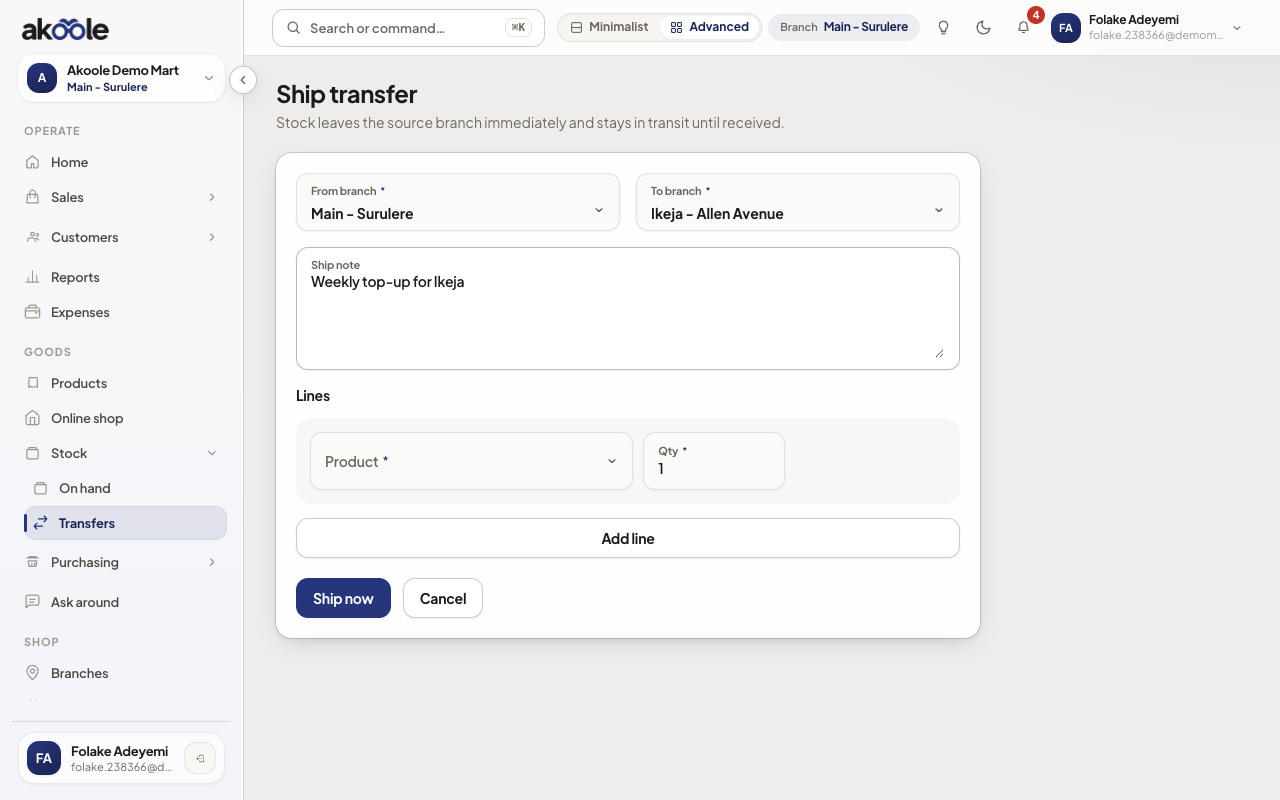
Ship transfer: from Main - Surulere to Ikeja - Allen Avenue -
Add lines
Add SKUs and quantities (and serials/batches if those products require them).
Show screenshot
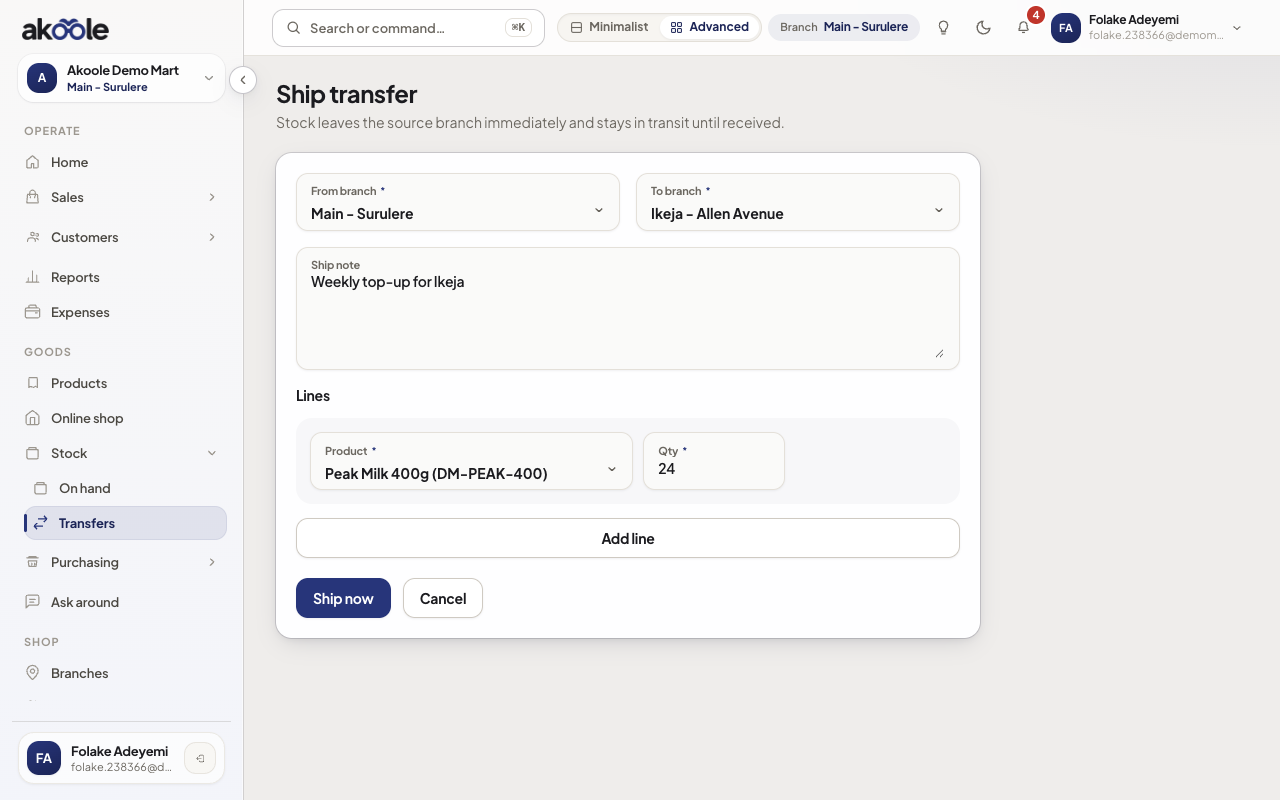
Transfer line: 24 Peak Milk 400g from Main - Surulere -
Dispatch
Dispatch. Source on-hand drops; stock is in-transit. Do not sell those units at Surulere.
Show screenshot
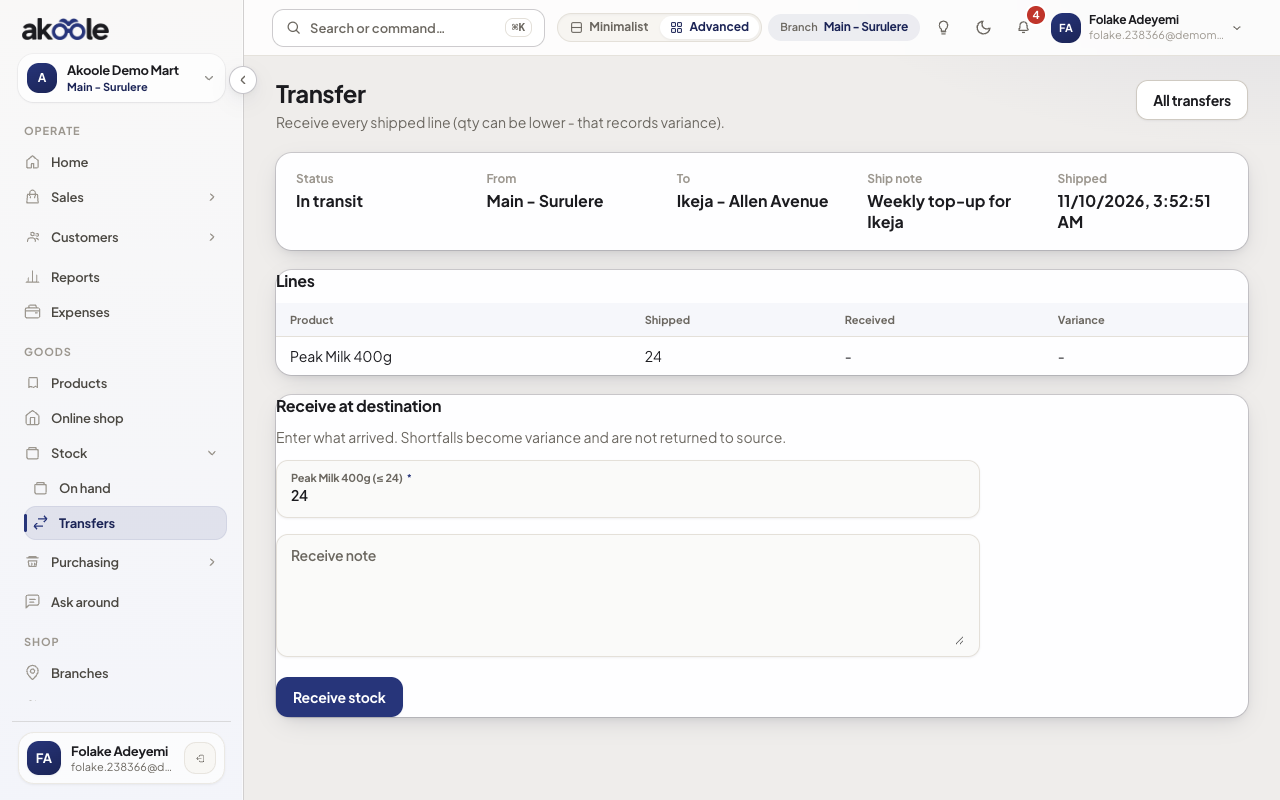
Transfer shipped and in transit to Ikeja -
Receive at destination
The receiving manager opens the transfer and confirms received. Destination on-hand rises; in-transit clears.
Show screenshot
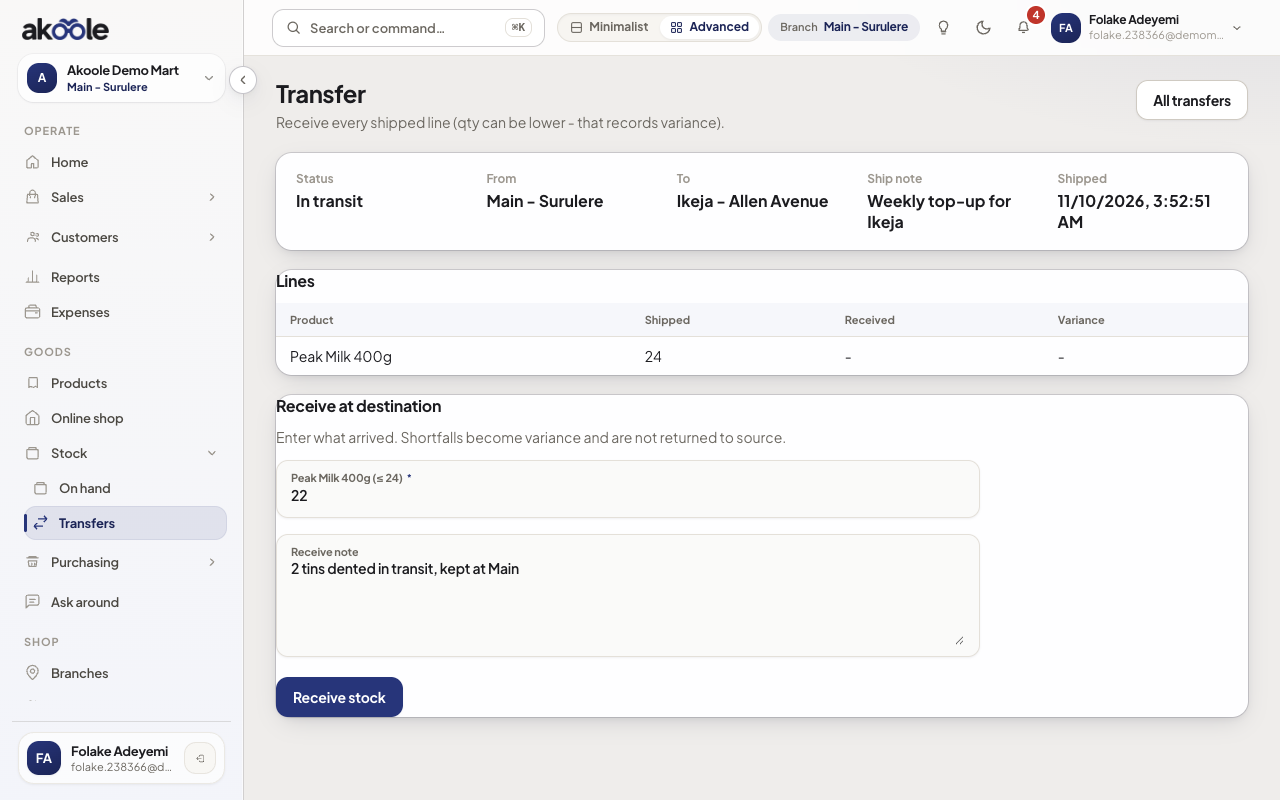
Confirm receipt on the transfer -
Record variance
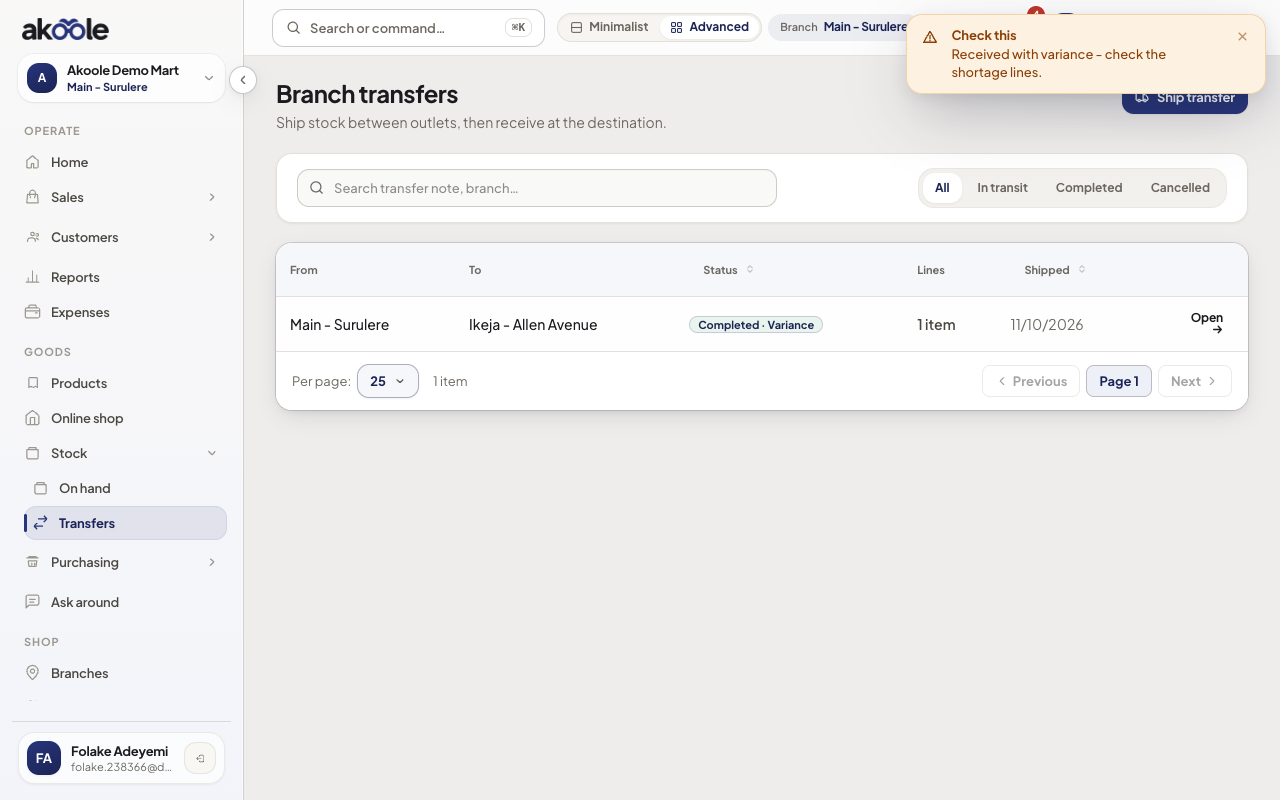
If the carton is short or damaged, record the discrepancy before accepting. That becomes an adjustment workflow, not silent shrinkage.
Show screenshot
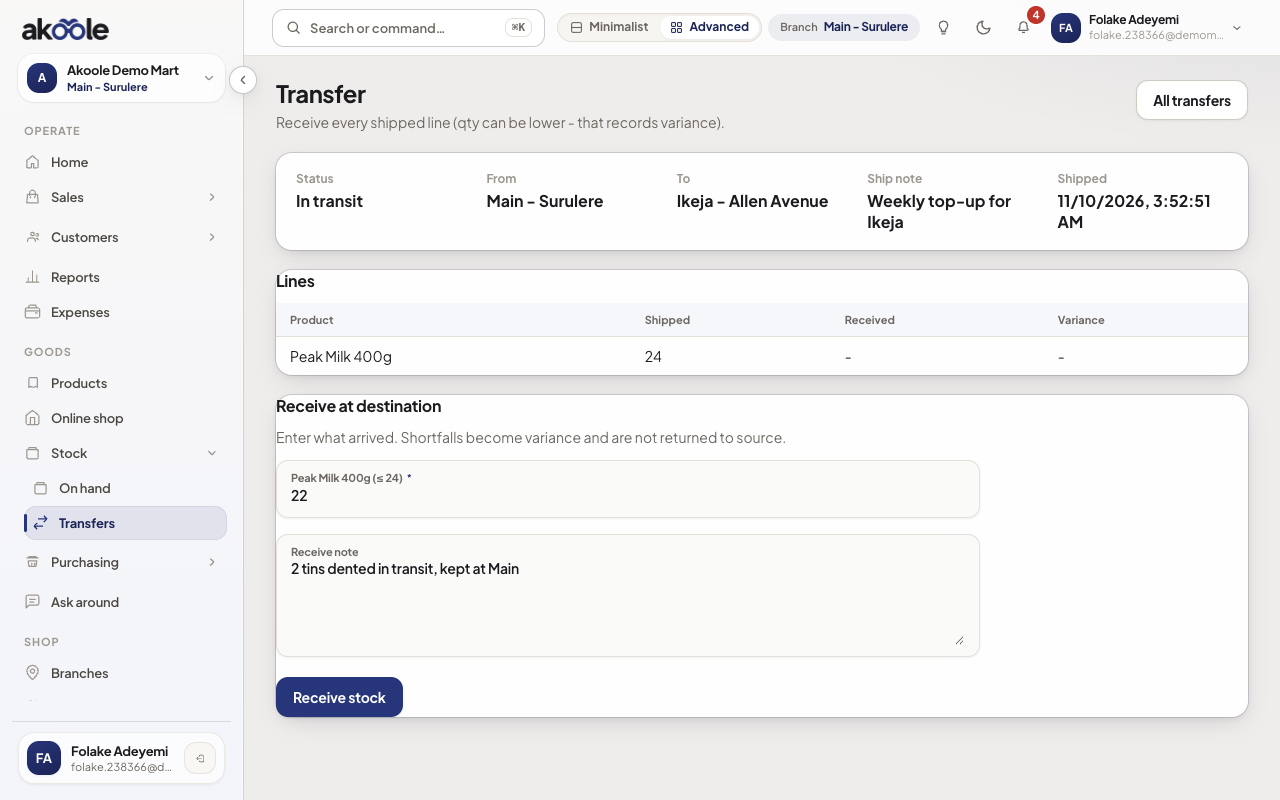
Receiving at Ikeja: 22 counted against 24 shipped
Show screenshot
If something goes wrong
Section titled “If something goes wrong”Transfers not available
Multi-branch transfers are Business+. Add a second branch only on a plan that allows it.
Stock in two places
Someone received without dispatch, or sold in-transit units. Open the transfer and movement history; do not add opening_balance to “fix” it.