

Swaps and trade-ins
The customer walks out with a new phone; you walk in with a graded used unit in second-hand stock.
-
Switch to swap
On POS, set sale type to Swap / trade-in.
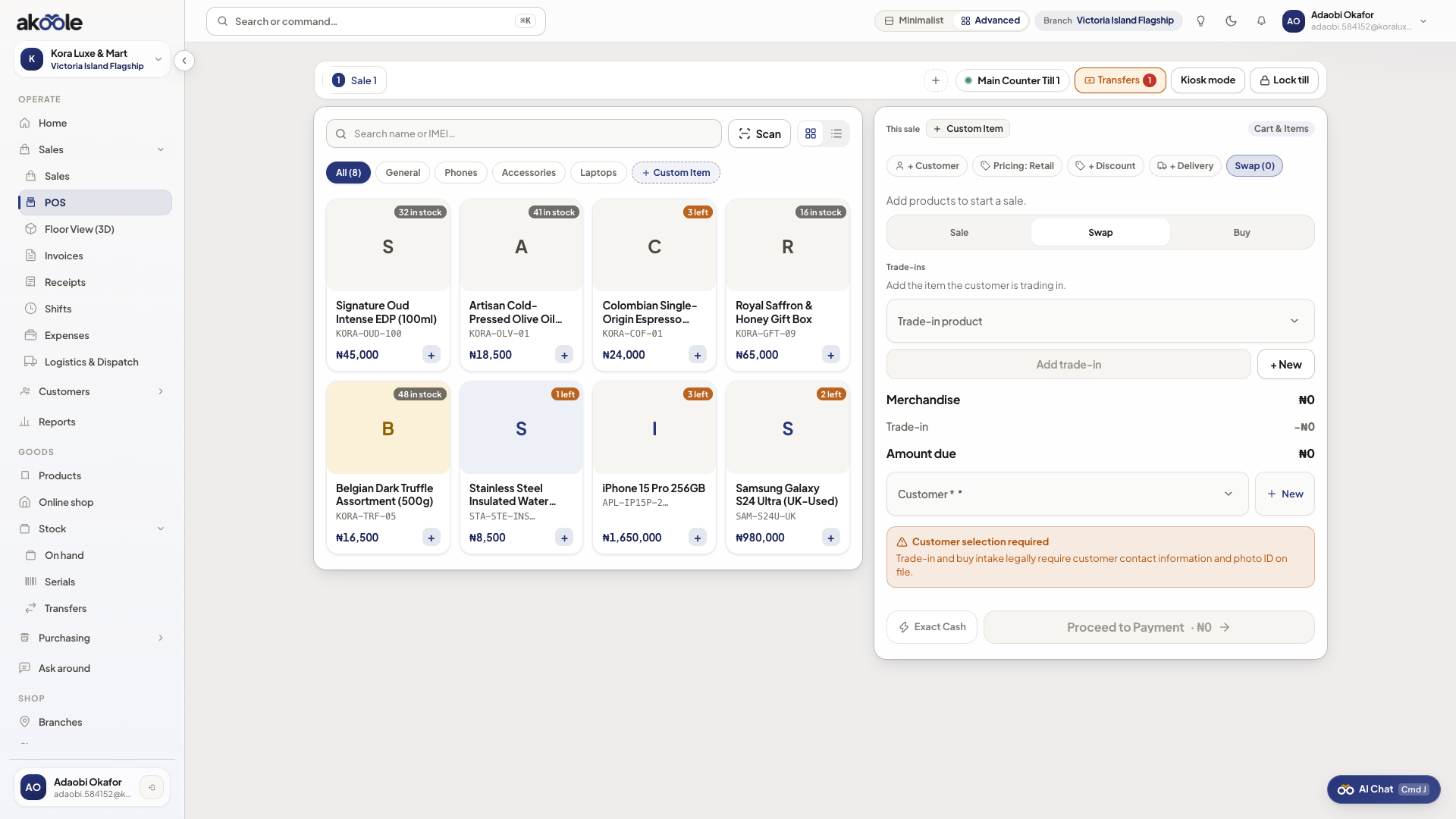
POS in Swap mode -
Add what they are buying
Add the new handset (pick the outbound IMEI when asked).
-
Log the trade-in
Under trade-ins, choose the model, valuation in naira, inbound IMEI/serial, and condition A–D.
Show screenshot
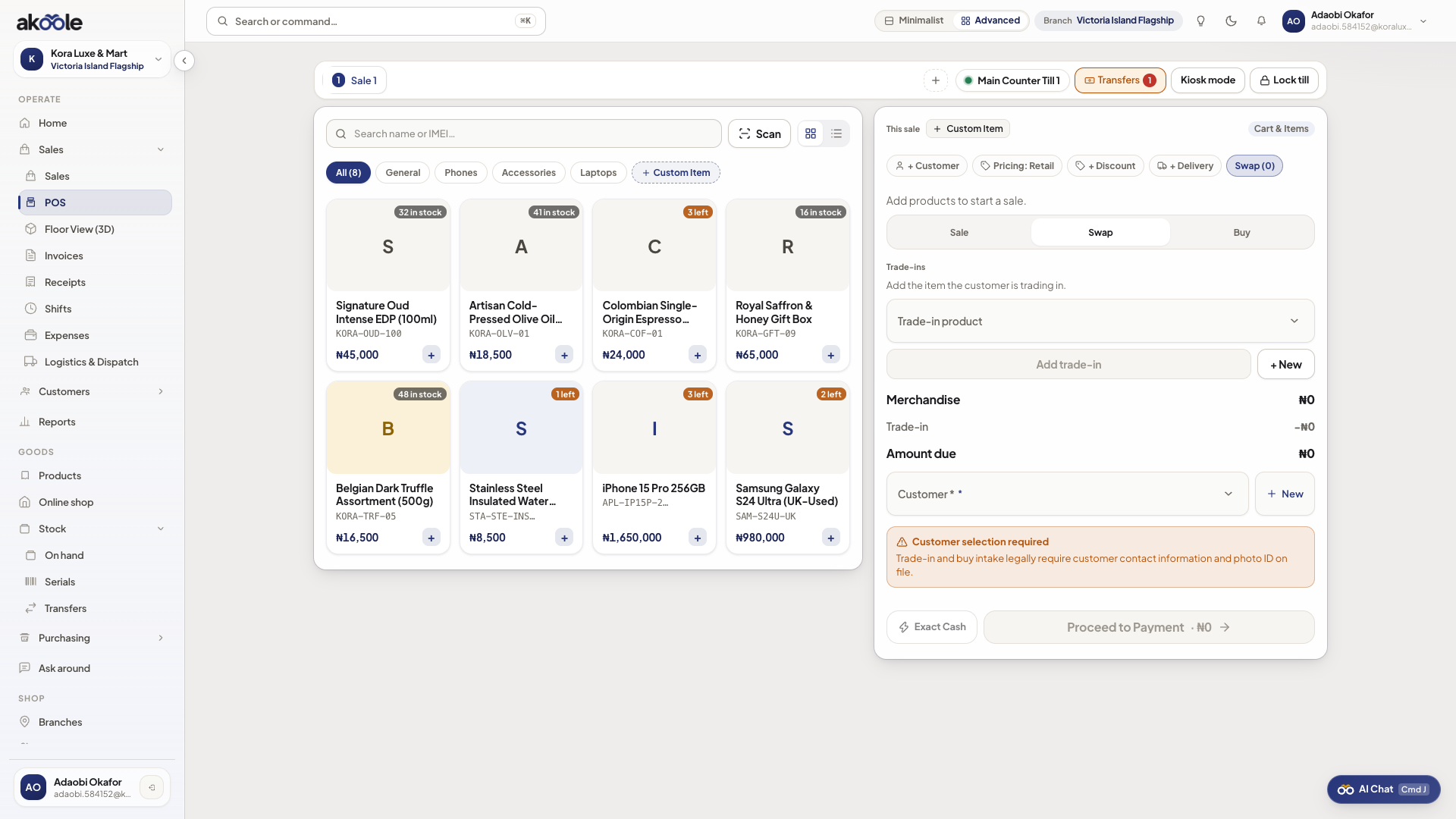
Trade-in device details on a swap -
Collect the net
Due is merchandise minus trade-in. Take cash/transfer/POS/split for the remainder (or credit if allowed).
-
Complete
Checkout. Used unit hits second-hand stock. Receipt lists both the sale and the device you took.
If something goes wrong
Section titled “If something goes wrong”Swap type missing
Electronics swap depth is Business+. Use a normal sale plus a separate receive if you must on a lower plan - that is messier to audit.
Customer disputes grade
Grade is on the receipt. Do not complete until they agree A–D and the valuation.