

On-hand quantity and movements
You trust the number on the shelf because you can see sales, adjustments, receives, and transfers that built it.
-
Open Stock
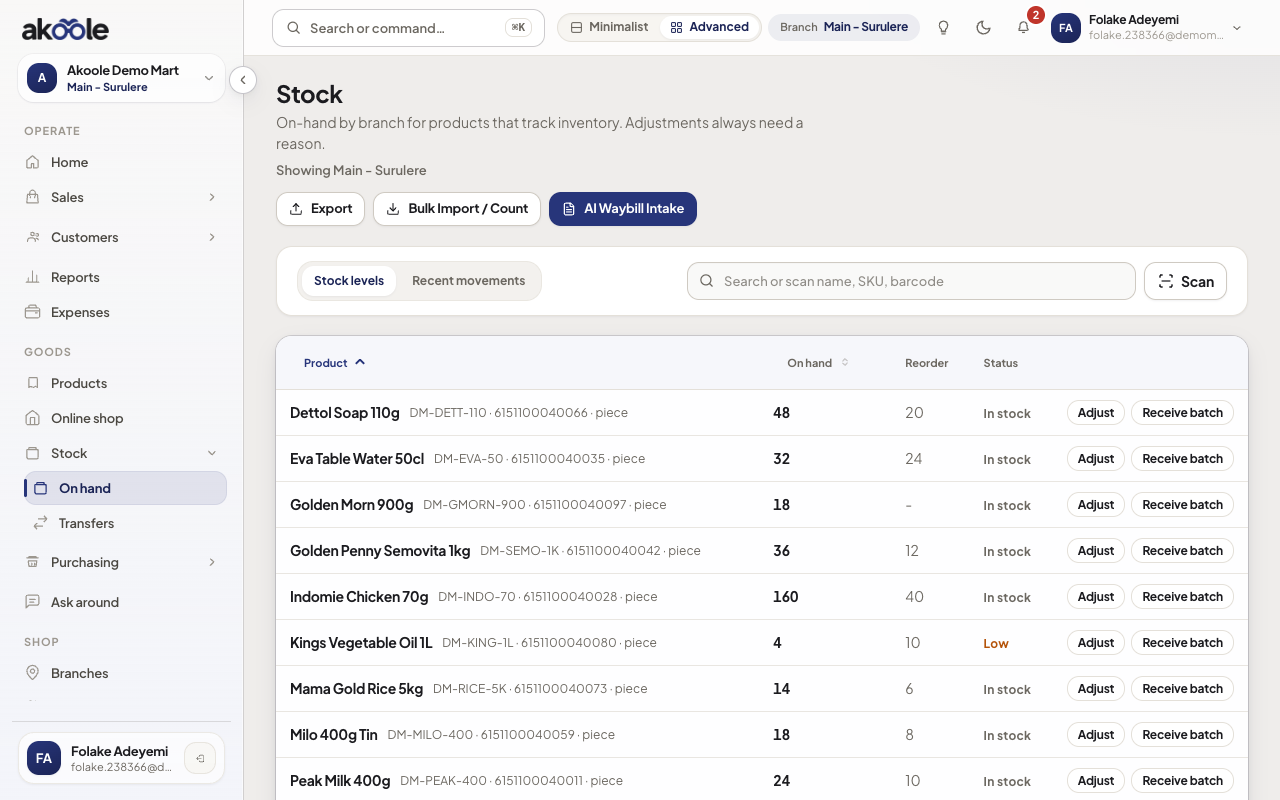
Go to Stock. Each row is on-hand for a product (or variant) at the current branch.
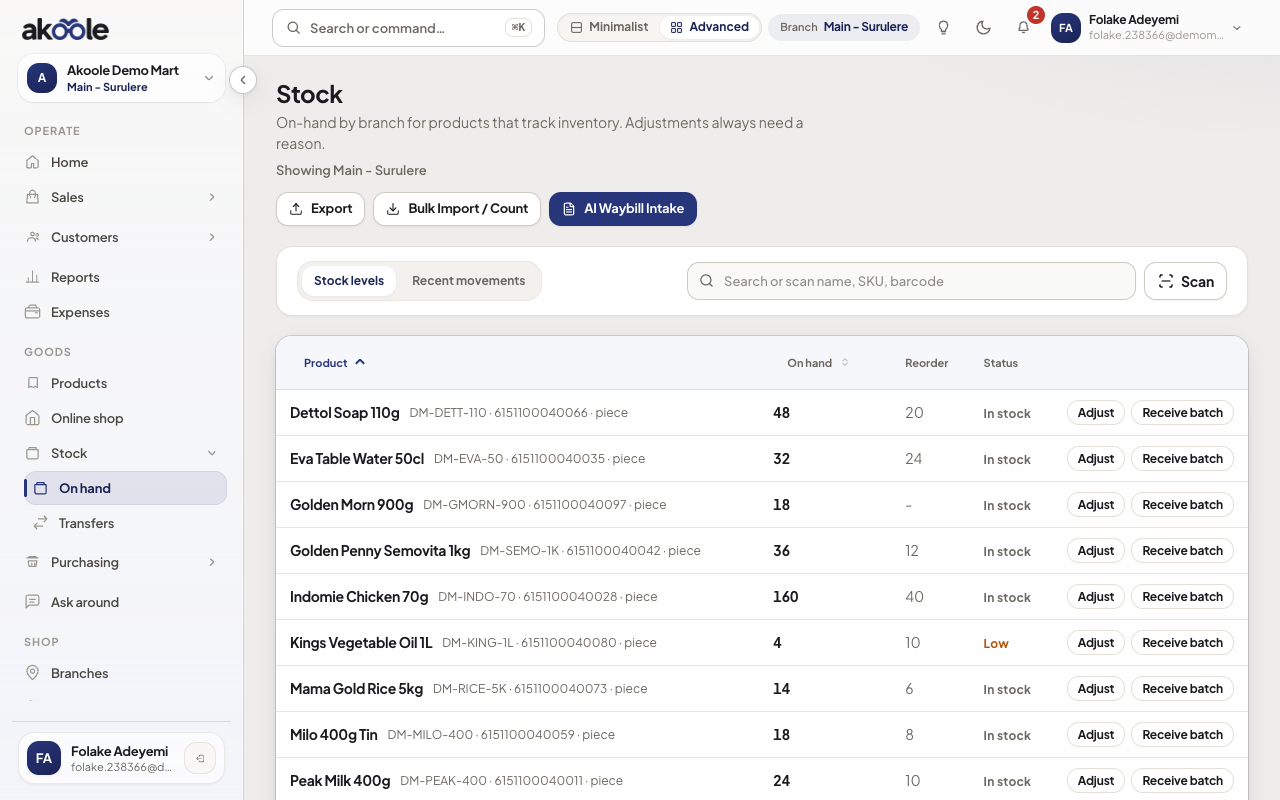
Stock levels for Akoole Demo Mart, Main - Surulere -
Read on-hand vs reorder
Compare on-hand to reorder level. Low rows are what Home also watches.
Show screenshot
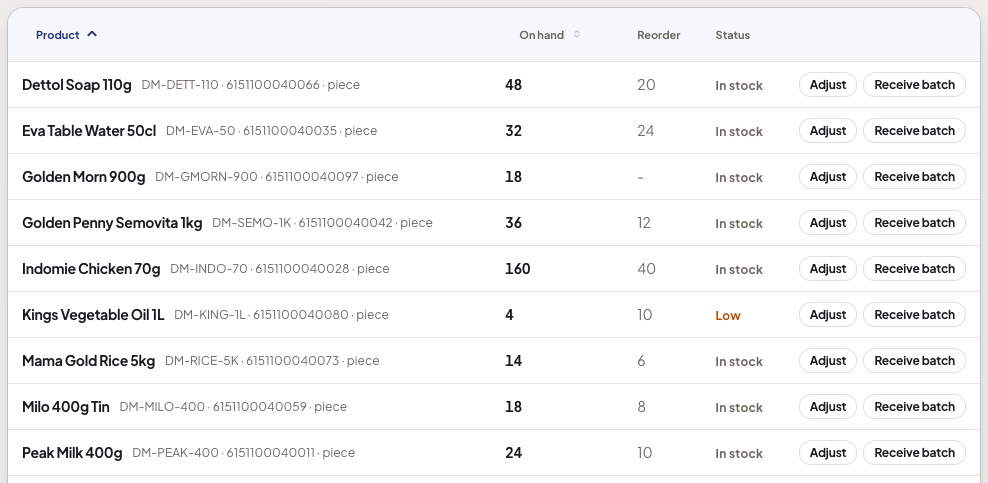
Kings Vegetable Oil: 4 on hand against a reorder level of 10 -
Open movements
Select a product and view movements: sales,
opening_balance, adjustments, receives, transfers. Qty never changes without a row.Show screenshot
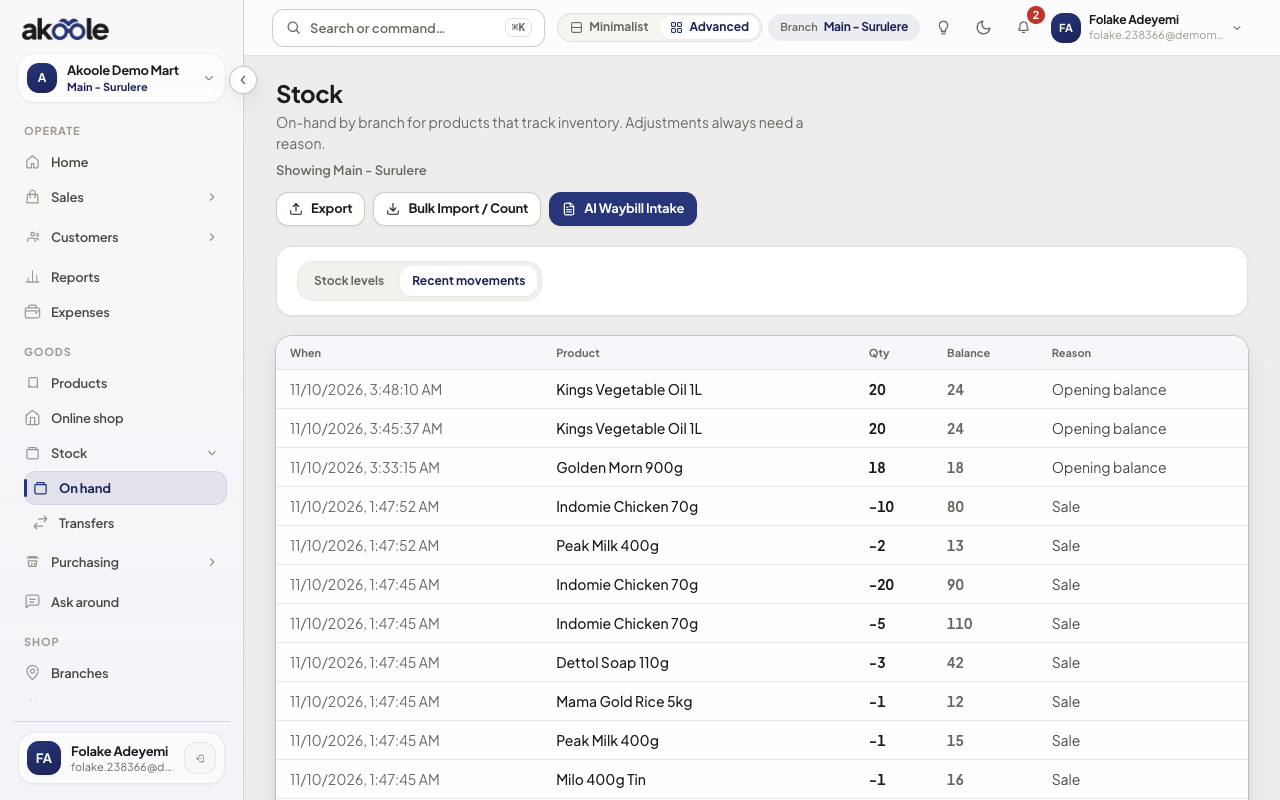
Recent stock movements, newest first -
Filter by branch
If you have more than one location (Business+), switch branch. Surulere on-hand is not Ikeja on-hand.
Show screenshot
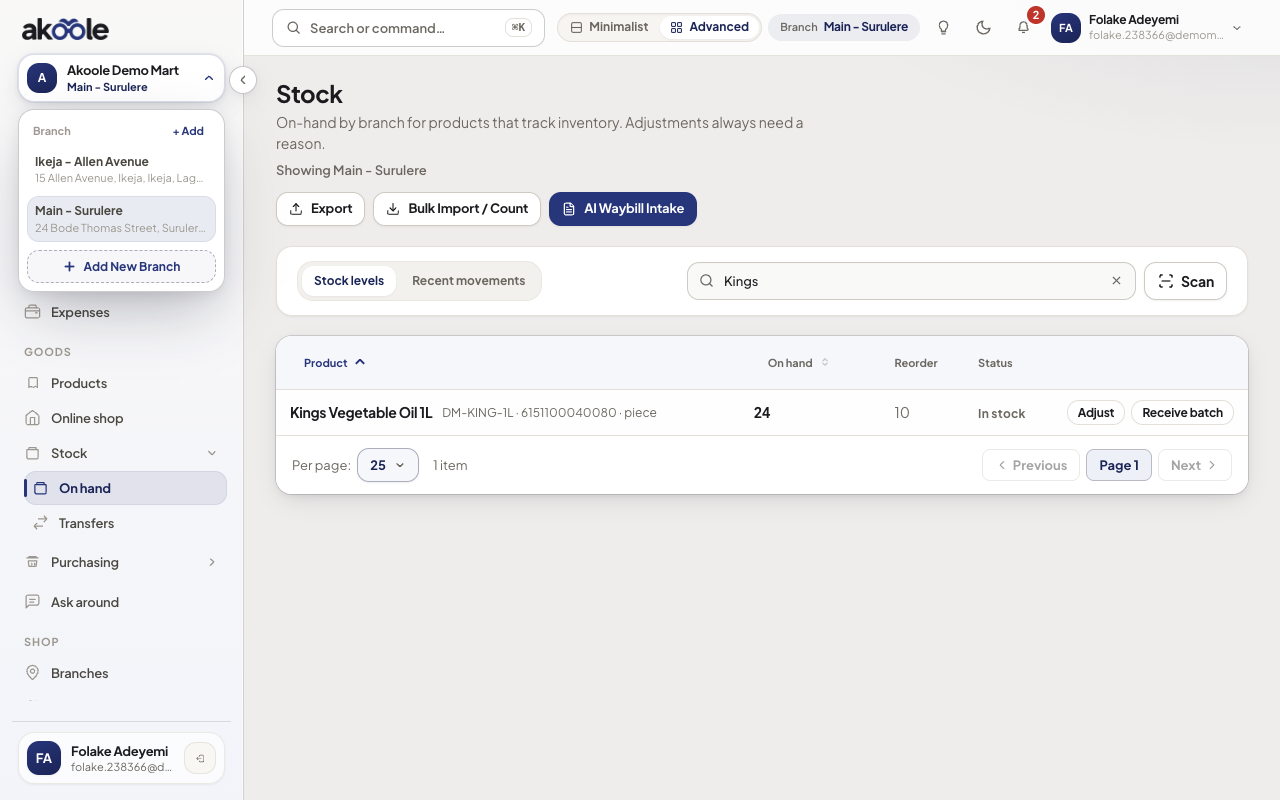
Stock is shown for the branch picked in the header -
Tie a sale back
After a POS sale, refresh. On-hand dropped and a sale movement appeared. That is inventory truth, not the product form.
Show screenshot
If something goes wrong
Section titled “If something goes wrong”POS sold but stock unchanged
The SKU may not track stock, or you are viewing another branch. Confirm tracking and branch, then check movements.
Negative on-hand
Oversell or a missing receive. Count the shelf, then post an adjustment with a real reason - do not invent a sale.