

Price categories (Retail / Wholesale / VIP)
Apply pre-authorized wholesale or VIP pricing to a customer’s basket with one click, eliminating manual price calculations and protecting your margins.
-
Add products to the cart
Scan or select items on the POS as usual. By default, items enter the cart at standard Retail shelf prices.
-
Open the Price Category selector
At the top of the cart panel, tap the Price Category badge (showing
Retail).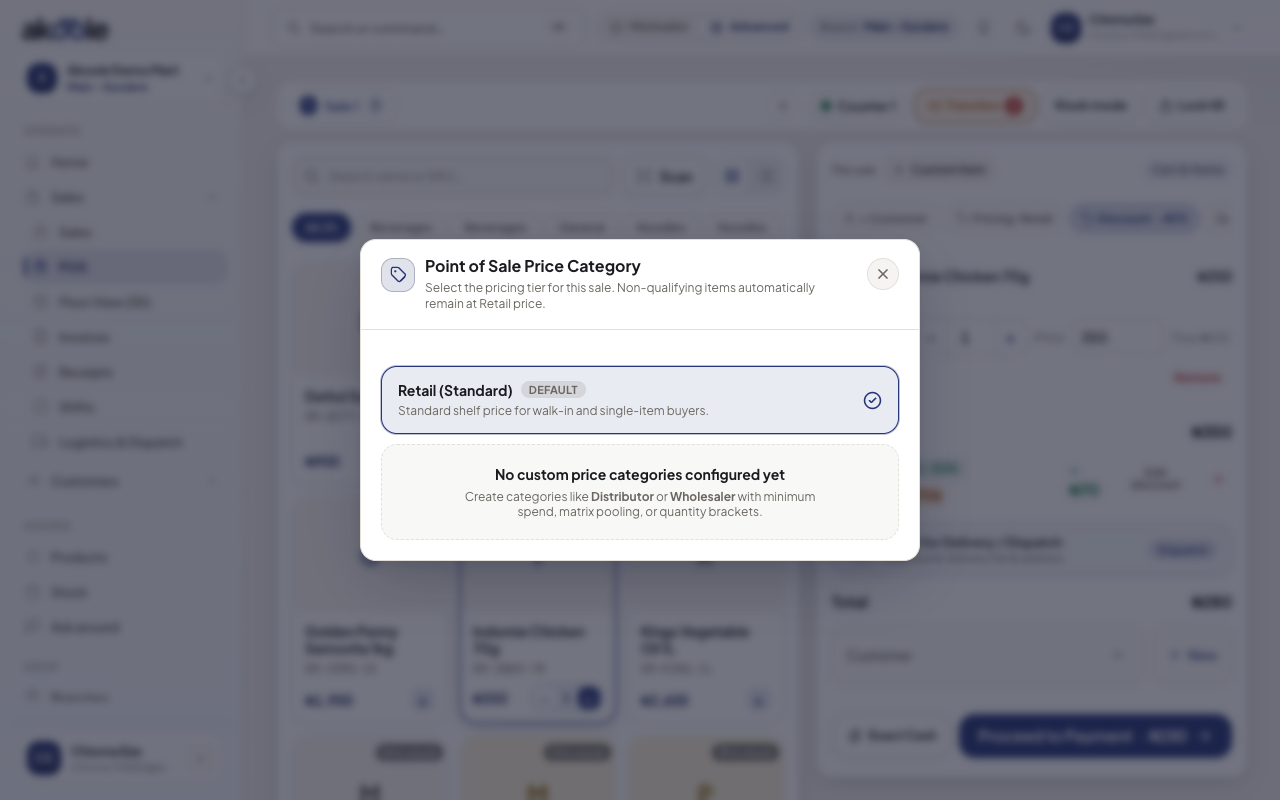
Price category: Retail, Wholesale or a custom group -
Select target tier
- Retail: Standard walk-in prices.
- Wholesale: Applies carton/pack bulk rates across all eligible items in the basket.
- VIP / Distributor: Applies special contracted pricing tiers for approved partners.
-
Review updated basket total
The cart updates immediately, showing previous strikethrough retail prices and the newly applied tier prices. Line items with minimum quantity requirements (e.g. Must be 5+ units for Wholesale) automatically display compliance badges.
Show screenshot
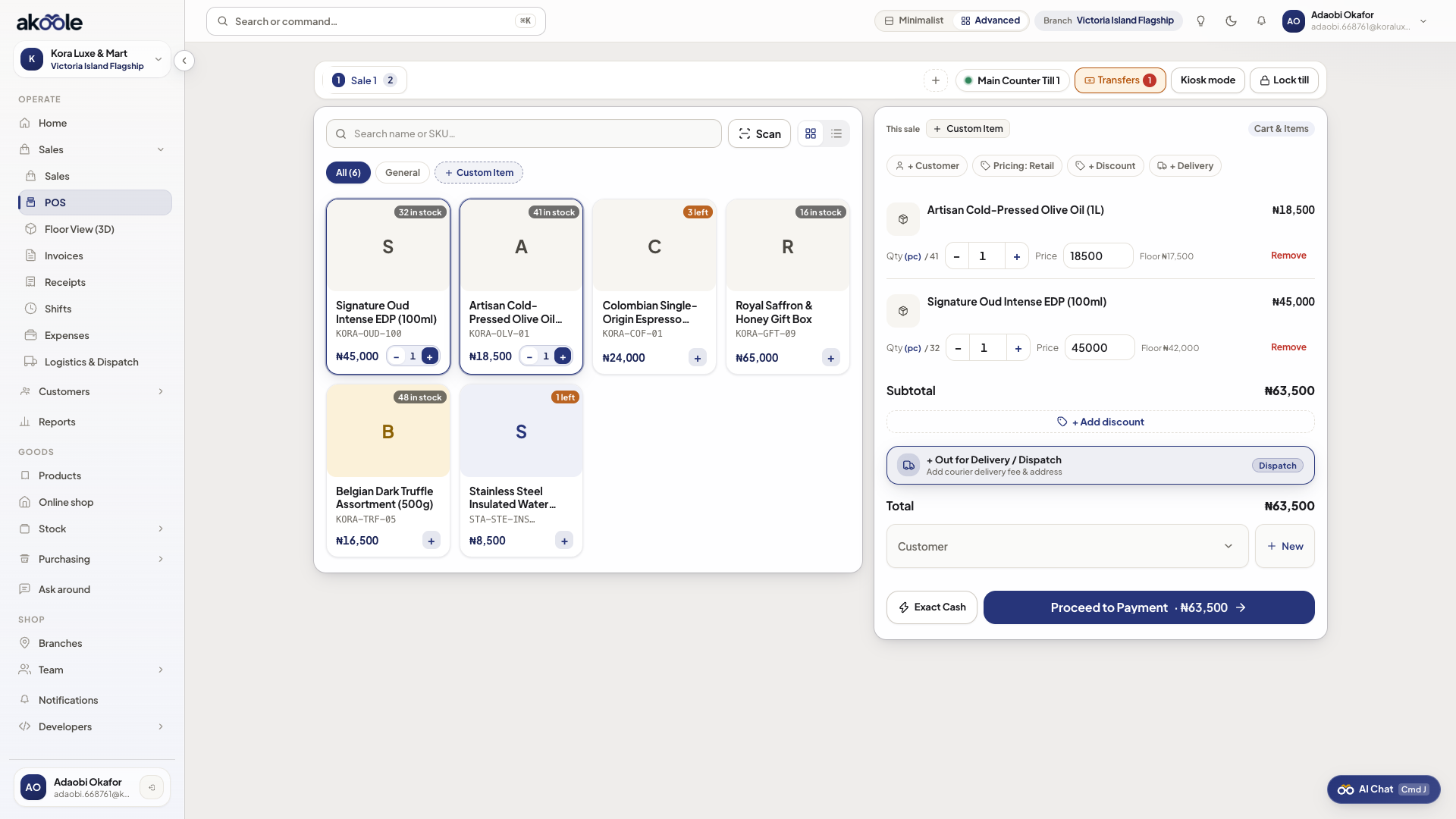
POS cart priced at the wholesale tier
Common problems & fixes
Section titled “Common problems & fixes”- Item price does not drop when Wholesale is selected: Ensure that specific SKU has a wholesale rate configured under Add a product. If no wholesale rate exists, it remains at retail.