

When Akoole Support joins
Let Akoole Support see what you see long enough to fix a billing or POS issue, then the session expires.
-
Open the ticket link they sent
The URL is
app.akoole.com/support-session#ticket=…. A missing ticket shows an error and a path back to login. This is the staff app, not the public shop.
Support session link without a valid ticket -
Wait while the ticket redeems
A valid ticket signs Support in, pins the organisation, and sends them to Home. Invalid or used tickets fail with a clear error.
-
Look for the support banner
While Support is in, the staff app shows a support-session banner (shop name, who joined, expiry). Treat actions in that window as assisted.
Show screenshot
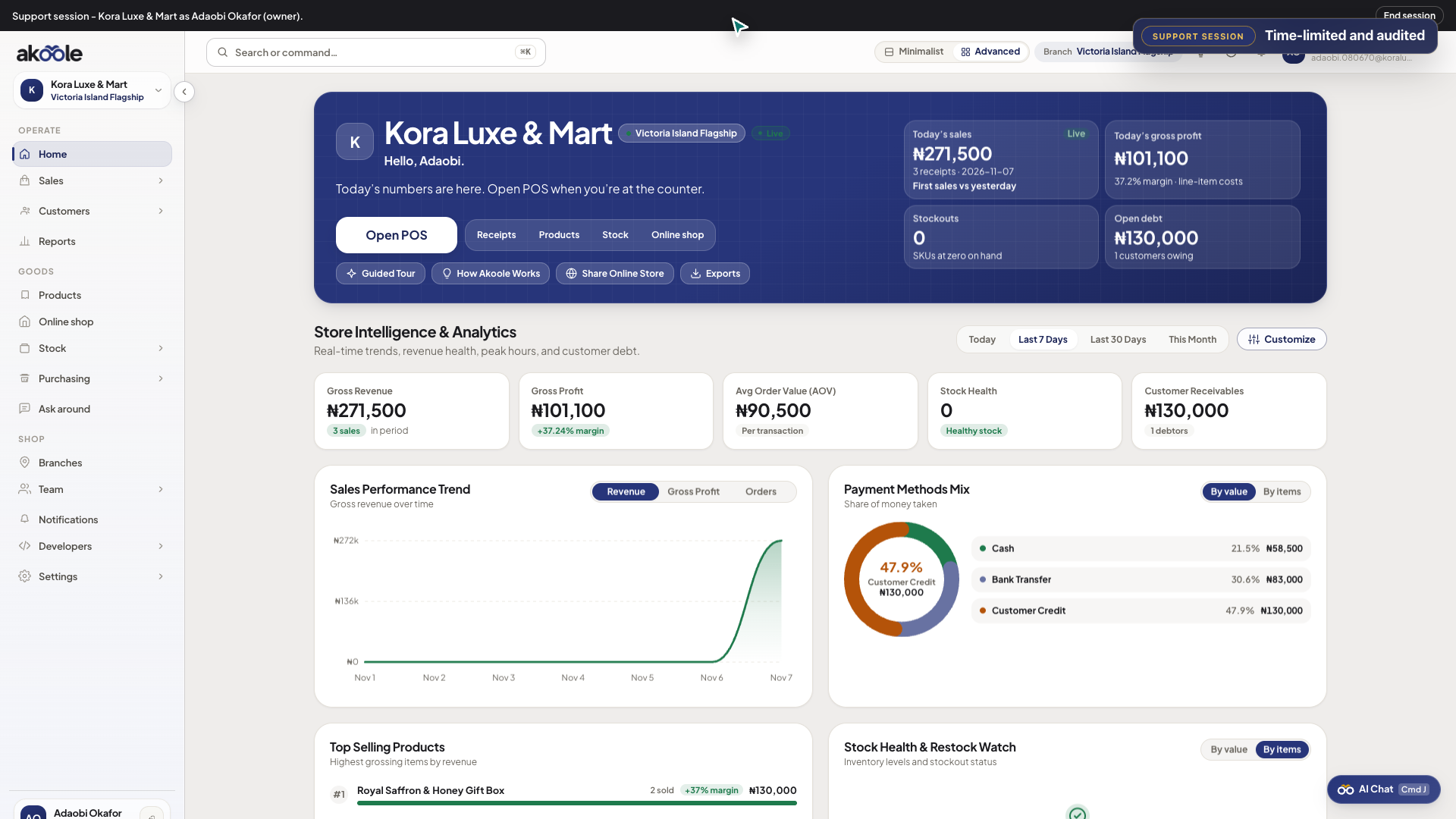
Support session banner while Akoole support is helping in your shop -
When it expires
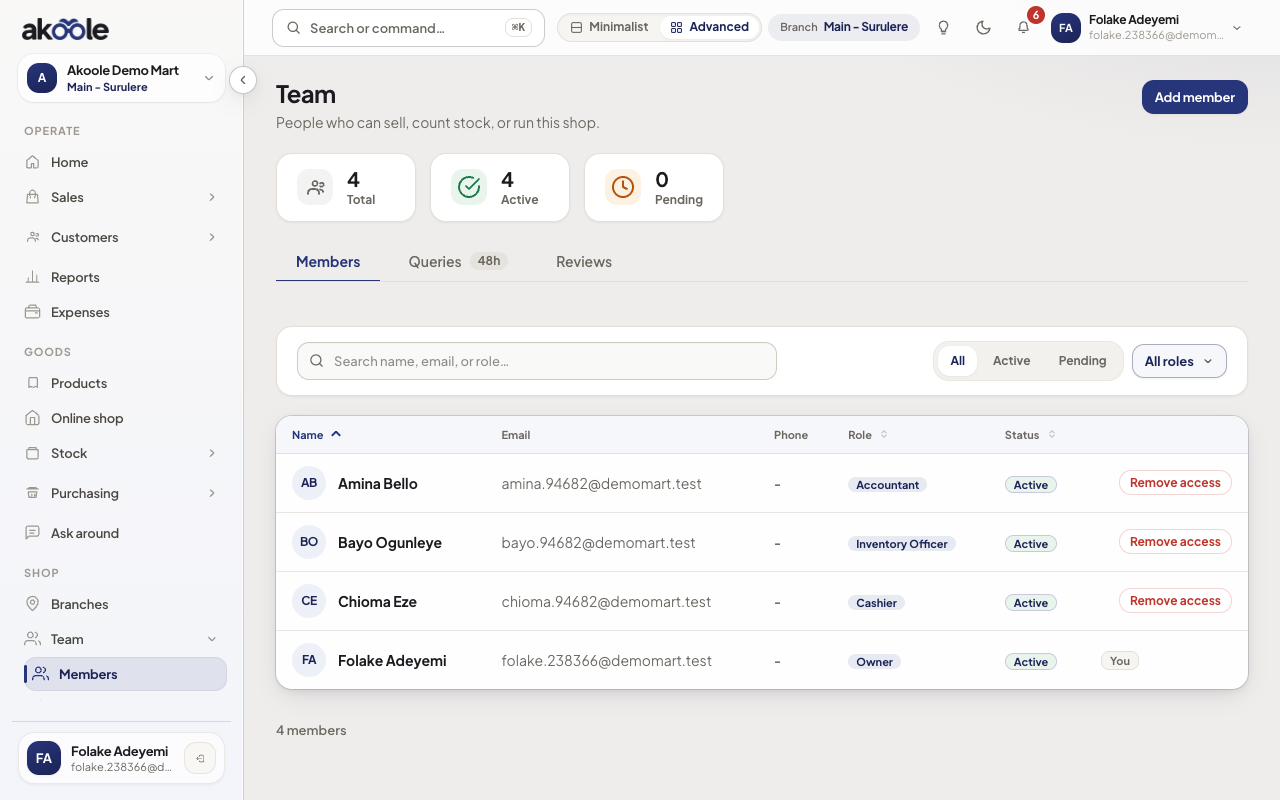
The session ends on the expiry in the banner. You do not need to delete a Team row - Support never became a cashier seat.
Show screenshot
If something goes wrong
Section titled “If something goes wrong”Ticket failed
Ask Support to send a fresh link. Do not paste tickets into WhatsApp groups.
You did not expect Support
Do not open mystery /support-session links. Only use URLs from the ticket you started.