

Suppliers
Have a named supplier with phone and account details before you raise a PO.
-
Open suppliers
Go to Buying → Suppliers (
/purchasing/suppliers). Search by name if the list is long.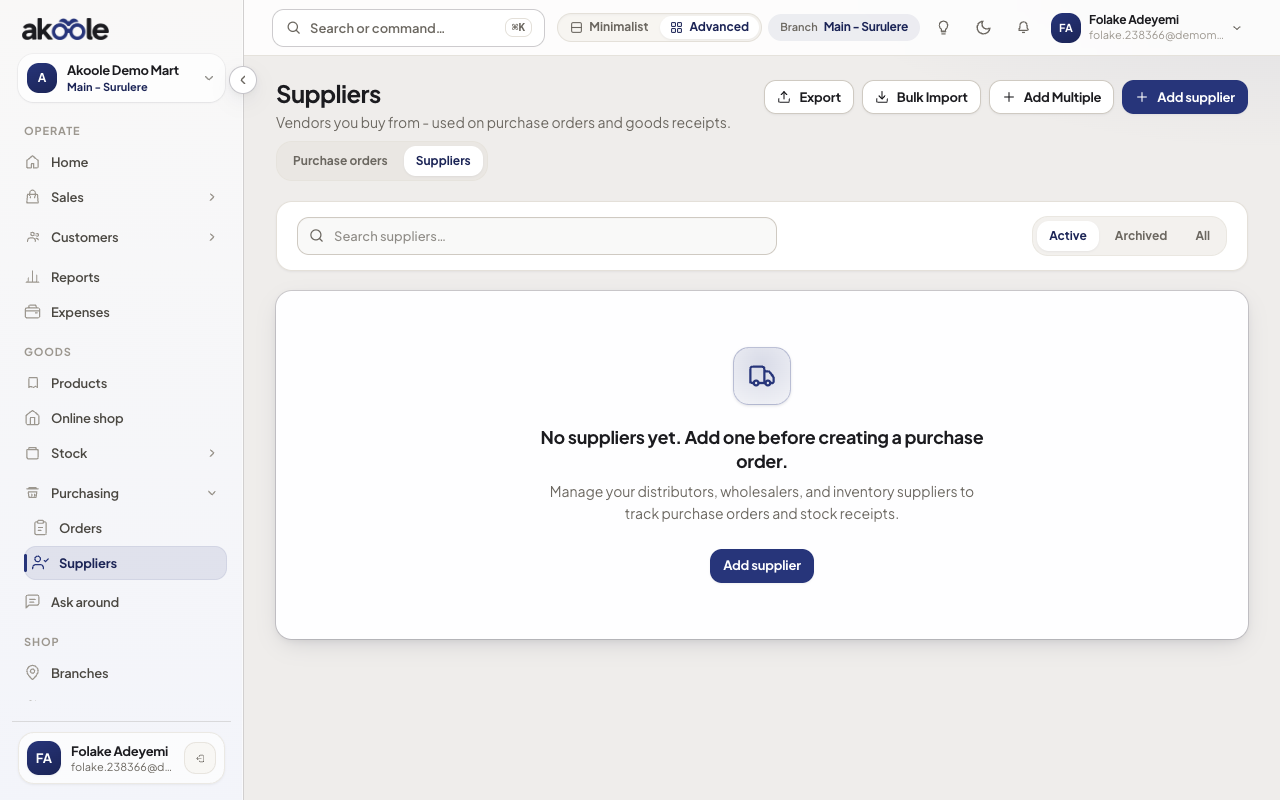
Suppliers page with no suppliers yet and Add supplier -
Add the supplier
Tap New supplier. Enter the trading name, phone, and optional email. Add bank details you will use when you pay them later - not your customer collection account.
Show screenshot
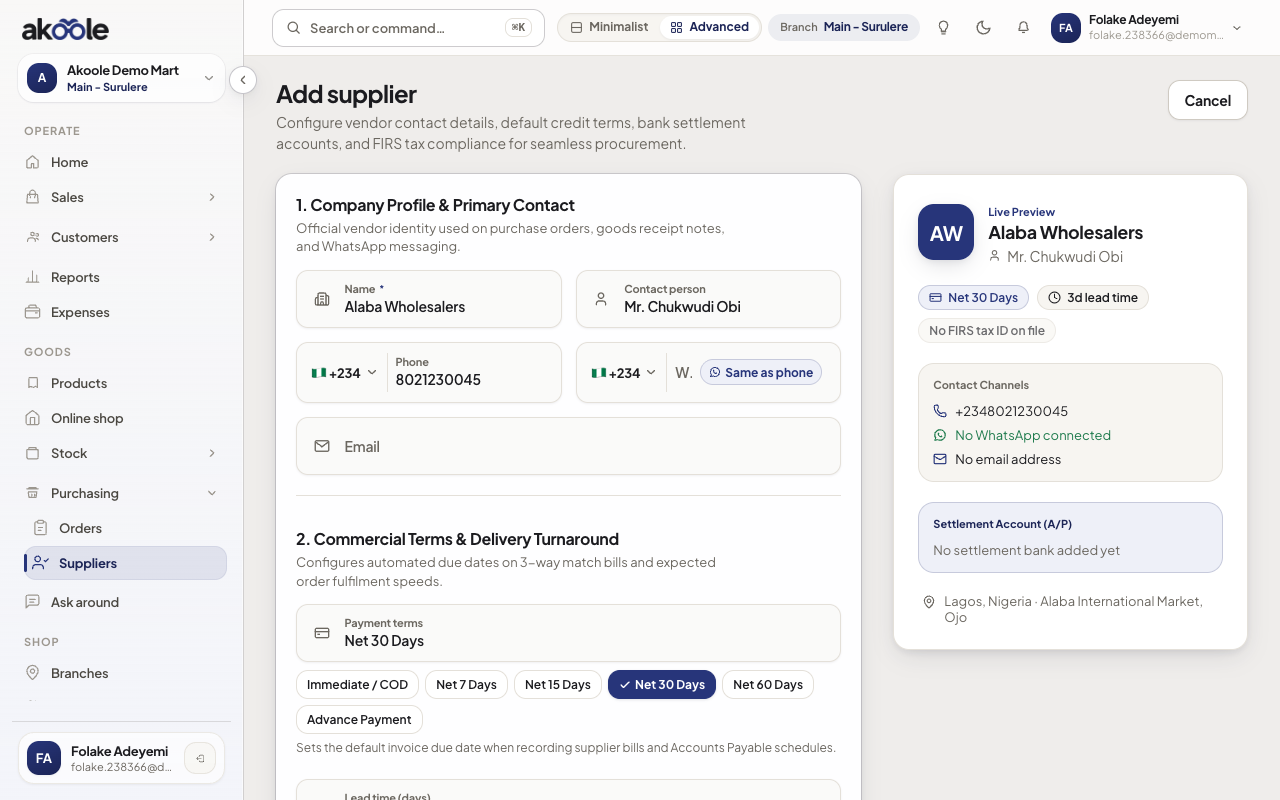
Add supplier form filled in for Alaba Wholesalers, Lagos -
Save and reopen
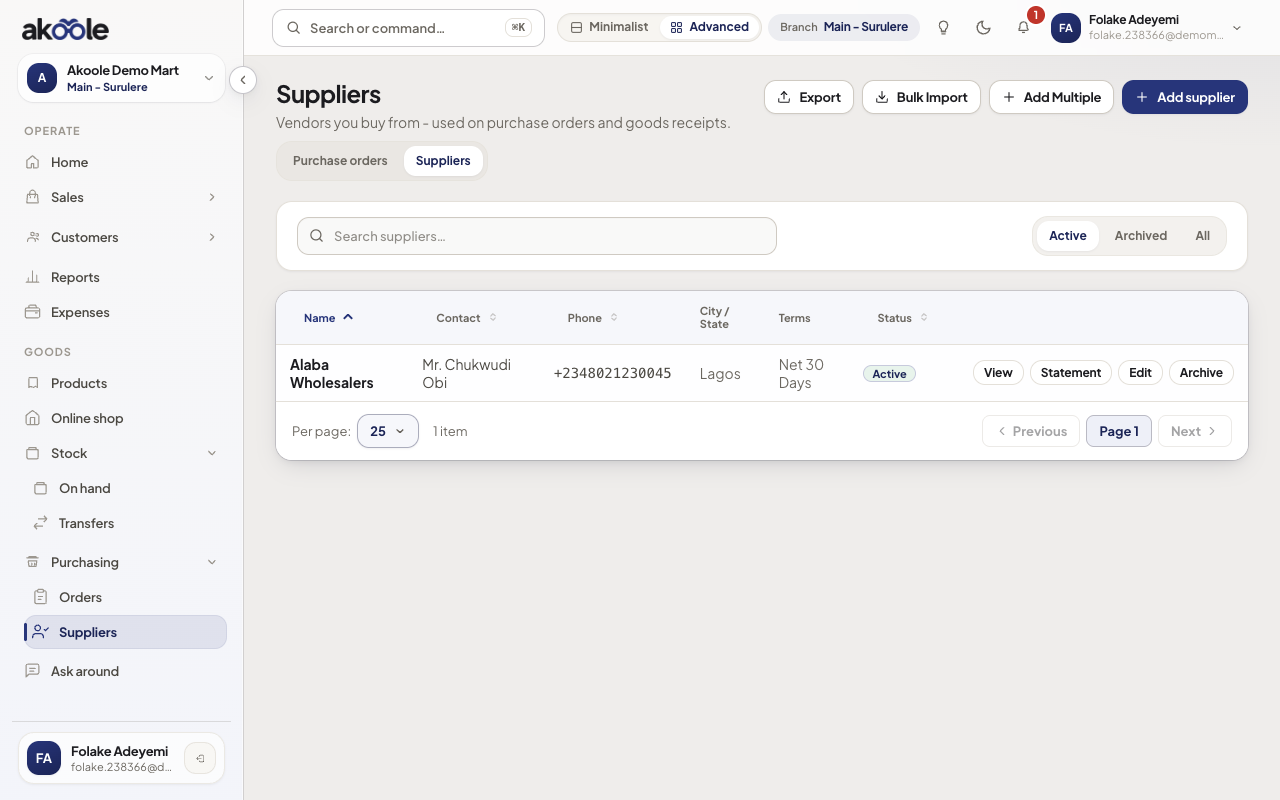
After save you land on the list. Edit from the row if the phone changes. Archiving hides them from new POs without deleting history.
Show screenshot
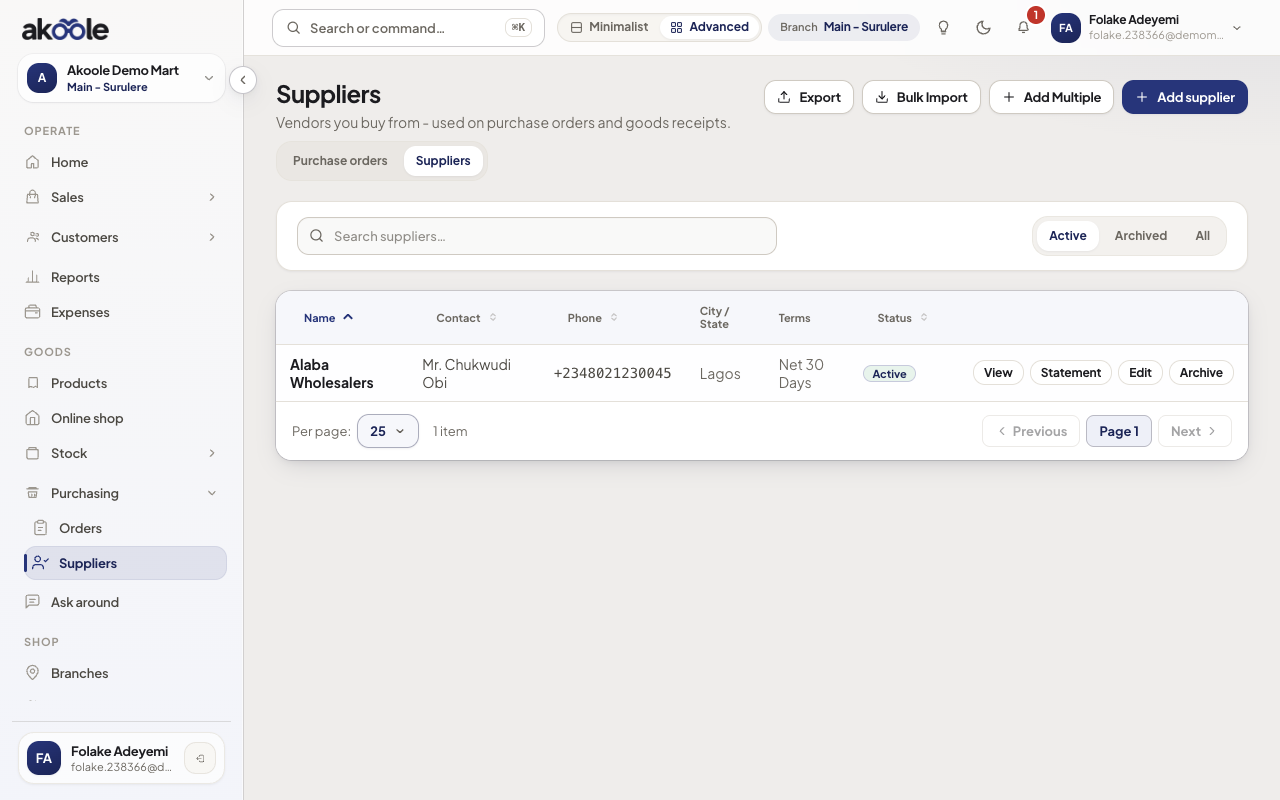
Suppliers table with Alaba Wholesalers, contact, phone and terms -
Use them on a PO
New purchase orders pick from this list. Do not type free-text vendor names on the PO if the supplier already exists.
Show screenshot
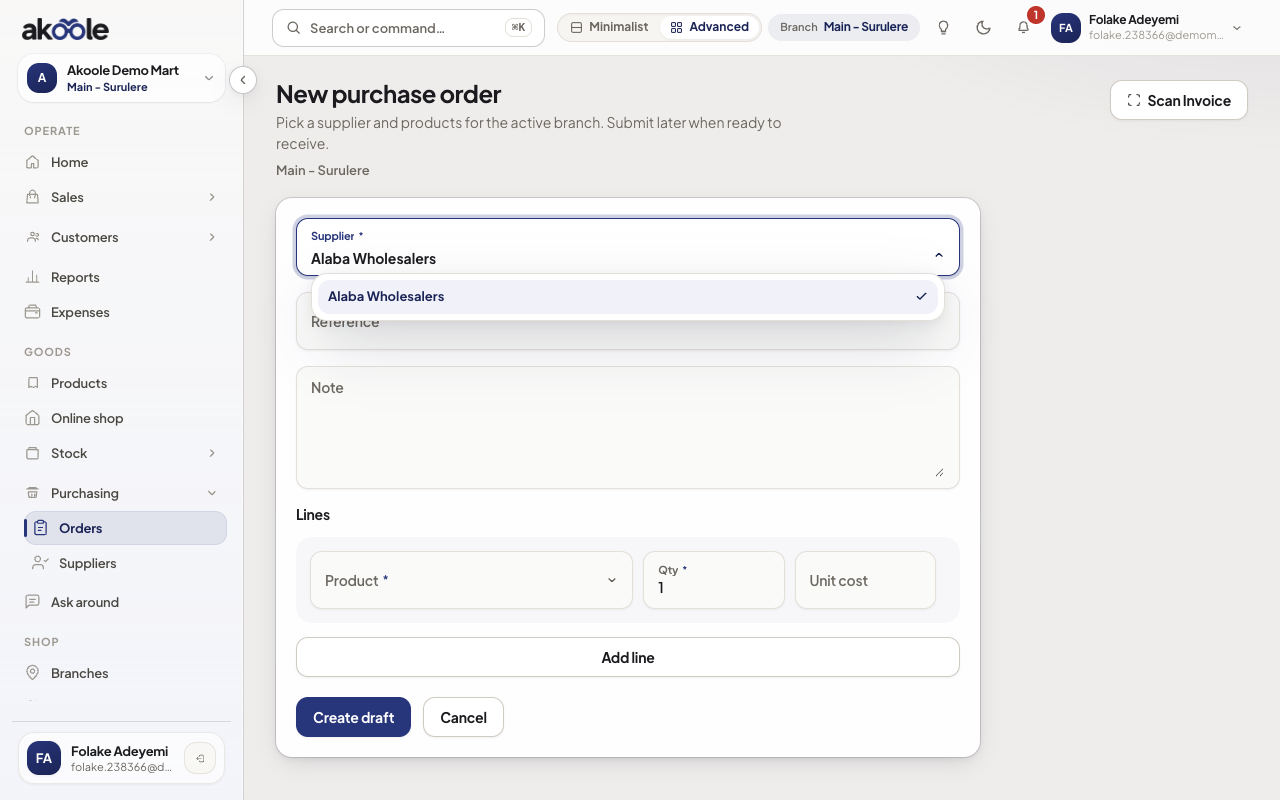
New purchase order with the supplier picker open on Alaba Wholesalers
Show screenshot
If something goes wrong
Section titled “If something goes wrong”Buying missing from the nav
Starter has no purchases. Upgrade, or ask someone with purchasing view.
Duplicate suppliers
Search before adding. Merge is not a till job - pick one name and stick to it.