

Make a sale
You complete a real till sale so stock drops, the drawer is right, and the customer leaves with a receipt.
-
Unlock POS
Open POS and unlock with your PIN if asked. Confirm Surulere and the open shift.
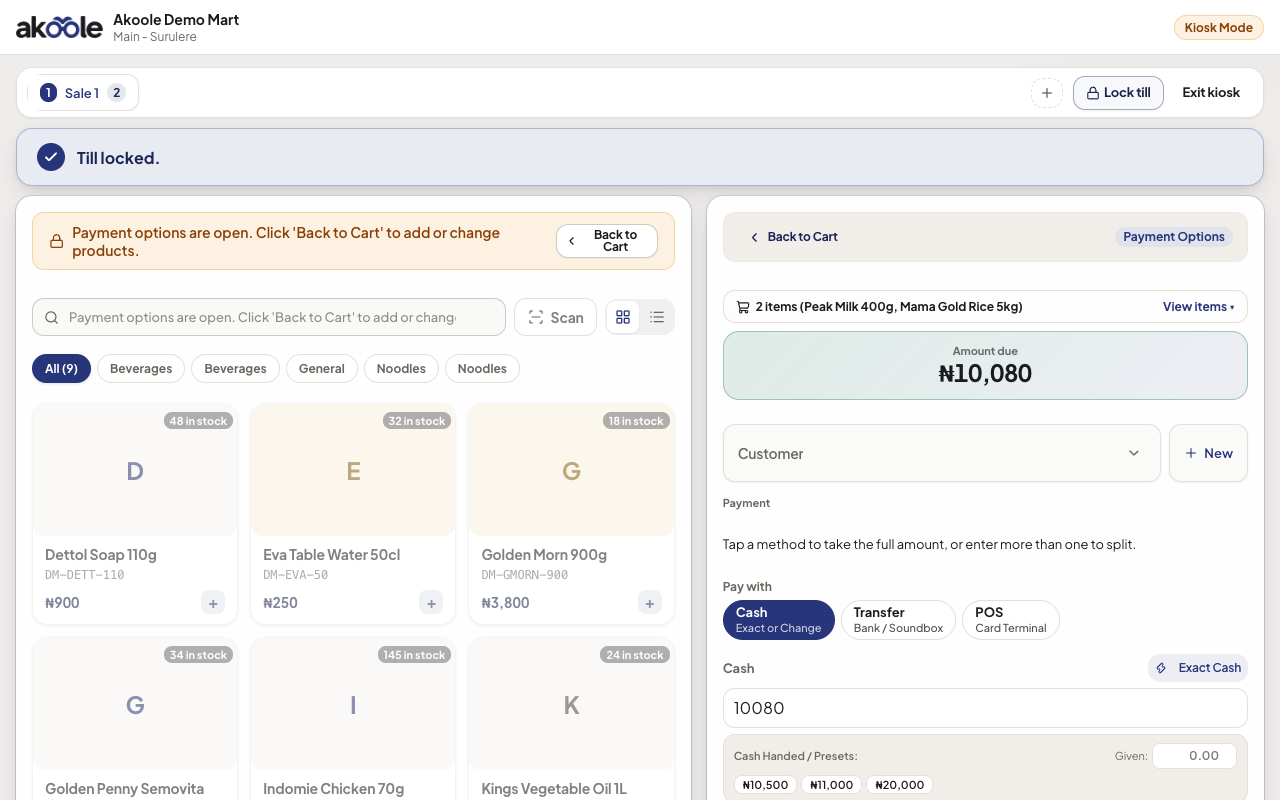
Unlocking the register with a 4-digit PIN -
Build the cart
Scan barcodes or search. Adjust qty. To haggle, change the unit price on the line down to the product floor - no manager PIN. Bigger percent discounts still need a manager PIN. See Haggle to the floor and Discount override.
Show screenshot
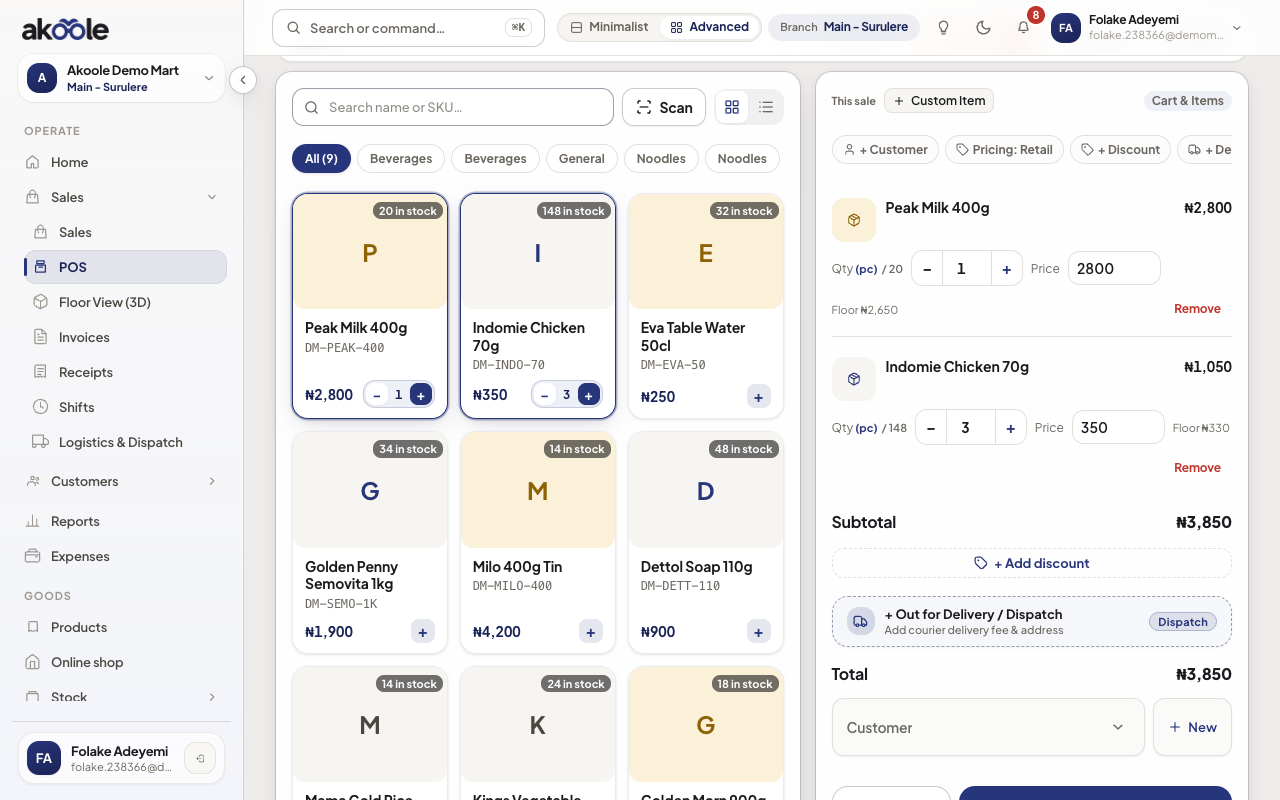
POS cart with Peak Milk and Indomie -
Choose tender
Take cash, bank transfer, POS (card machine), split, or credit for an approved customer. Record the actual mix - do not mark transfer as cash.
Show screenshot
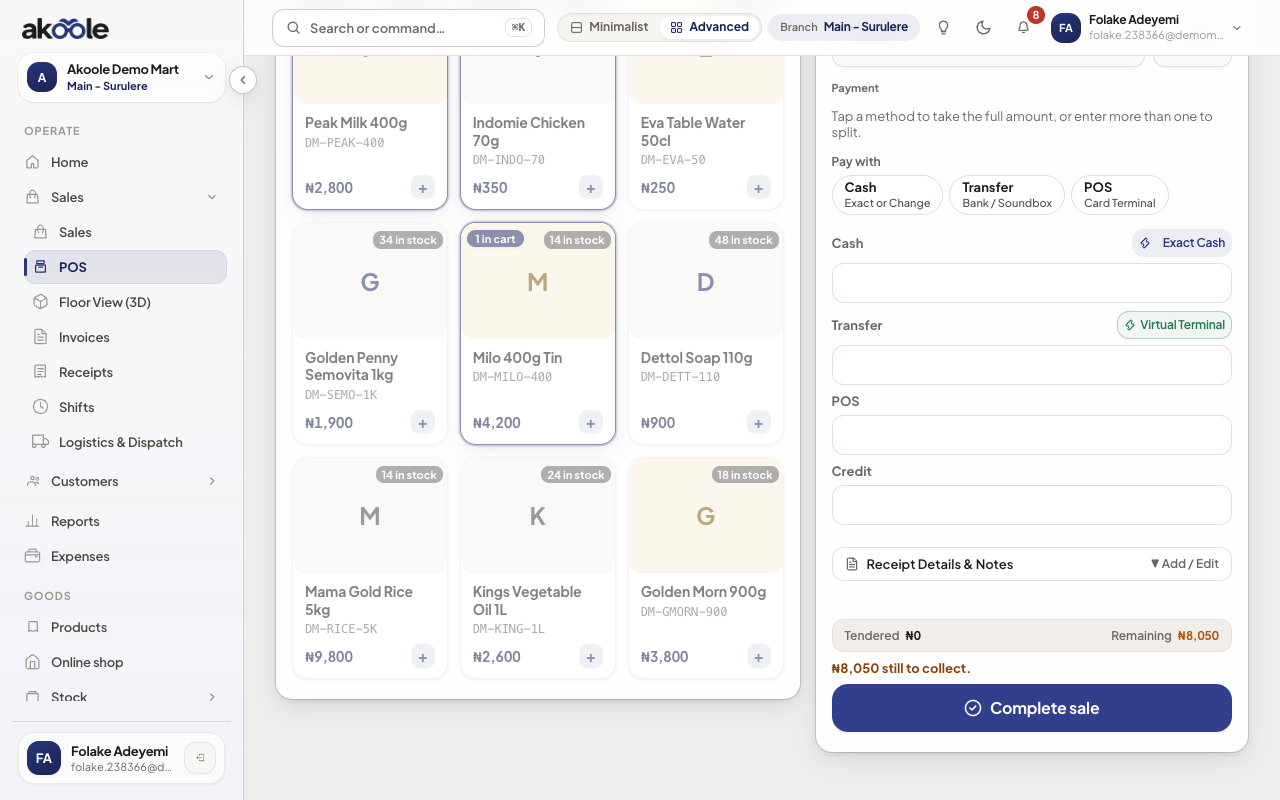
Payment: cash, transfer, POS terminal or credit (The Book) -
Complete the sale
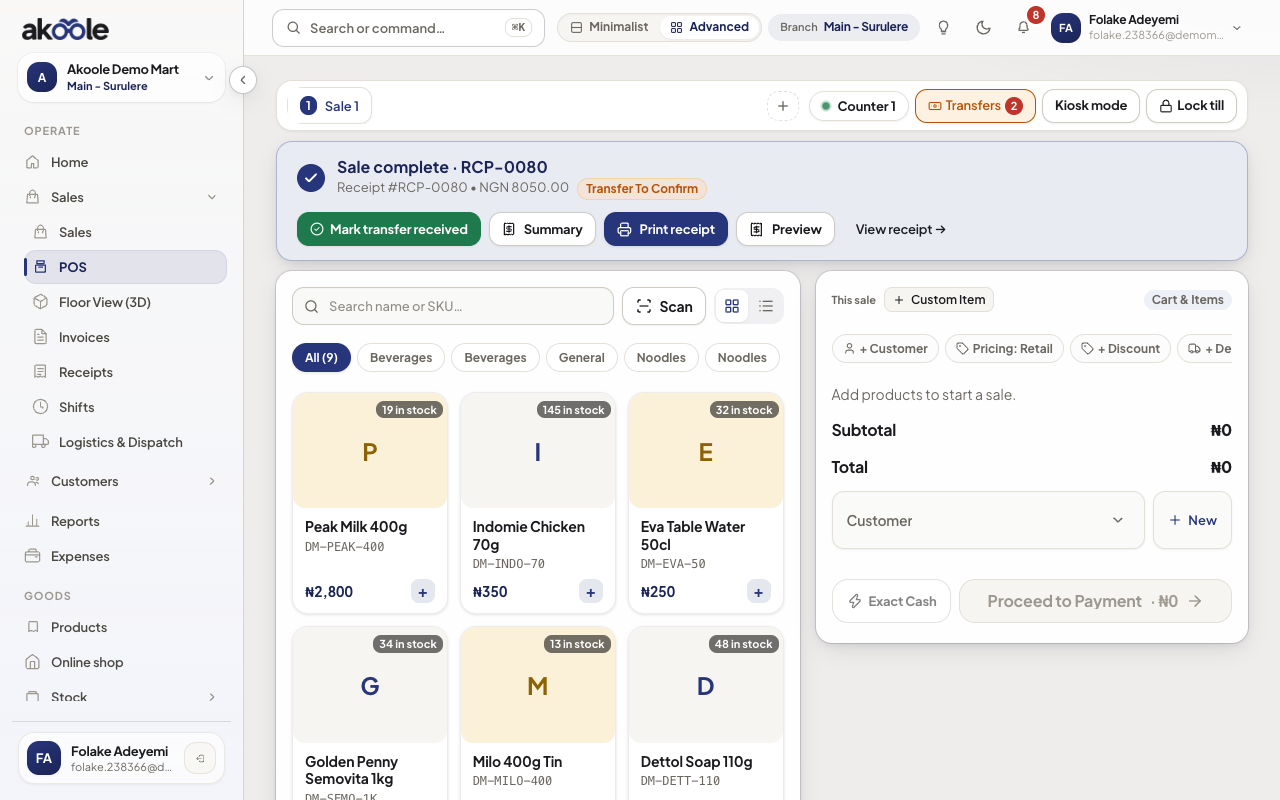
Confirm. Stock decrements. Receipt number is allocated. Print 58/80mm if the printer is ready, or send WhatsApp.
-
Give the receipt
Hand the thermal slip or send WhatsApp to the customer’s Nigerian number. The sale is on Receipts and the owner live feed.
Show screenshot
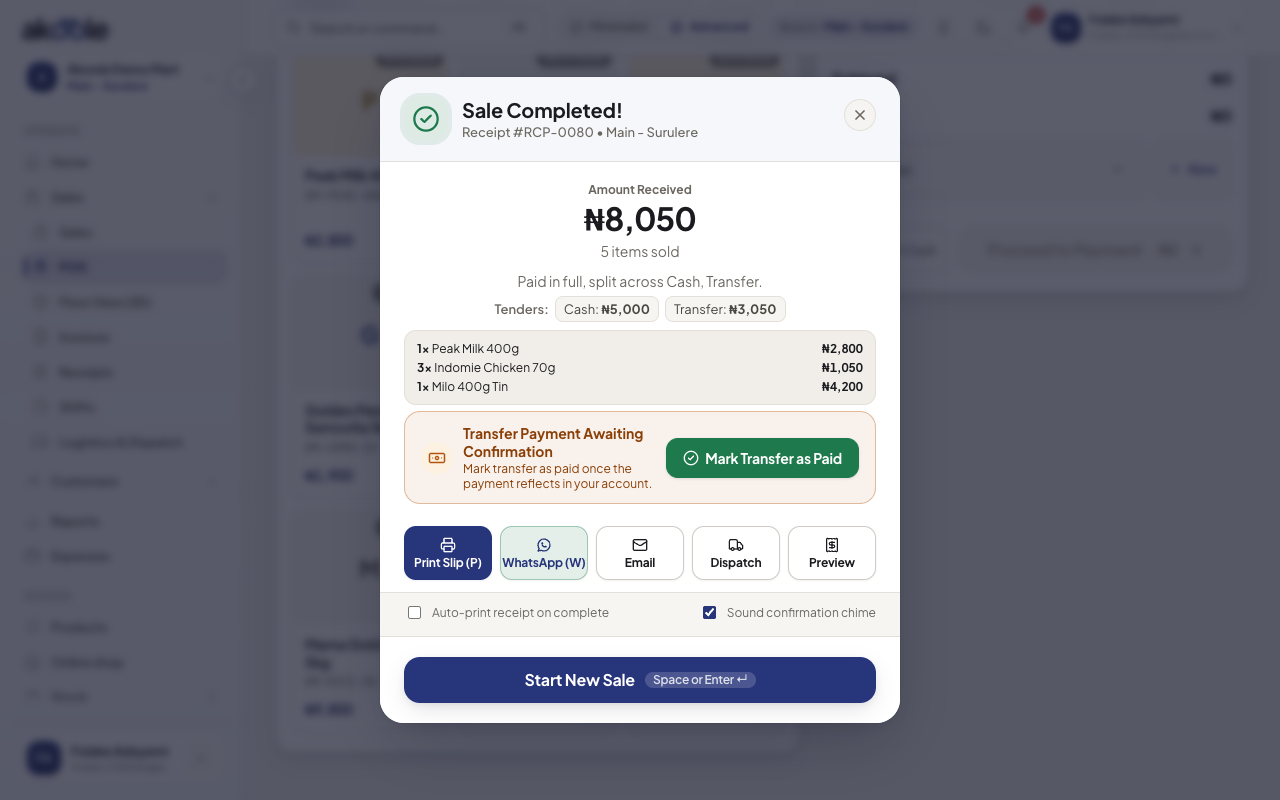
Sale complete: print, WhatsApp or start the next sale
Show screenshot
If something goes wrong
Section titled “If something goes wrong”No open shift
Open a shift with float first. Policy blocks sales without one.
Wrong tender
Void/return per policy and redo, or record the real money as a follow-up with a manager. Do not leave transfer sales as cash - the close variance will lie.