

Invite staff
Never share the Owner login. Each person gets their own email, PIN, and receipts stamped with their name.
Add a cashier, inventory officer, or accountant to Akoole Demo Mart without sharing your password.
-
Open Team
From the sidebar choose Team, or jump with ⌘K / Ctrl+K and type “Team”. You should see members already on the shop plus any pending invites.
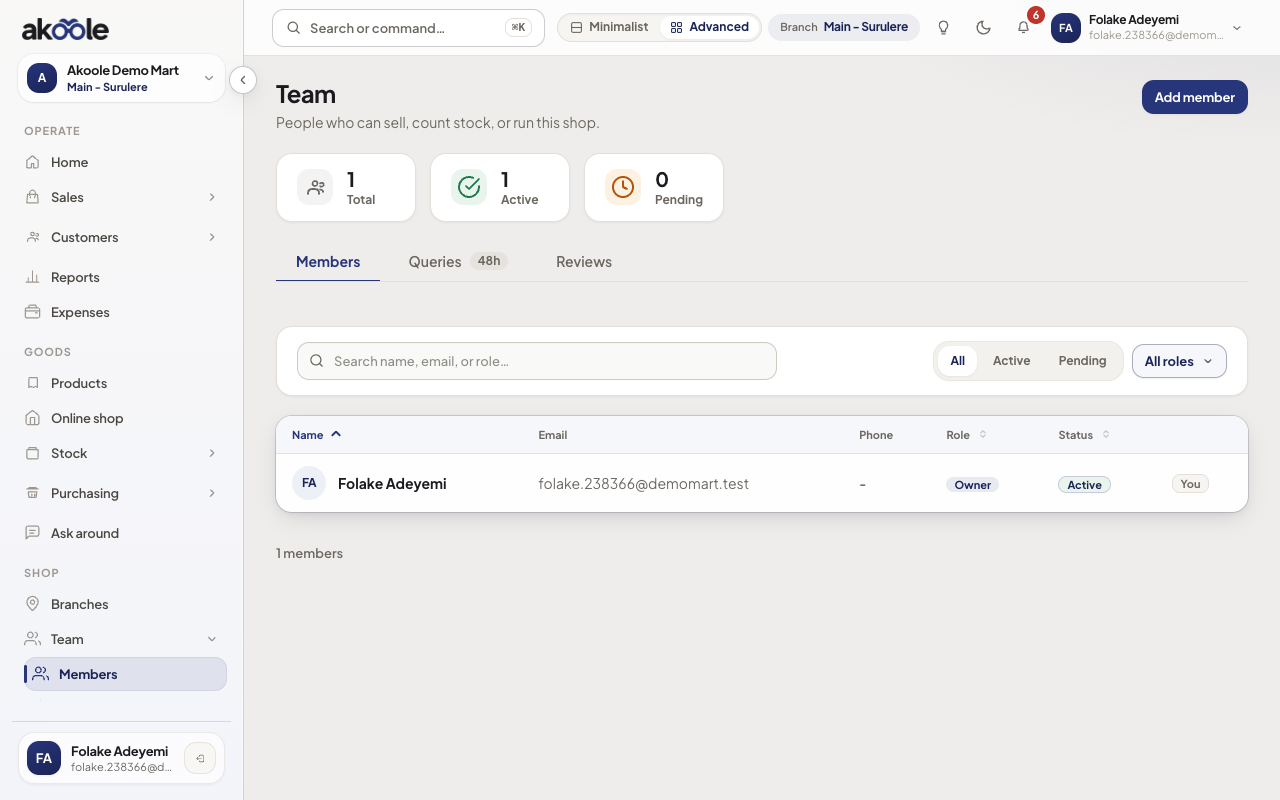
Team page for Akoole Demo Mart with just the owner -
Start an invite
Tap Invite. Enter their work email (not a shared Gmail if you can help it), pick a preset role (usually Cashier for the till), and assign branches. Leave “all branches” only for people who should see every location.
Show screenshot
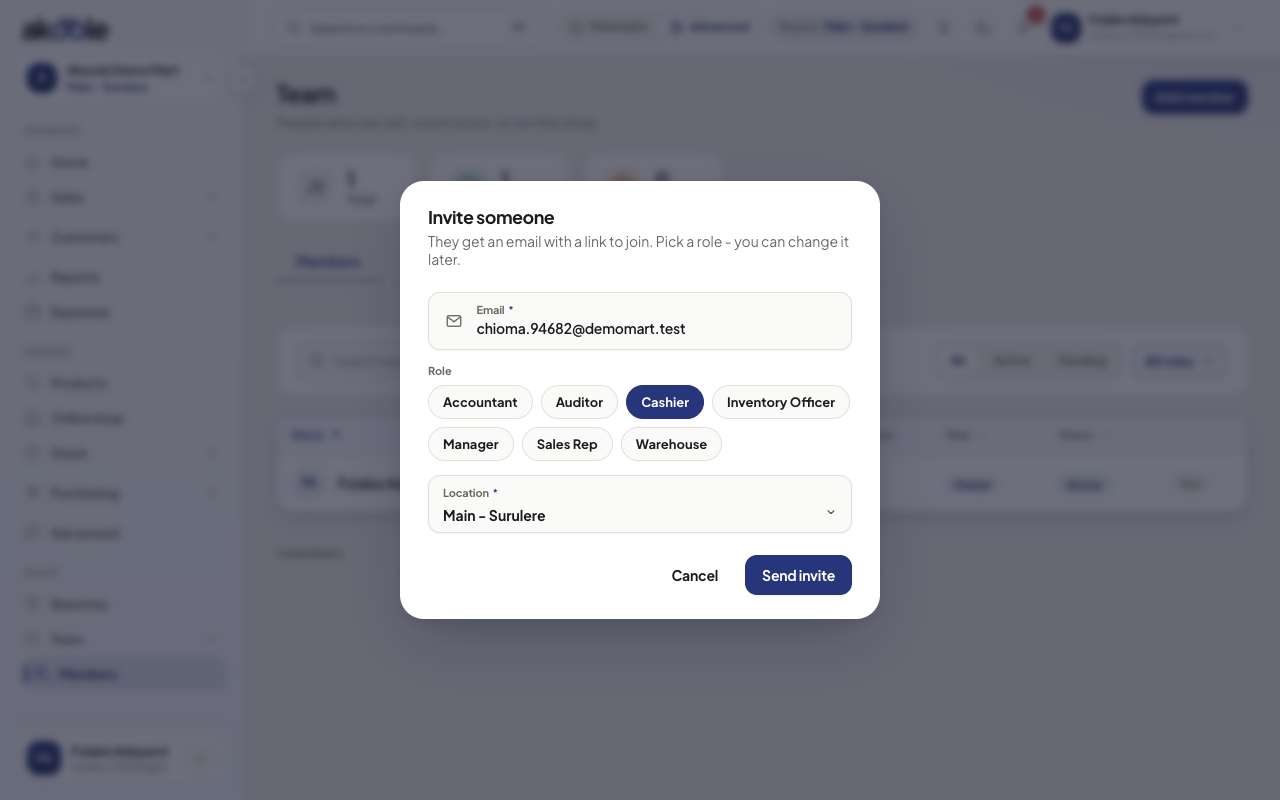
Inviting Chioma as a Cashier for Main - Surulere -
Send the mail
Submit. Akoole emails a link that lands on
/invite/:tokenon your staff host. Pending invites expire after 14 days. You can withdraw a pending invite from the same list.Show screenshot
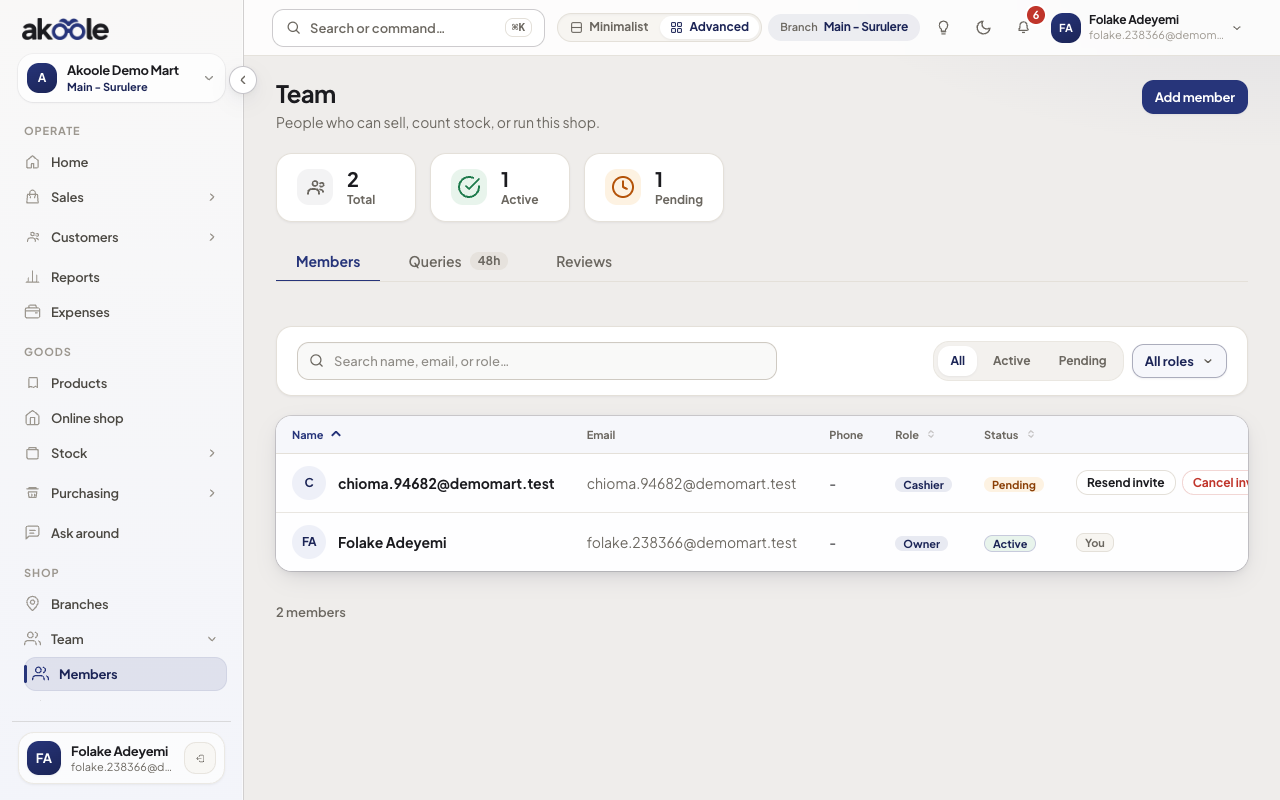
Chioma's invite pending, with the option to withdraw it -
They open the invite link
The invitee signs in or registers with the same email. A mismatch is rejected. If they already have an Akoole user, accepting attaches this shop. New users set a password (or passkey) on the invite screen.
Show screenshot
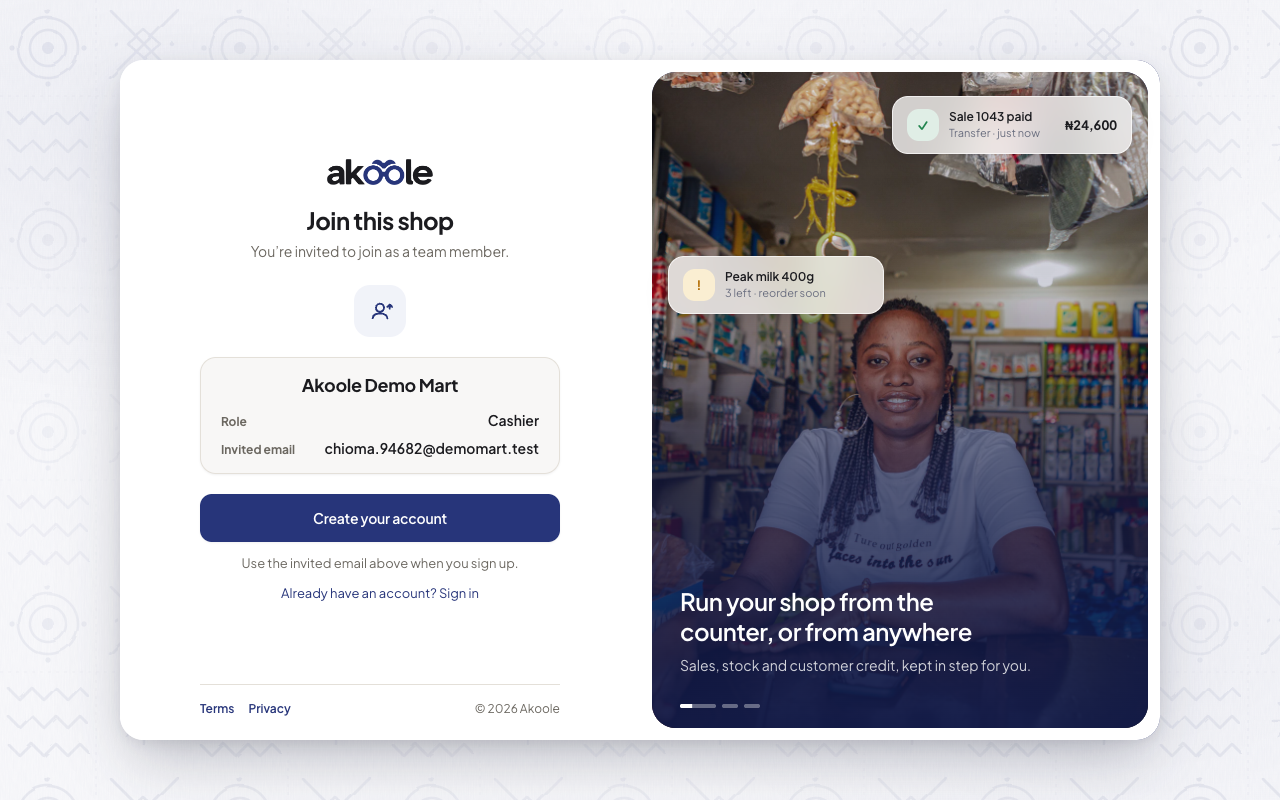
The invite link Chioma opens: accept to join Akoole Demo Mart -
Confirm they landed
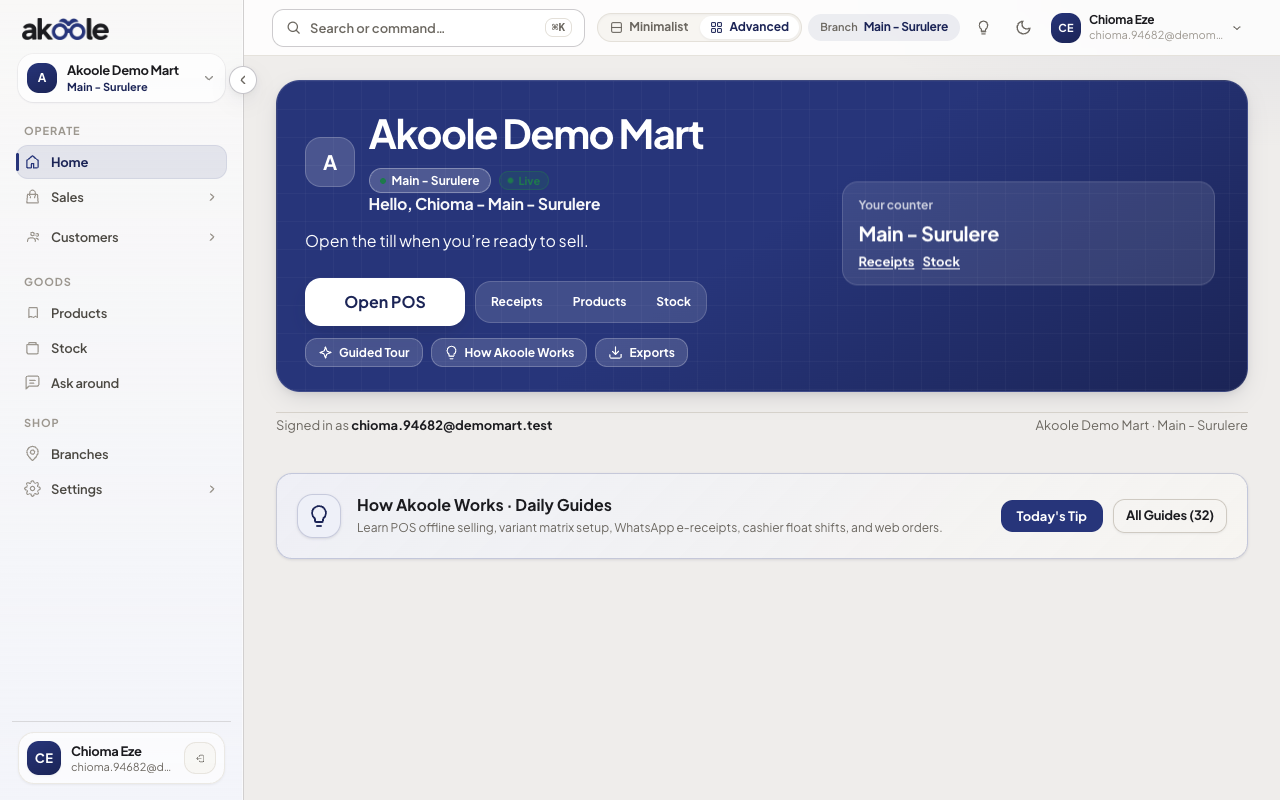
After accept, they should see Home (or POS, depending on role). Back on Team, their row is Active. Ask them to set a staff PIN before they share a tablet.
Show screenshot
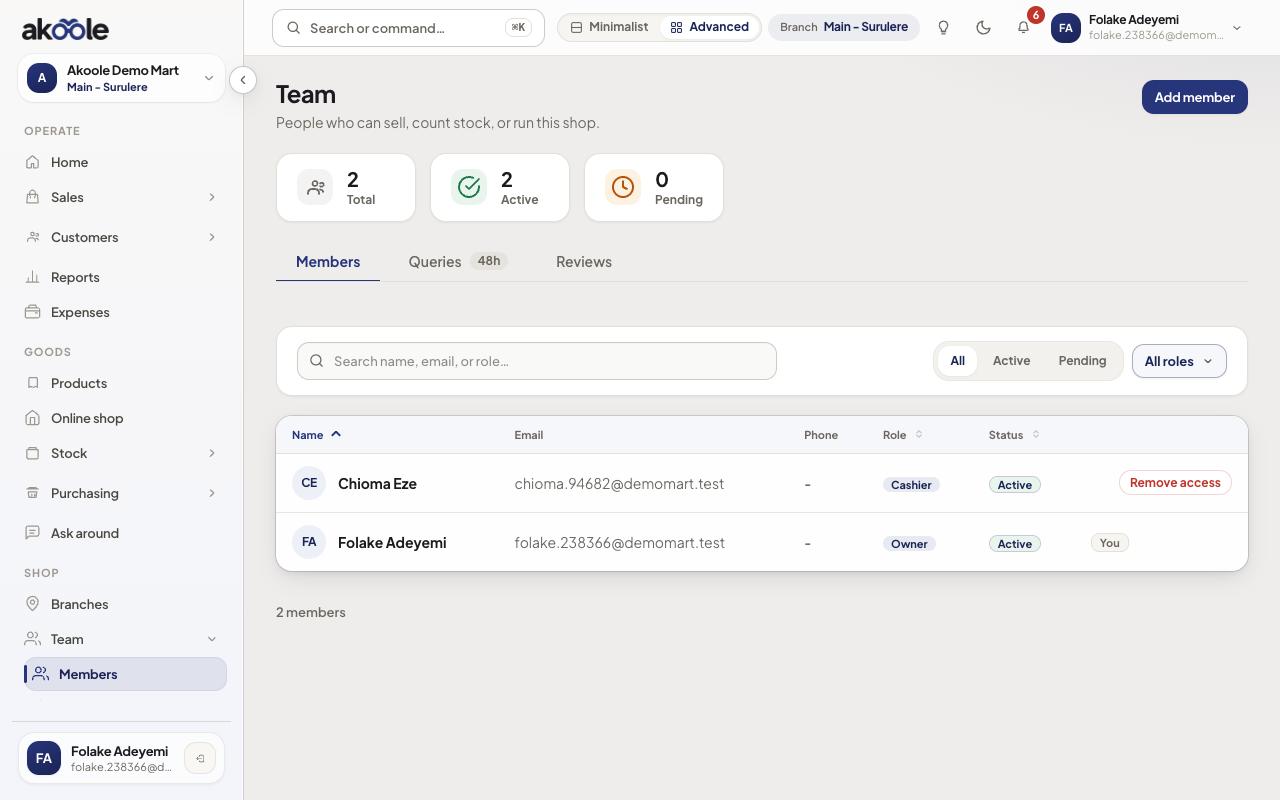
Chioma now an active Cashier at Main - Surulere
Show screenshot
If something goes wrong
Section titled “If something goes wrong”Invite button says to verify email
Finish Verify your email. Invites and billing checkout both require a verified Owner/Manager.
“An invite is already pending”
Withdraw the old invite or wait for it to expire, then send again. One pending invite per email.
They hit seat limit
Starter is 2 users, Growth 5. Remove an unused member or change plan.