

Export for accountants
Limits are monthly export count, not order volume. Akoole does not file tax for you.
Download this month’s sales and expenses sheet for the accountant without burning the monthly cap on test clicks.
-
Choose Reports or receipts
Reports → Export for the period pack, or Receipts → Export for line-level sales. Do not spam both “to see”.
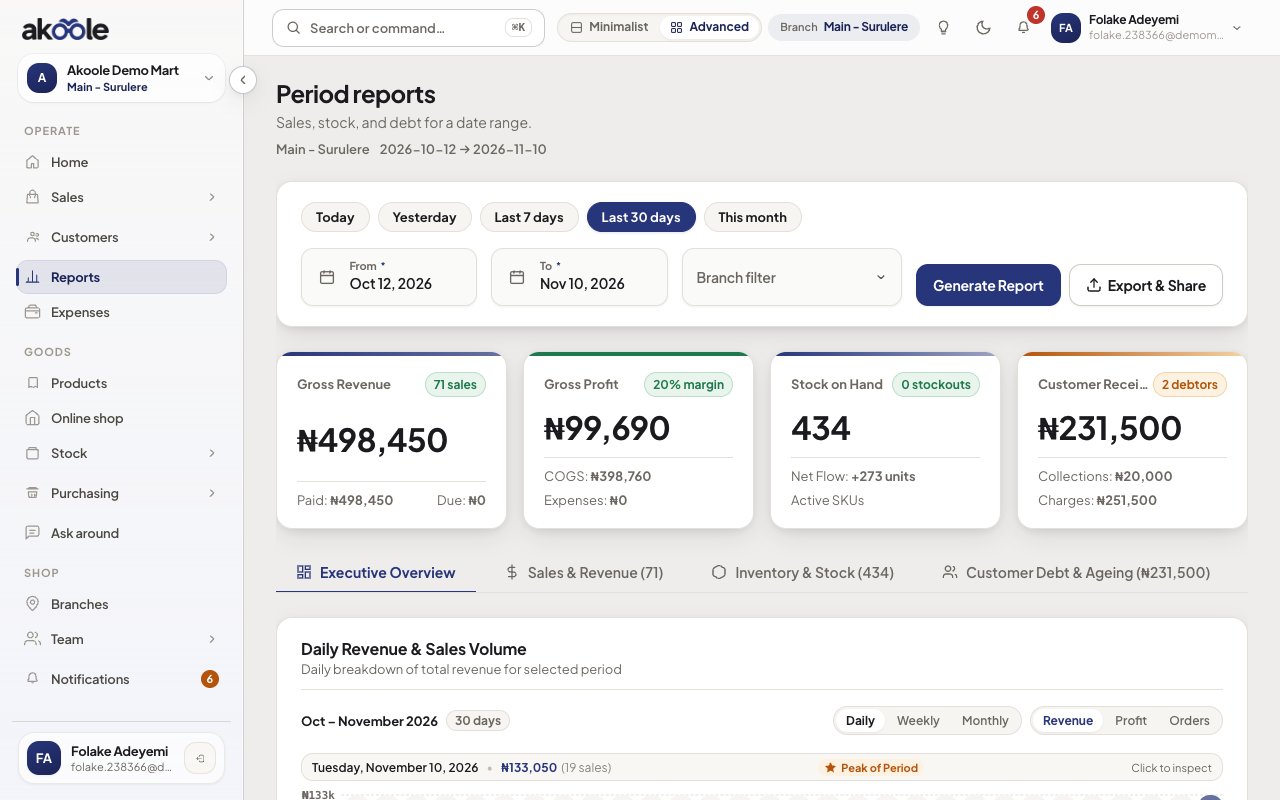
Reports with a date range chosen, ready to export -
Pick format and columns
CSV or Excel. Include tender split, VAT columns if you use them, cashier, customer. You are compiling a workbook, not submitting to FIRS from this button.
Show screenshot
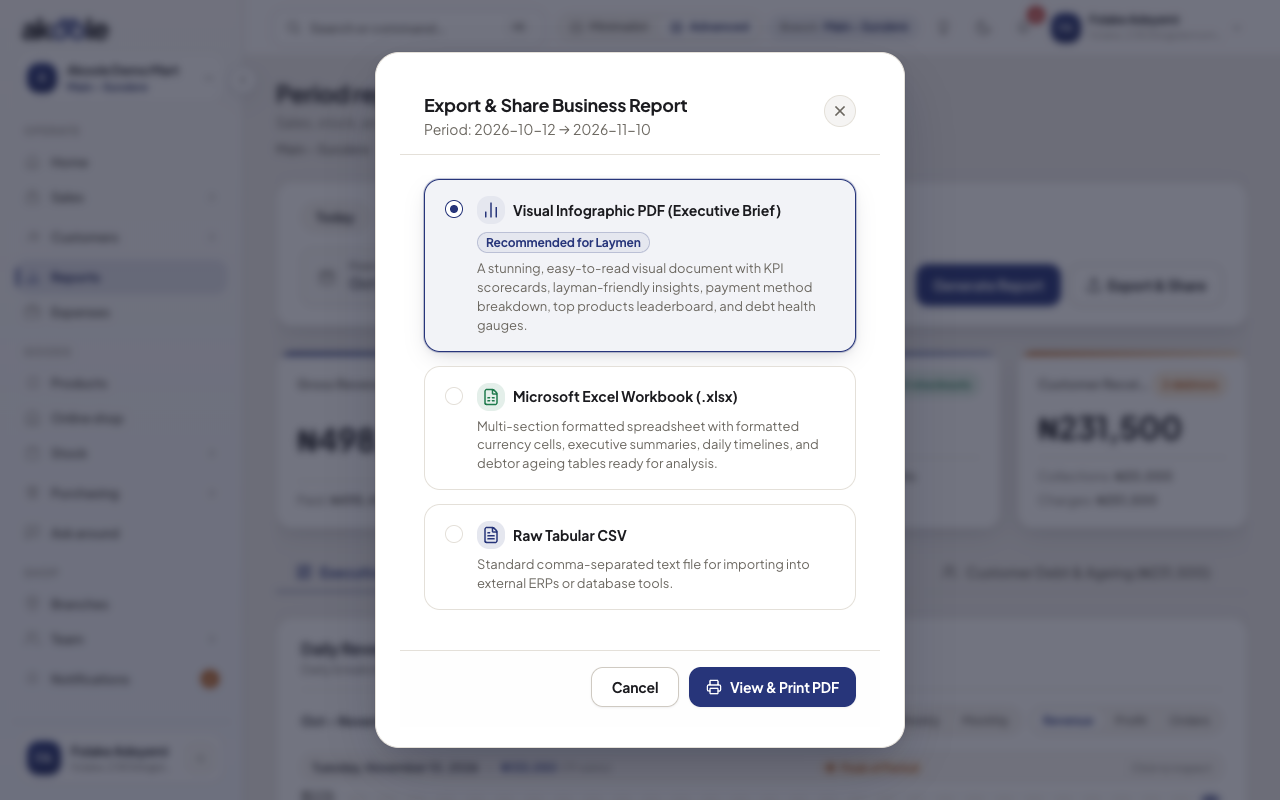
Export and Share Business Report: PDF, Excel or CSV -
Download
Download export. That increments the monthly counter. Dry-run validation and templates do not.
Show screenshot
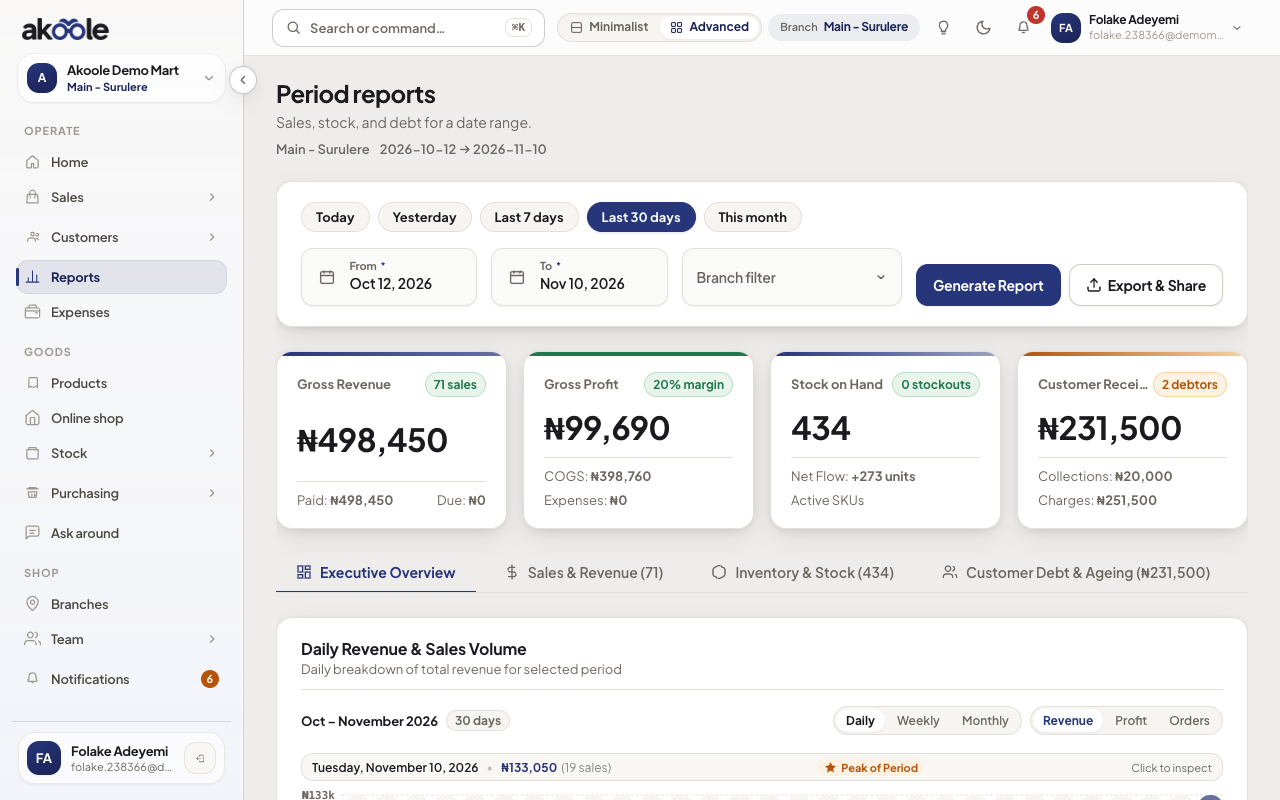
Reports for the period you are exporting -
If you hit the cap
Wait for next calendar month or upgrade. Growth’s 10 is meant for weekly accountant drops, not hourly experiments.
If something goes wrong
Section titled “If something goes wrong”Cap hit on Starter
Two real downloads per month. Use on-screen reports for curiosity.
Empty file
Wrong branch or date range. Exports are not order-volume limited; they can still be empty.