

Record a payment
Match a ₦50,000 GTBank alert to INV-00018 and leave a receipt in the book.
-
Filter unpaid or overdue
On Invoices, filter Unpaid / Overdue. Home watchlist also flags due dates.
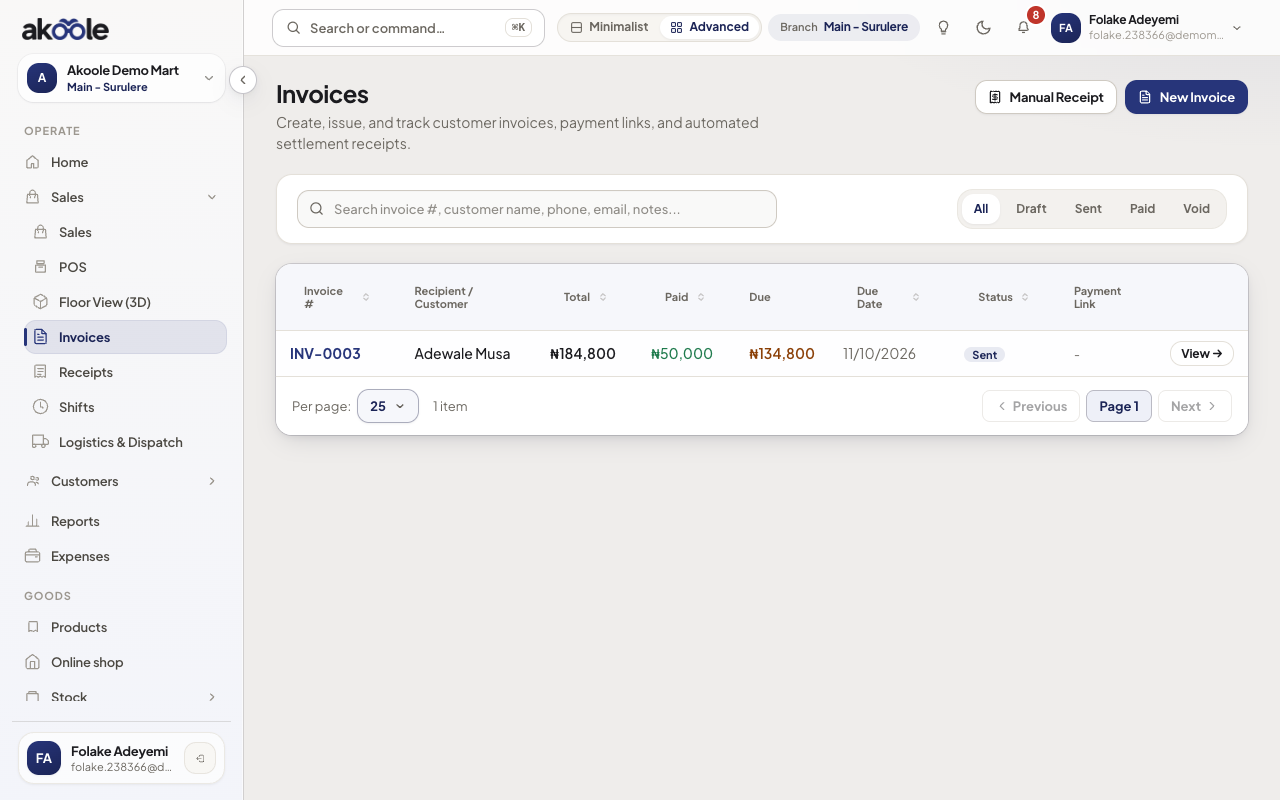
Invoices list with the part-paid invoice -
Optional WhatsApp reminder
Open the invoice → Send WhatsApp reminder. The customer gets balance + pay link. This is the shop WhatsApp channel, not a private broadcast list.
-
Record the transfer
Record payment. Choose transfer, amount (partial allowed), date, and bank reference from the alert. Card/POS/cash if they paid in person.
Show screenshot
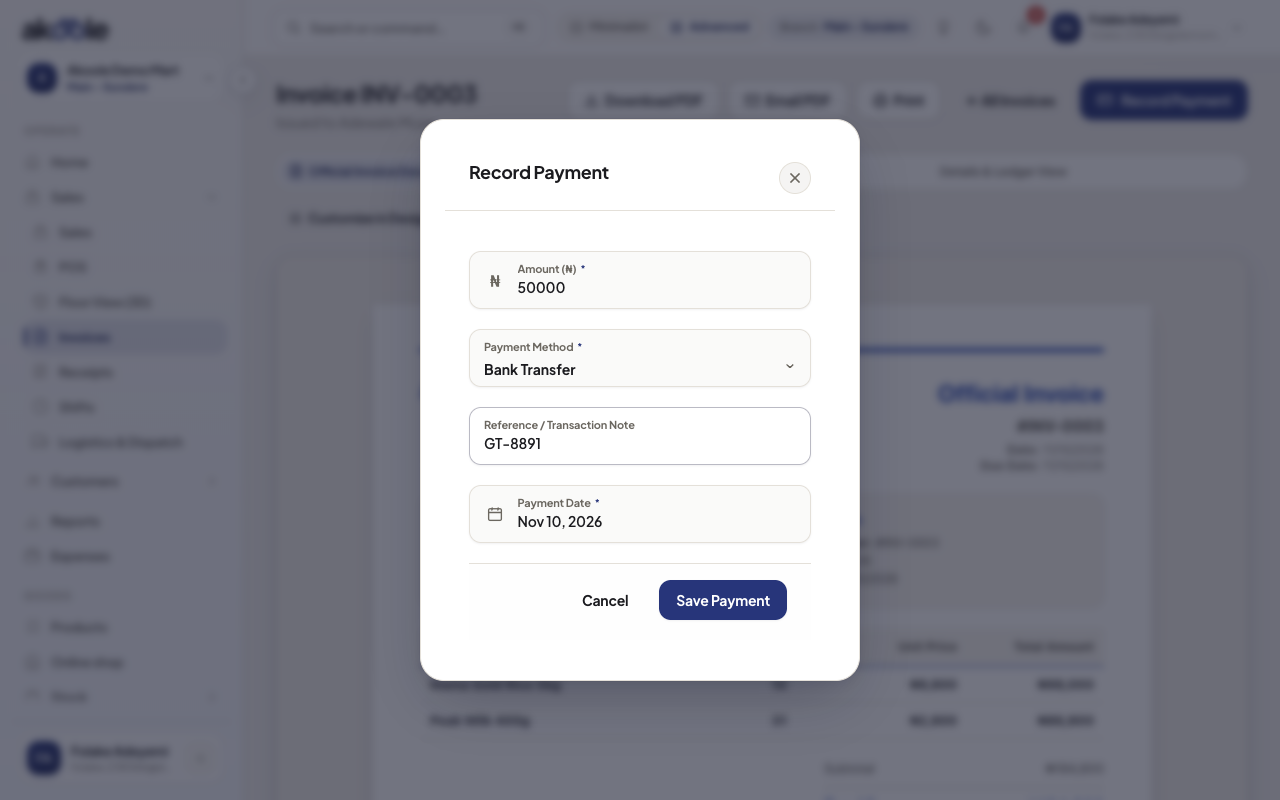
Record payment: ₦50,000 by transfer, reference GT-8891 -
Receipt follows
A payment receipt is issued for that slice. Remaining balance stays on the invoice until it hits zero.
Show screenshot
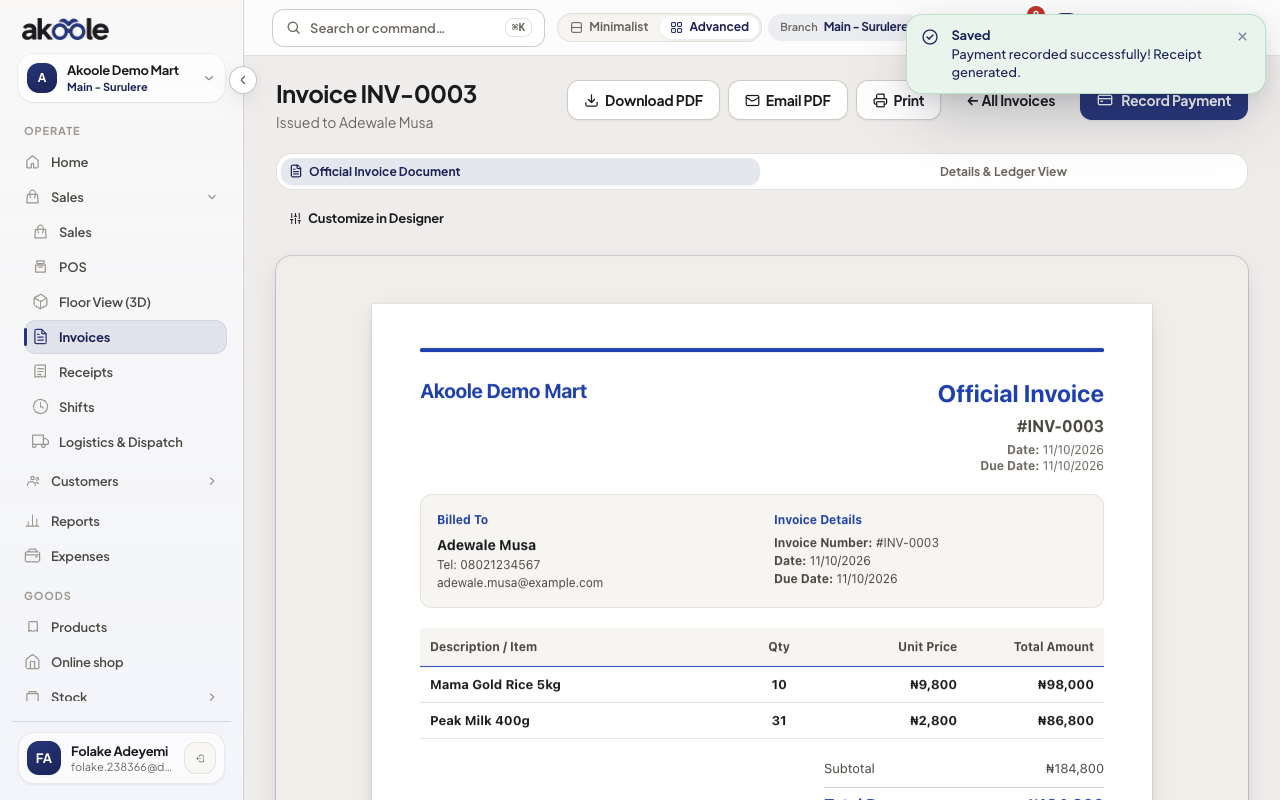
Invoice part paid: ₦50,000 received, ₦134,800 still due
Show screenshot
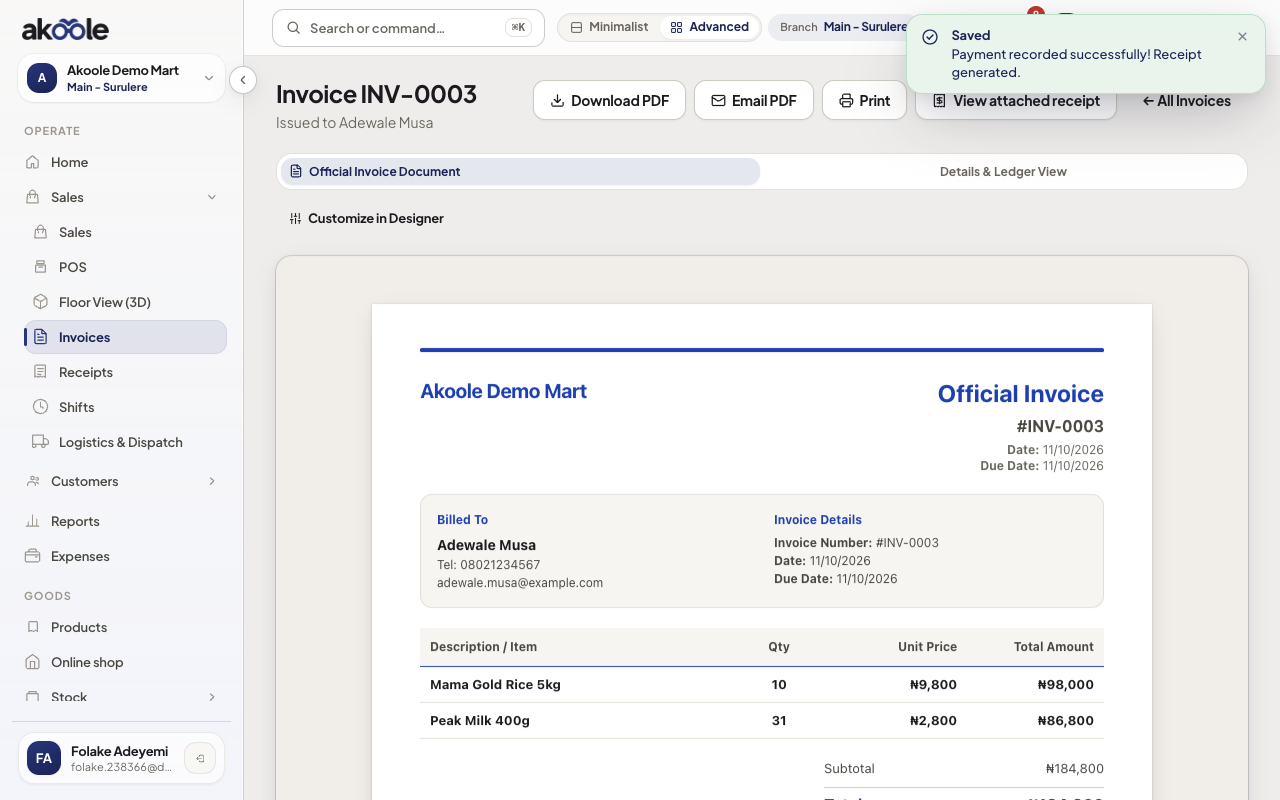
If something goes wrong
Section titled “If something goes wrong”Double-entered the same alert
Check payment history before recording. Pay links never record the same payment twice, but manual entries can, so check first.
They paid a customer balance, not this invoice
Use Collect a payment so FIFO/manual allocation can hit the right invoices.