

Serial tracker
You answer “who bought this IMEI?” in seconds, and you know what is still in the Surulere safe.
-
Open Serials
Go to Inventory → Serials (serial tracker). This is unit-level, not a qty spreadsheet.
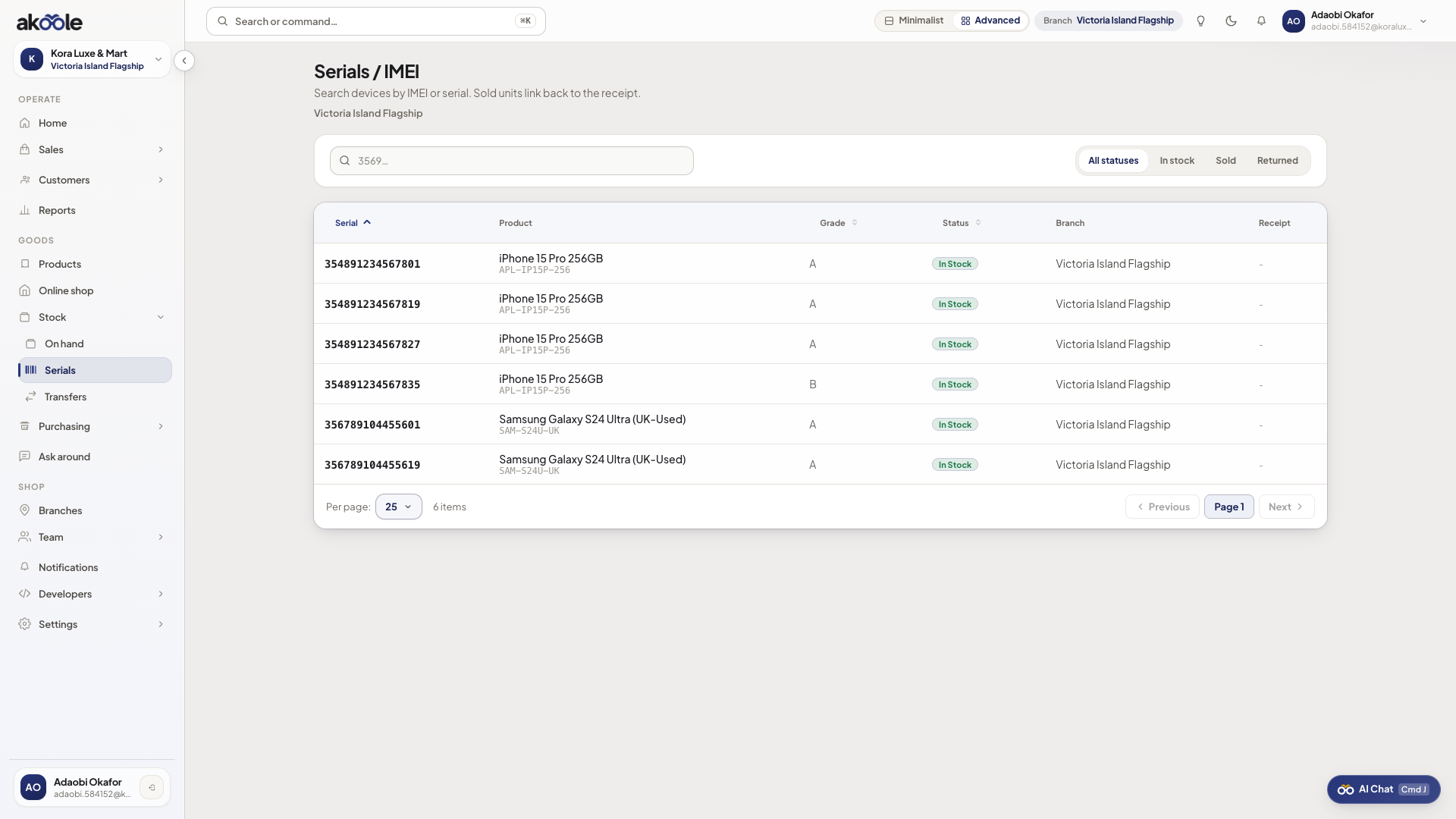
Serial tracker listing IMEIs in stock -
Filter by status
Filter in-stock, sold, in-transit, or swapped so you are not scrolling dead units.
-
Search an IMEI
Paste the IMEI from a customer or police report. Open the unit for condition A–D and movement history.
Show screenshot
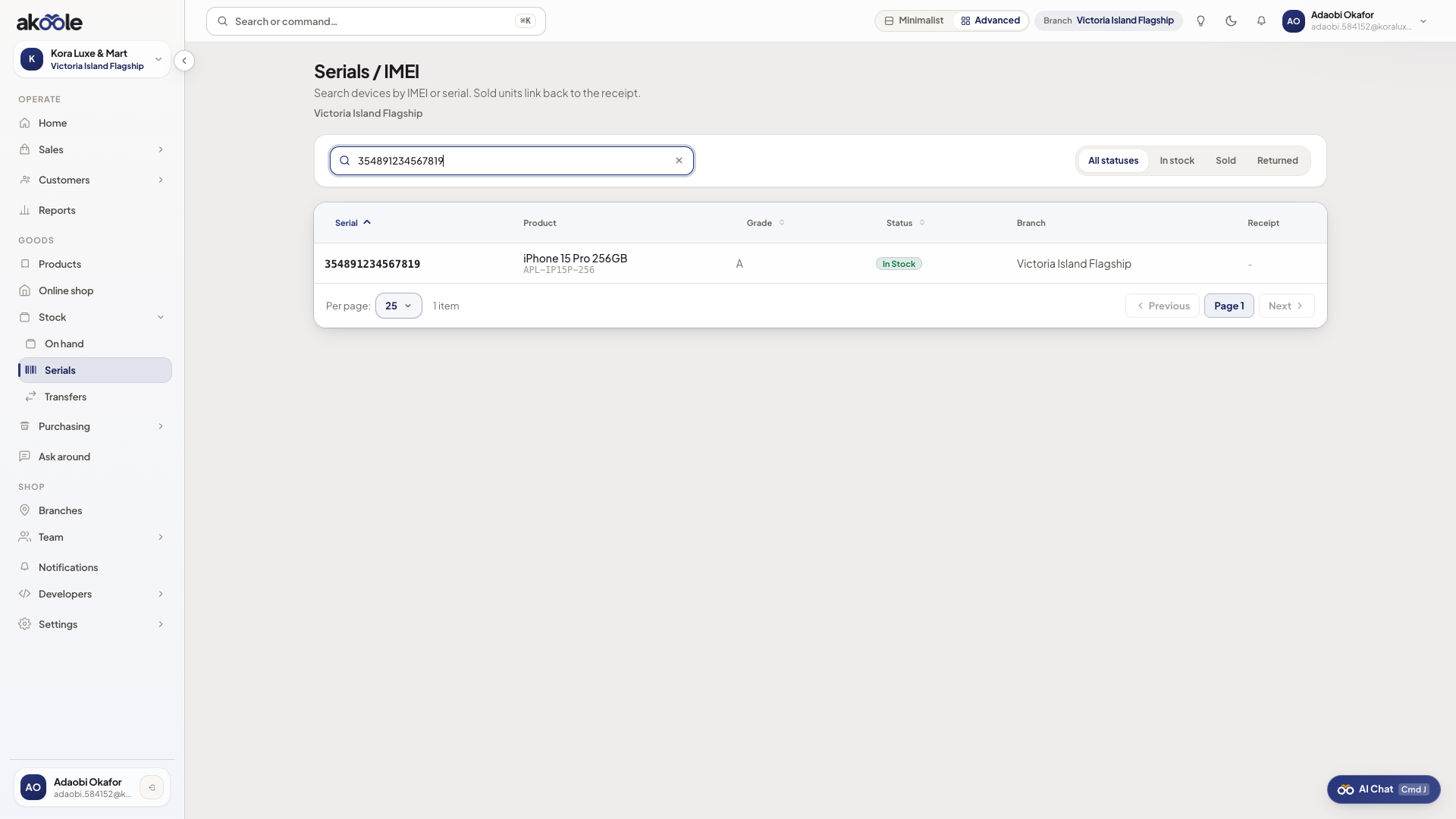
Serial tracker search result for an IMEI -
Jump to the sale
If sold, follow through to the receipt. Warranty arguments end when the serial is on the document.
Show screenshot
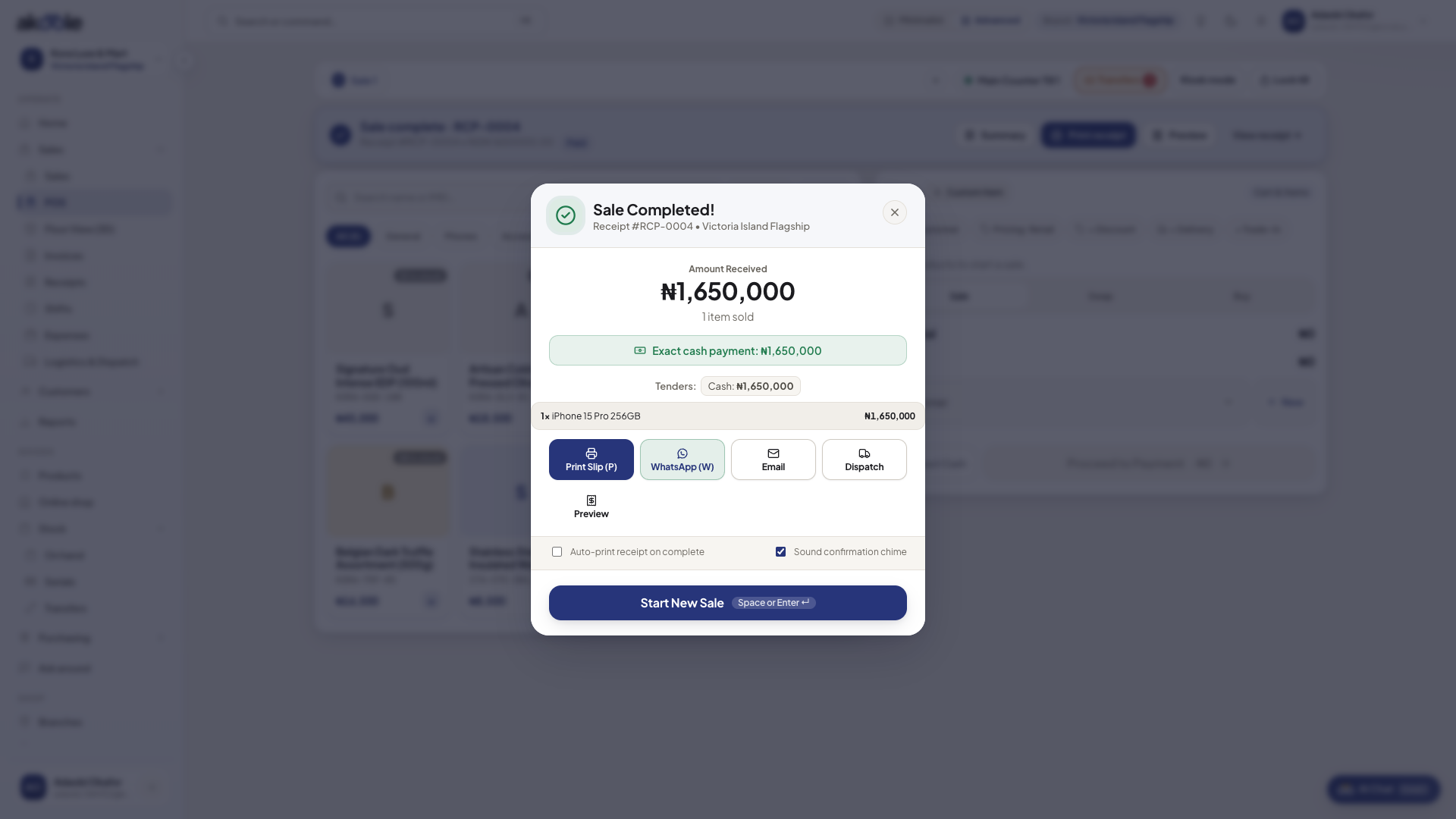
Receipt showing the sold IMEI -
Catch duplicates
If receive rejects an IMEI, it is already in the tracker. Do not override by creating a new product.
If something goes wrong
Section titled “If something goes wrong”Empty tracker
Qty was received without serials, or tracking is not serial. Fix the product flag and capture identities on the next receive.
Sold but still in-stock
POS sale skipped IMEI capture (should be blocked) or a failed offline sync. Check the outbox and the receipt.