

Sell offline and sync
NEPA or MTN can fail; the queue cannot. Sales sit in a local outbox until they sync once.
-
Notice the offline banner
When the network drops, POS shows offline. Do not close the tab. Products are cached locally.
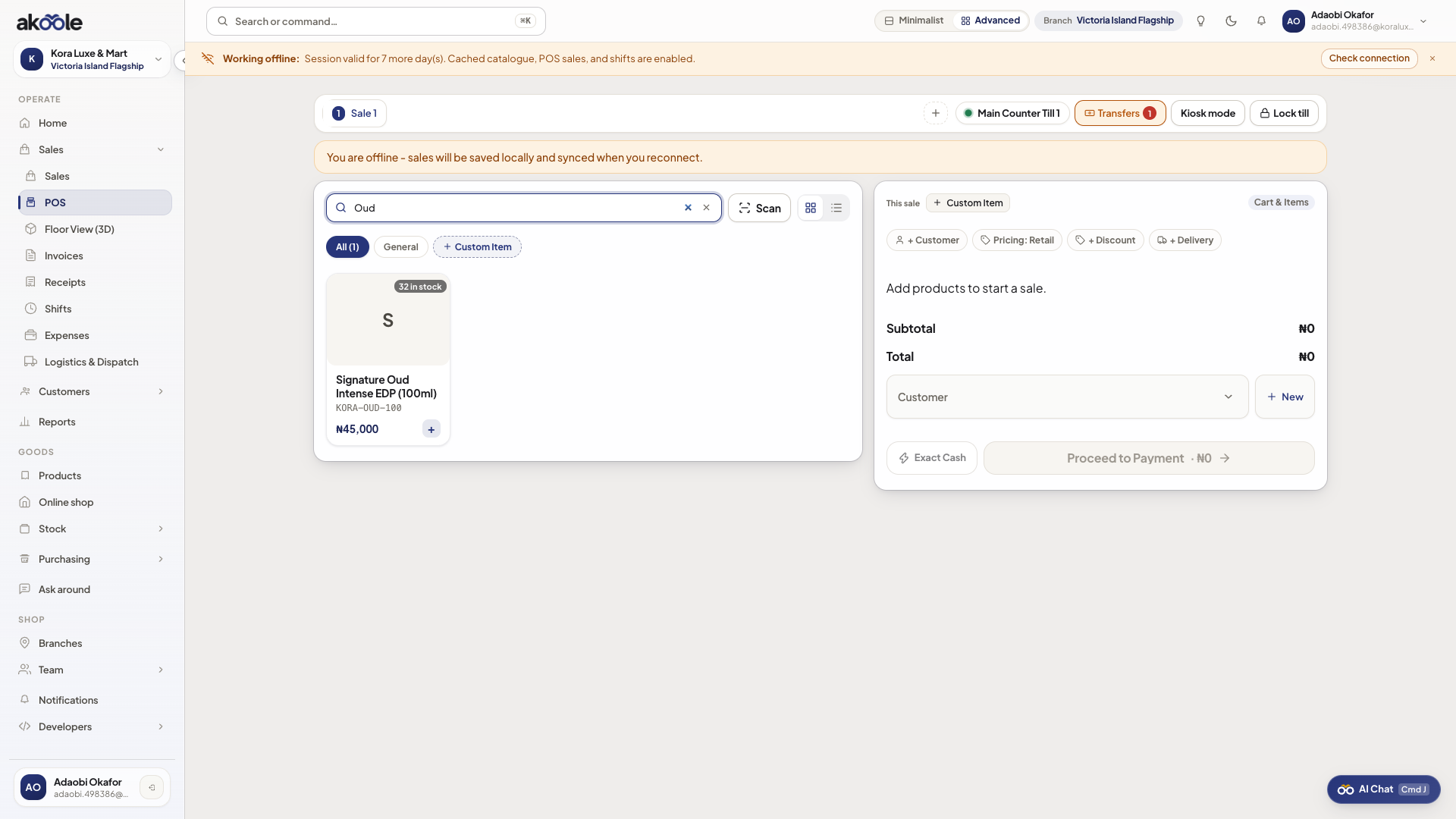
POS working offline -
Keep selling into the outbox
Scan, tender cash/transfer/POS/split as you would. Completed sales wait safely on this device and sync once, with no duplicates, when you are back online.
-
Watch the outbox
Pending receipts stay on this device until sync. Owners can see backlog age when you are back online.
Show screenshot
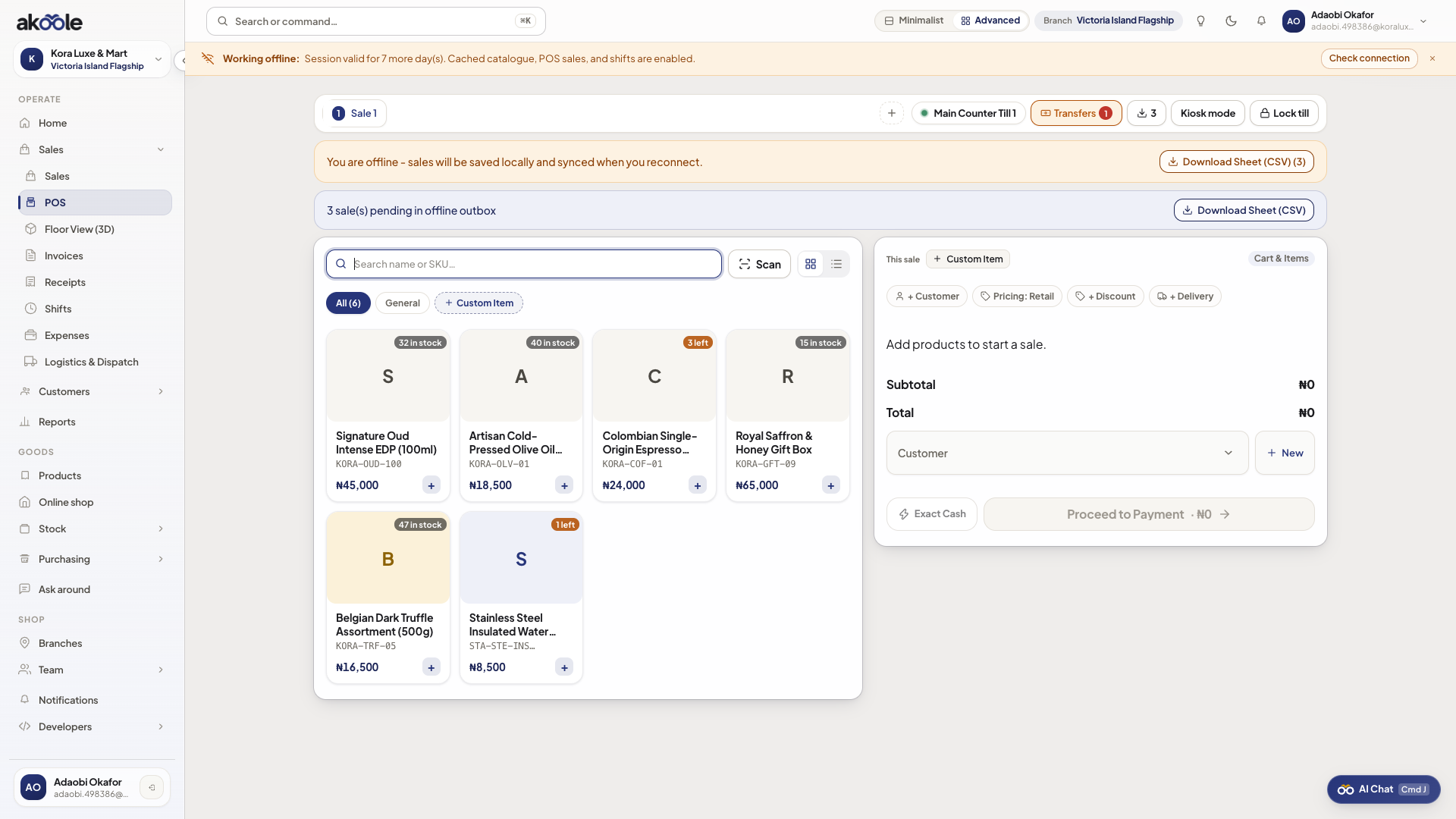
Offline sales waiting in the queue -
Sync when the network returns
Outbox drains to Sales. Stock is confirmed. WhatsApp receipts that failed will retry. Conflicts (last unit sold twice) notify you - do not tap complete again “to be sure”.
-
Handle a conflict
If two tills sold the last piece, follow the in-app conflict. Tell the customer honestly; do not hide it with an adjustment unless inventory says so.
Show screenshot
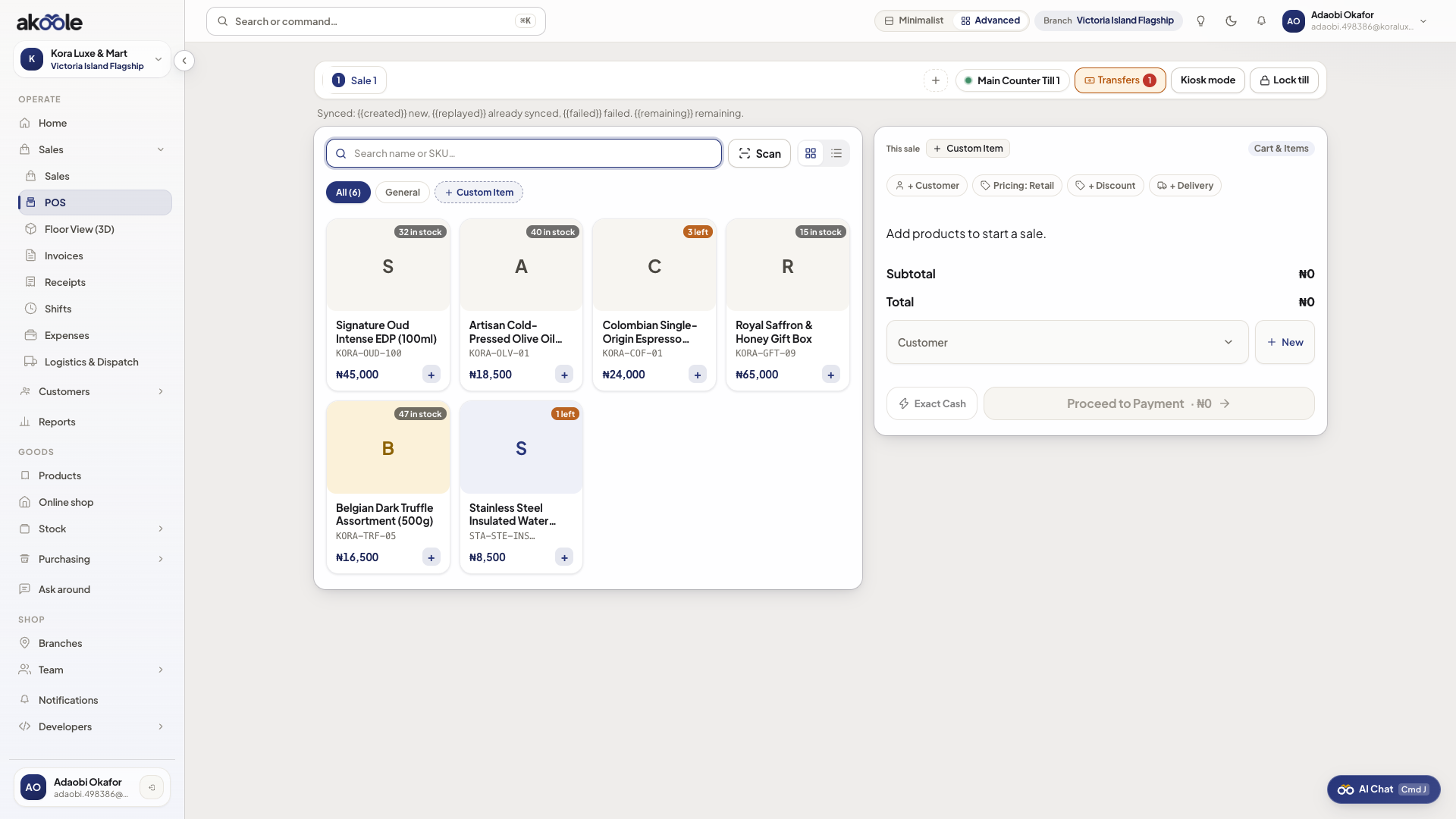
If something goes wrong
Section titled “If something goes wrong”Empty products offline
This device never cached POS while online. Reconnect, open POS, then you can survive the next drop.
Double-complete
Idempotency should block a replay of the same sale. If the customer was charged twice in the real world, reverse with a return, not another offline tap.