

Branches
Understand that Main was created at onboarding, add another branch when the plan allows, and switch location without changing the staff URL.
-
Open Branches
Go to Branches (
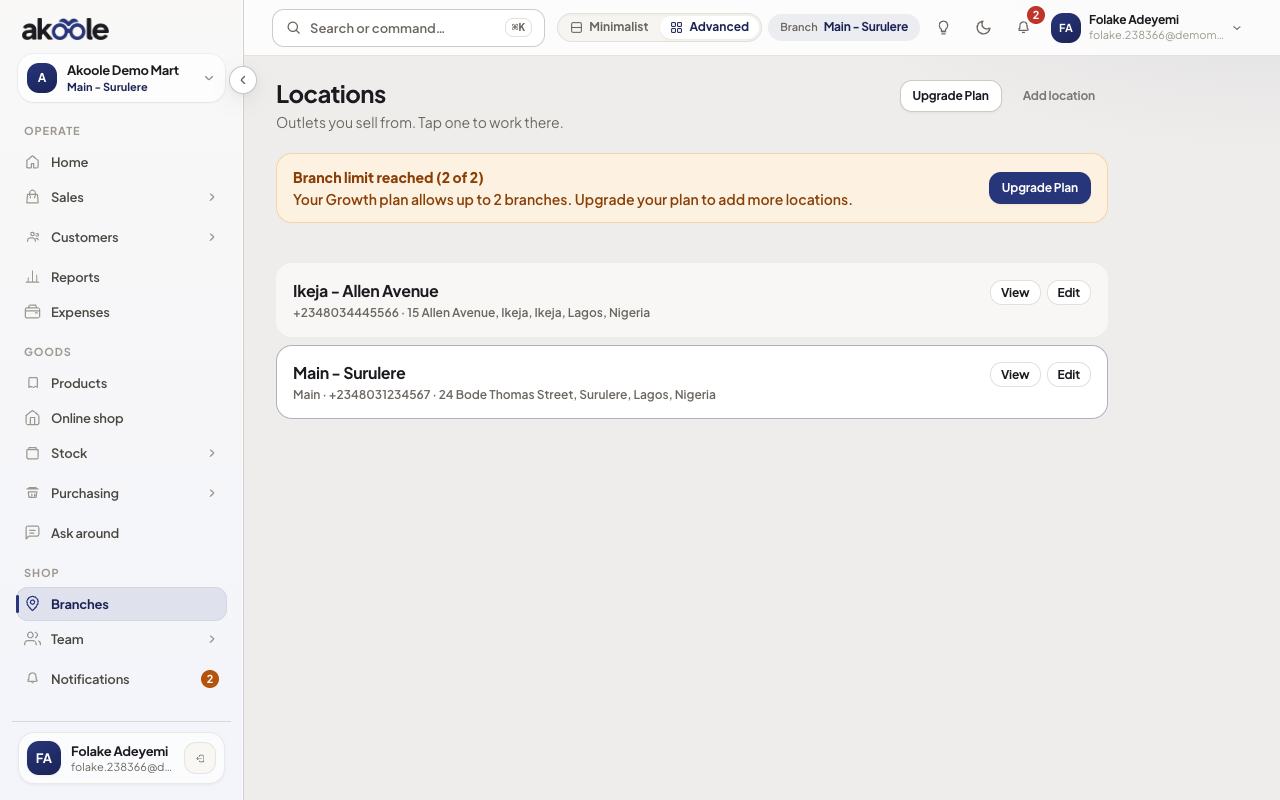
/branches). You should already see Main (or whatever you named at onboarding) with the Surulere address if you entered one.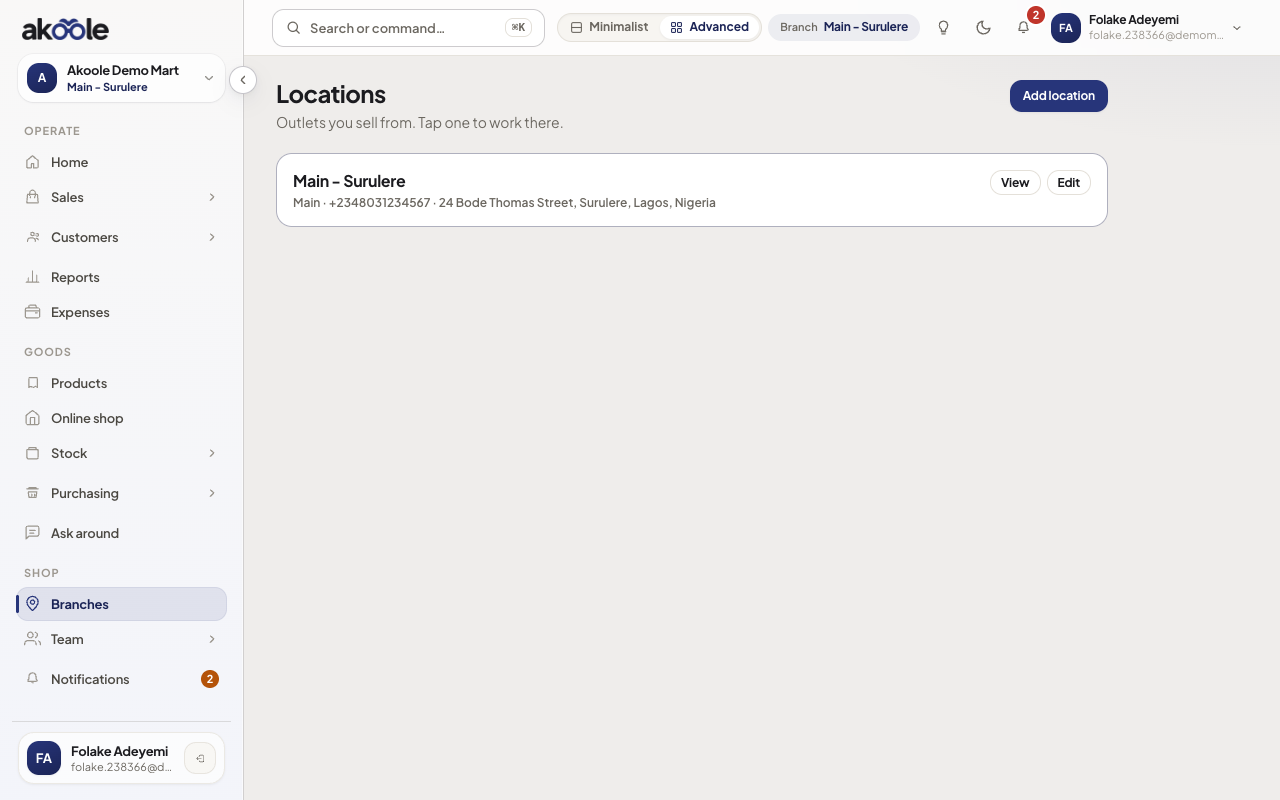
Branches with Main - Surulere as the only location -
Edit the default location
Open Main. Set phone, address line, city, LGA, state, and map pin if you use nearby/Ask around. Save. This does not create a new subdomain.
Show screenshot
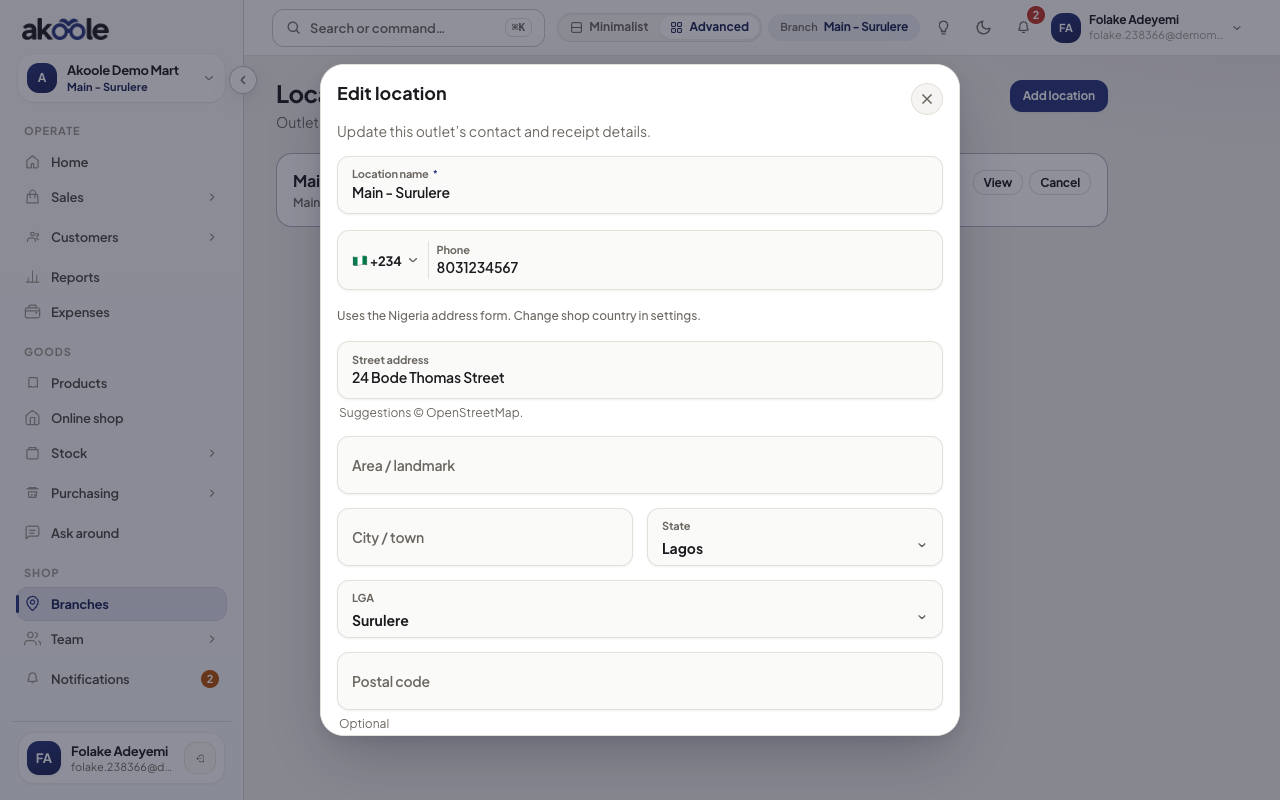
Editing Main - Surulere: address and phone -
Add another outlet (Growth+)
On Growth or Business, Add branch. Name it (Ikeja), set address, save. You cannot add a second outlet on Starter - upgrade from Billing.
Show screenshot
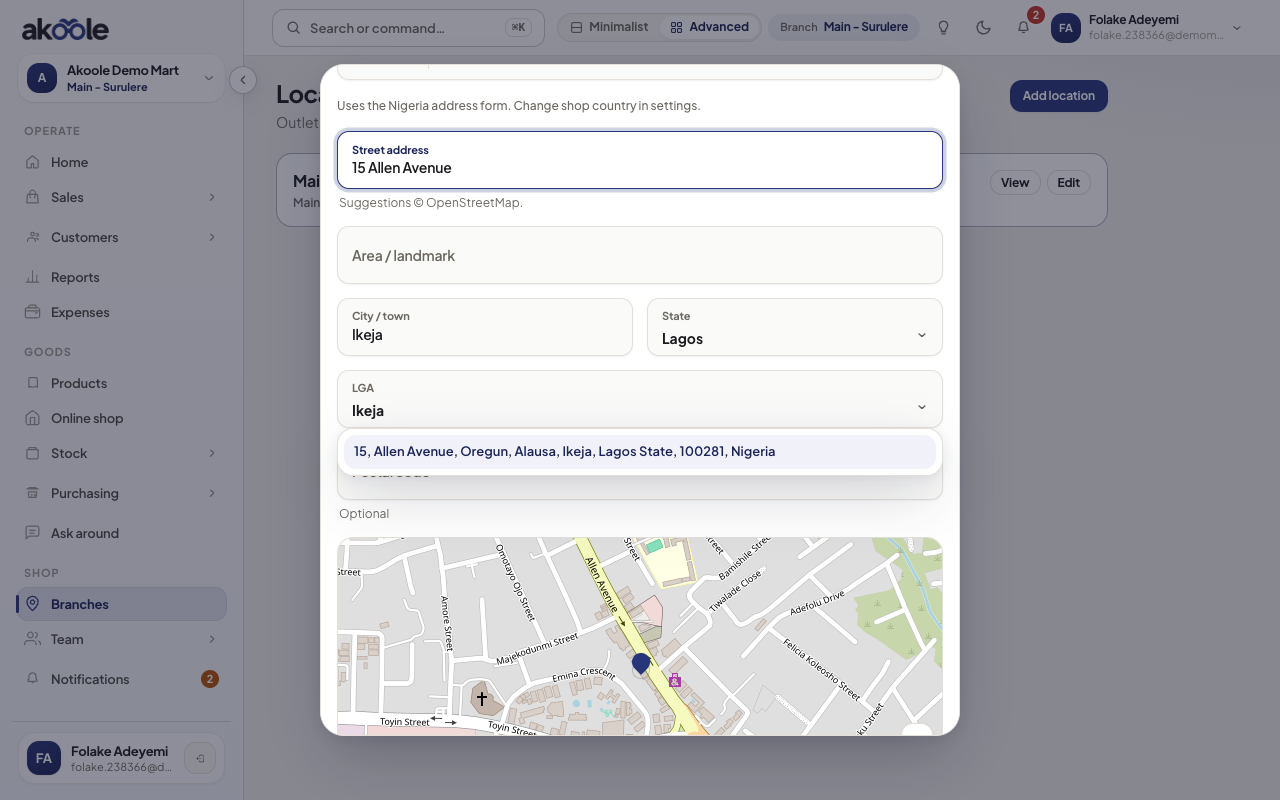
Add branch form for Ikeja -
Switch in the app
Use the branch switcher in the header (or command palette). POS, stock on-hand, and shifts follow the selected branch. The staff host stays
app.akoole.com.Show screenshot
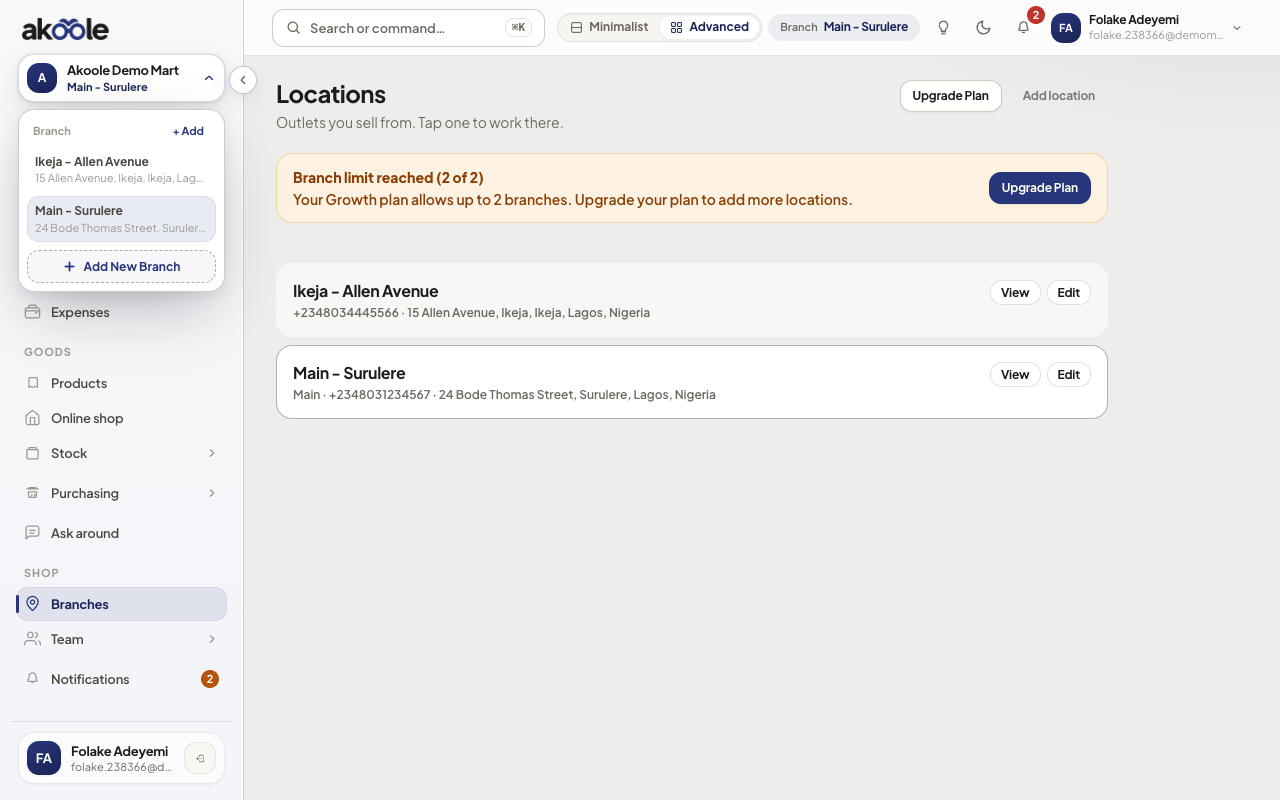
Header branch switcher with Main - Surulere and Ikeja -
Who can see which outlet
Owner sees all current and future branches. Managers and cashiers only see assigned locations. Transfers between outlets are a Business+ stock flow - see transfers in the stock docs.
Show screenshot
If something goes wrong
Section titled “If something goes wrong”Add branch is blocked
You are on Starter (1) or you already used Growth’s 3. Billing is Owner-only.
Cashier still sees the other outlet
Fix branch assignment on the member, not the URL. Owners always see all.