

Maker-Checker approvals
Prevent unauthorized spending and unilateral stock adjustments by establishing automated Maker-Checker governance rules across sensitive financial operations.
-
Navigate to Approvals Settings
In the left sidebar under Settings, click Approvals (
/settings/approvals).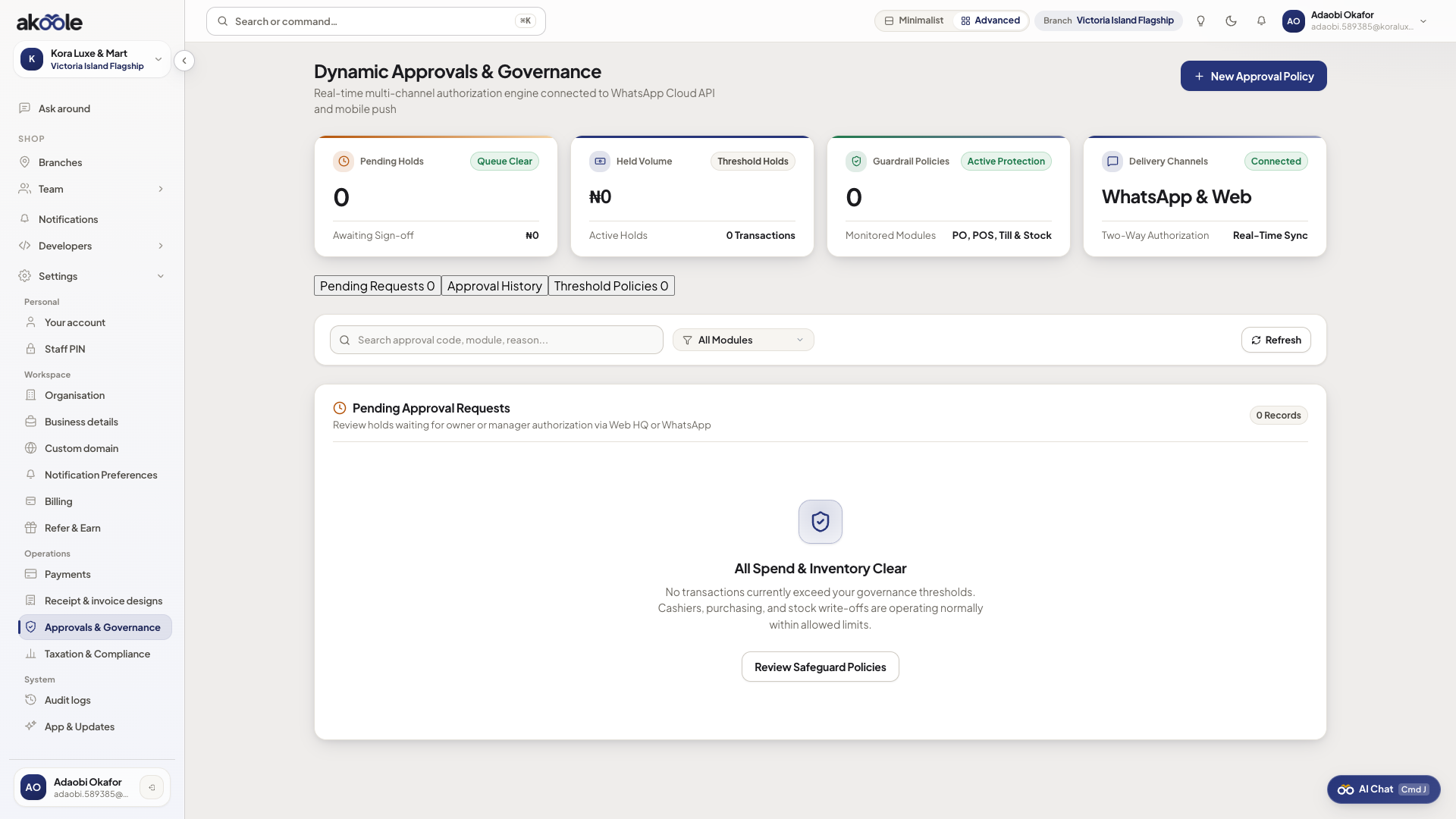
Approvals and Governance with approval policies -
Configure policy rules and financial thresholds
Set threshold rules across four key operational areas:
- Purchase Orders: (e.g. Any PO exceeding ₦500,000 requires Owner Approval).
- Expenses & Petty Cash: (e.g. Expenses above ₦50,000 require Manager Approval).
- Discounts at POS: (e.g. Below-floor discounts or custom markdowns above 15% require Manager PIN or Owner approval).
- Stock Adjustments & Write-Offs: (e.g. Damaged/missing stock write-offs exceeding ₦20,000 require Store Manager sign-off).
-
Manage the Pending Inbox
When a staff member creates a transaction exceeding a threshold, it pauses with status
PENDING_APPROVAL. Authorized managers view pending items in the Inbox tab, inspect line items and attached receipts, and click Approve or Reject with an audit reason note. -
Watch the governance & growth walkthrough
Common problems & fixes
Section titled “Common problems & fixes”- Urgent order is blocked waiting for approval: Owners can approve requests on the go from their smartphone or via WhatsApp approval notifications.