

Issue an invoice
Bill a Surulere contractor ₦185,000 with a Paystack/Flutterwave link they can open on their phone.
-
Open Invoices
Sidebar Invoices (
/invoices). Filter unpaid later when you chase.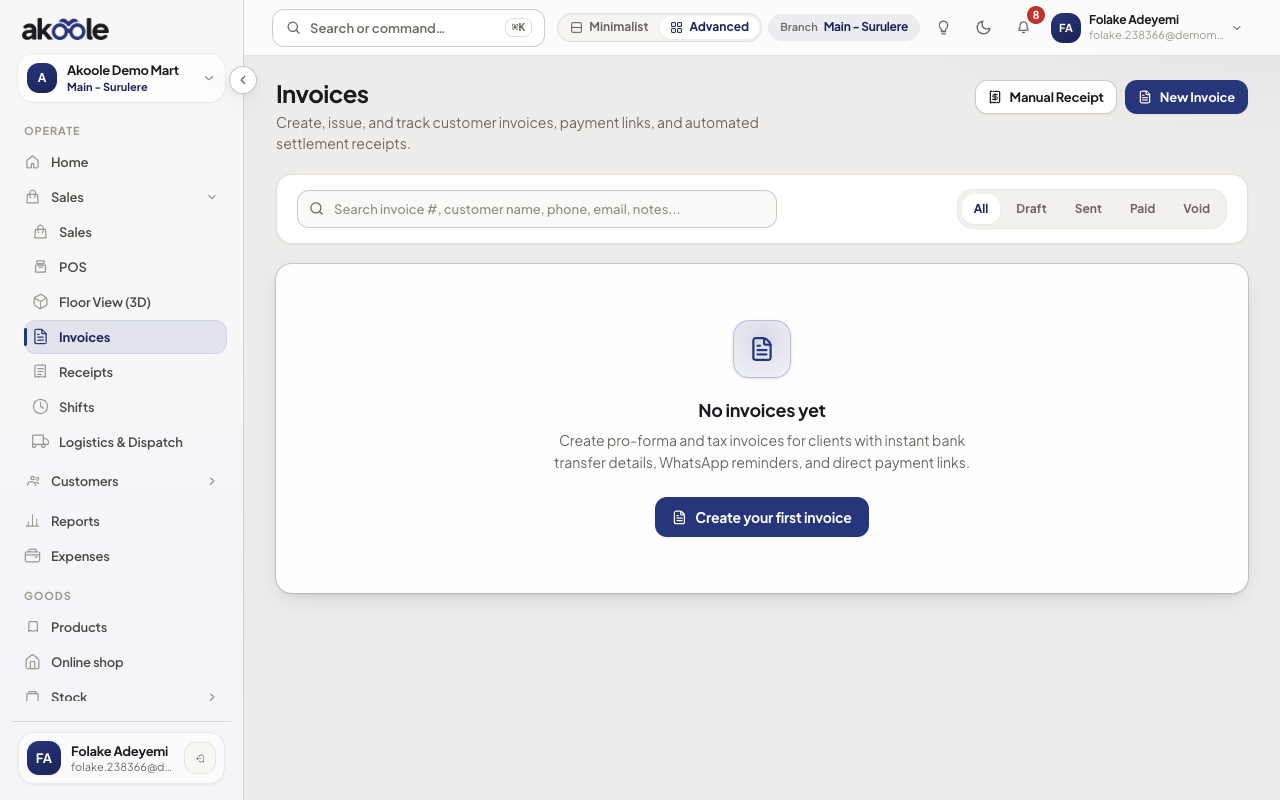
Invoices page with New invoice -
Build the invoice
New invoice. Pick the customer, add lines (qty, naira, optional discount), due date, and payment instructions (your GTBank/Access account).
Show screenshot
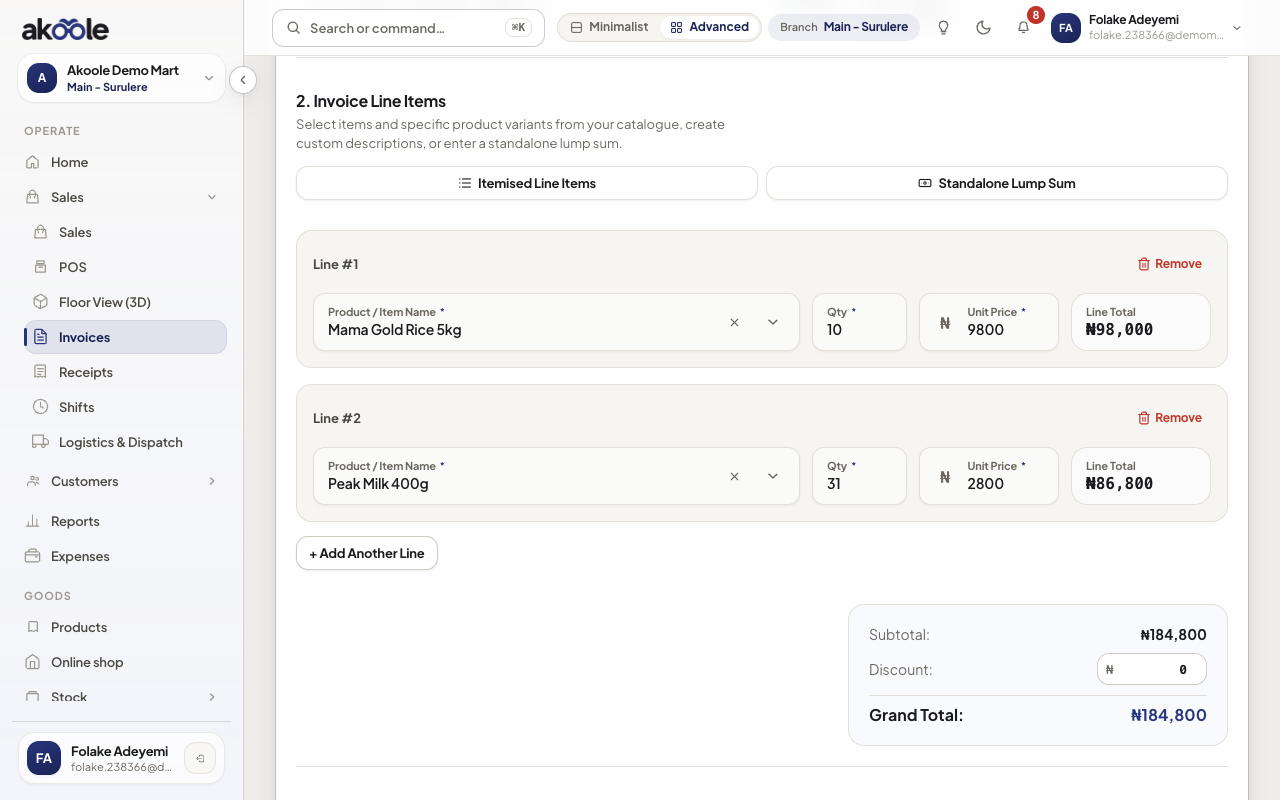
New invoice for Adewale Musa: rice and milk, with payment terms -
Issue
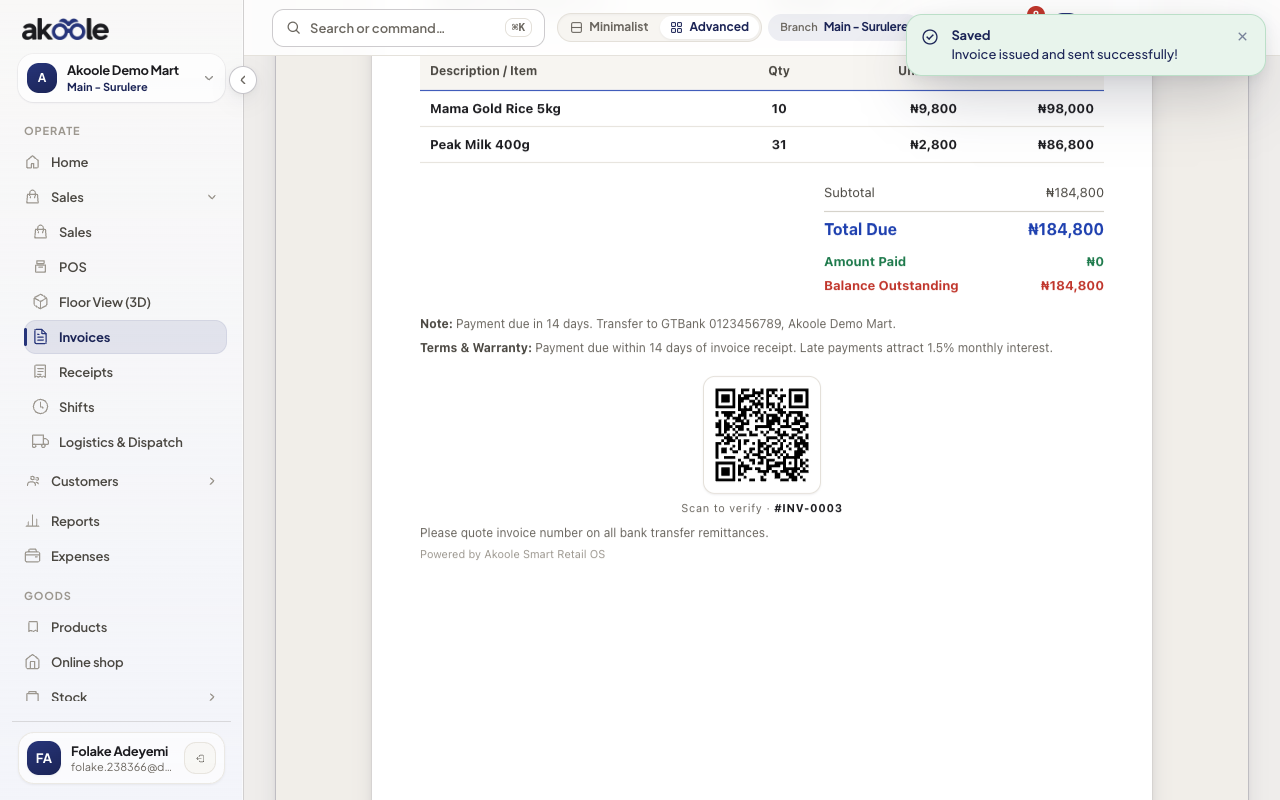
Issue invoice allocates the invoice number. Drafts do not go to the customer. You get a PDF and a secure payment link.
Show screenshot
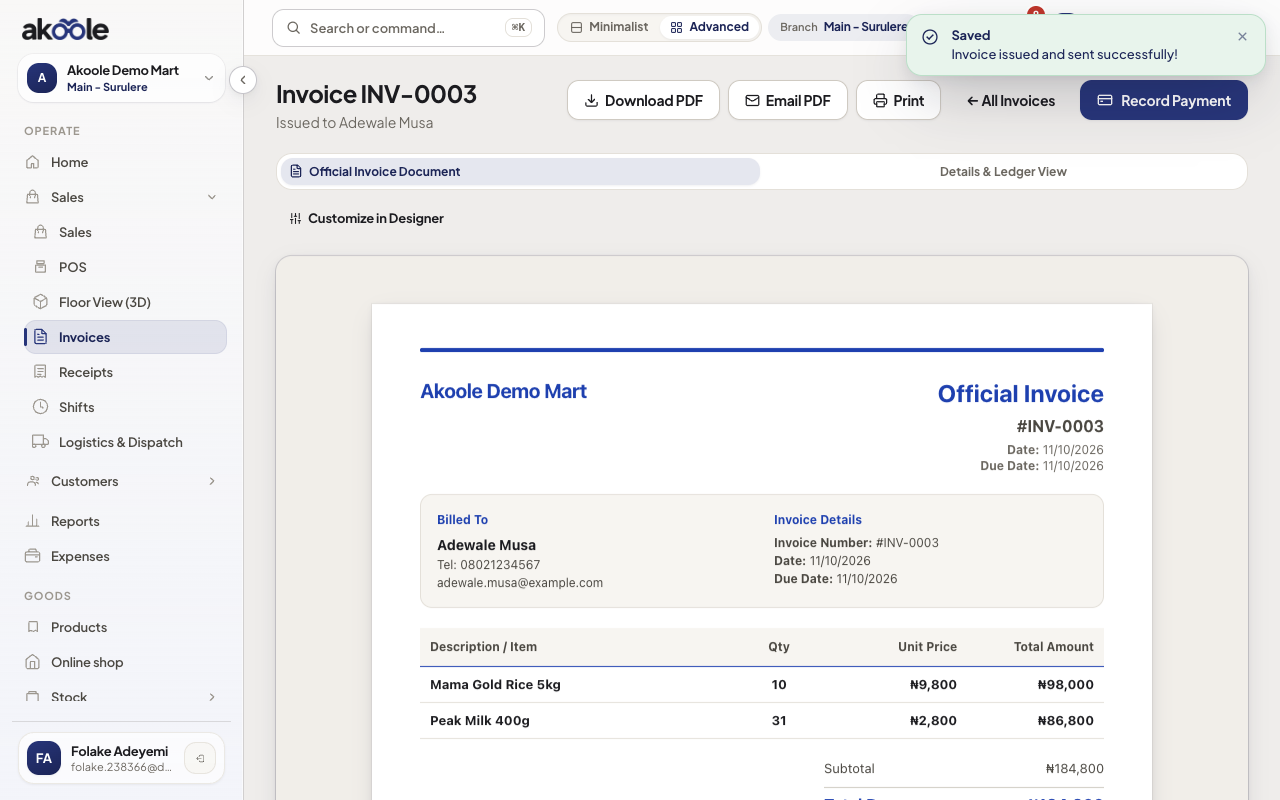
Invoice issued with its number, payment link and WhatsApp send -
Send the link
Copy link or WhatsApp. The public page is on pay.akoole.com (the link looks like
https://pay.akoole.com/{token}). No staff login. The amount and currency are fixed on that link. Card/transfer providers match what the shop enabled (Paystack, Flutterwave, Stripe, Square, or Razorpay). -
When they pay online
Successful checkout marks the invoice paid and issues a receipt. You do not retype the transfer.
Show screenshot
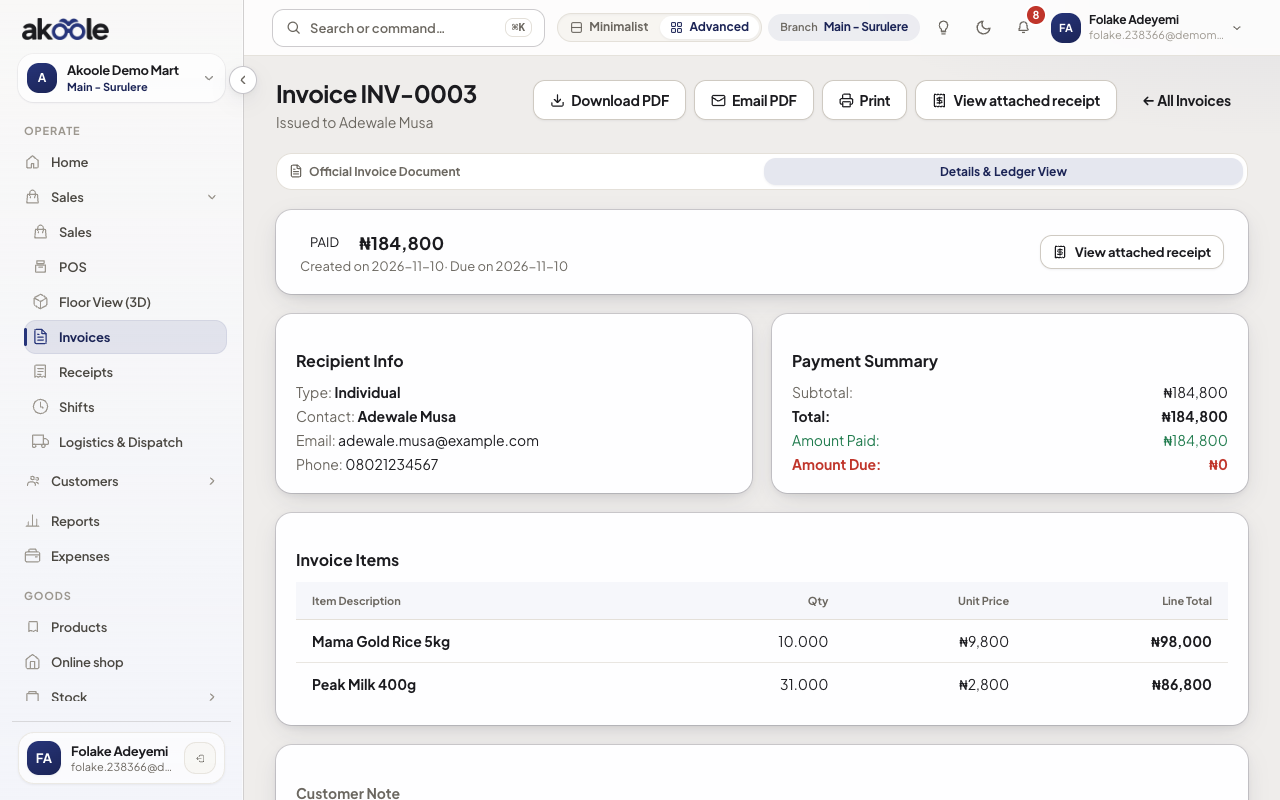
Invoice marked Paid with nothing left to collect
Show screenshot
If something goes wrong
Section titled “If something goes wrong”Issue is disabled
Add a customer and at least one line. Check you can manage invoices.
Link opens but pay fails
Confirm the shop’s payment provider keys in Settings → Payments. The public pay page only charges the amount already on the link.