

Discount override with manager PIN
A 15% “family discount” cannot happen unless a manager PIN says so, and you can see who approved it later. Haggling the unit price down to a floor is a different flow - see Haggle to the floor.
-
Add lines
Build the cart at Demo Mart. Try a discount inside the cashier cap first so you see it apply without drama.
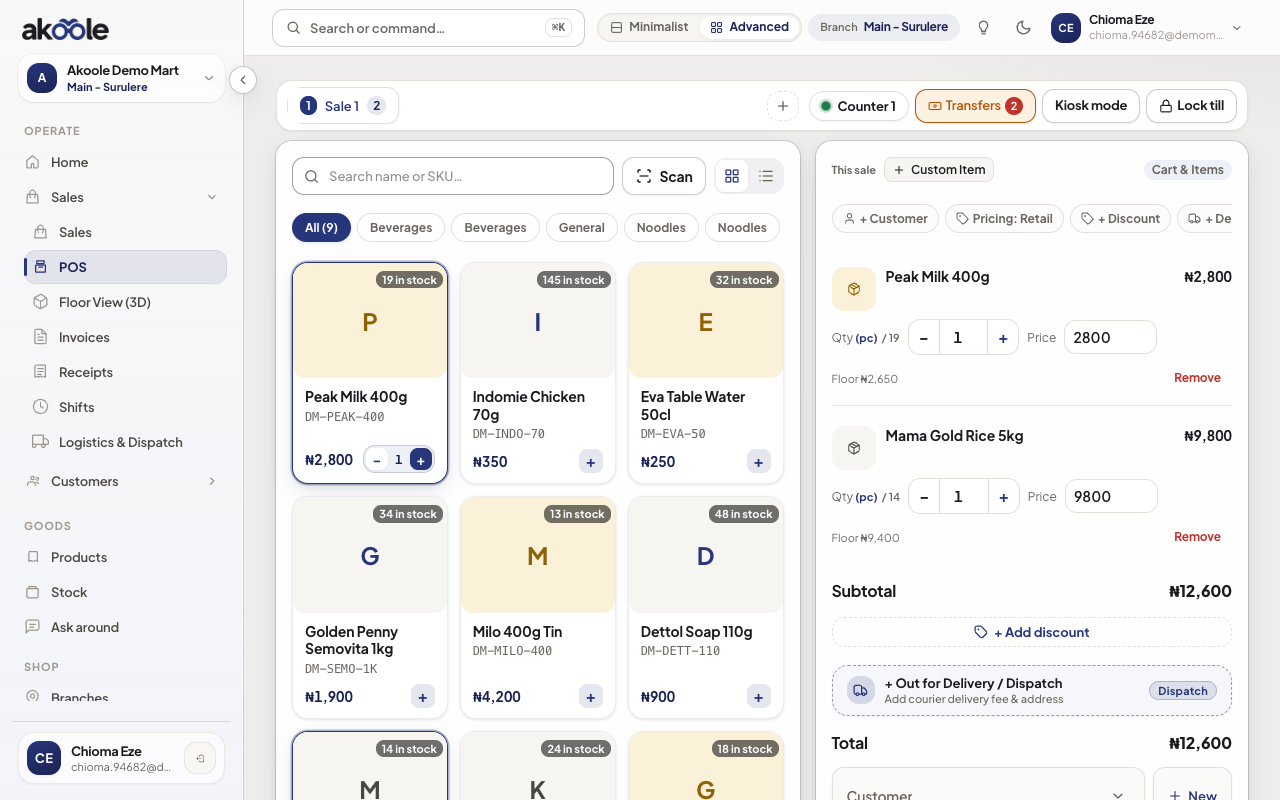
Cart before a large discount -
Hit the cashier cap
Enter 15% as cashier. POS blocks. You cannot self-approve.
-
Request override
Ask for override. Manager enters PIN on the till (they should not shout the PIN across the counter).
Show screenshot
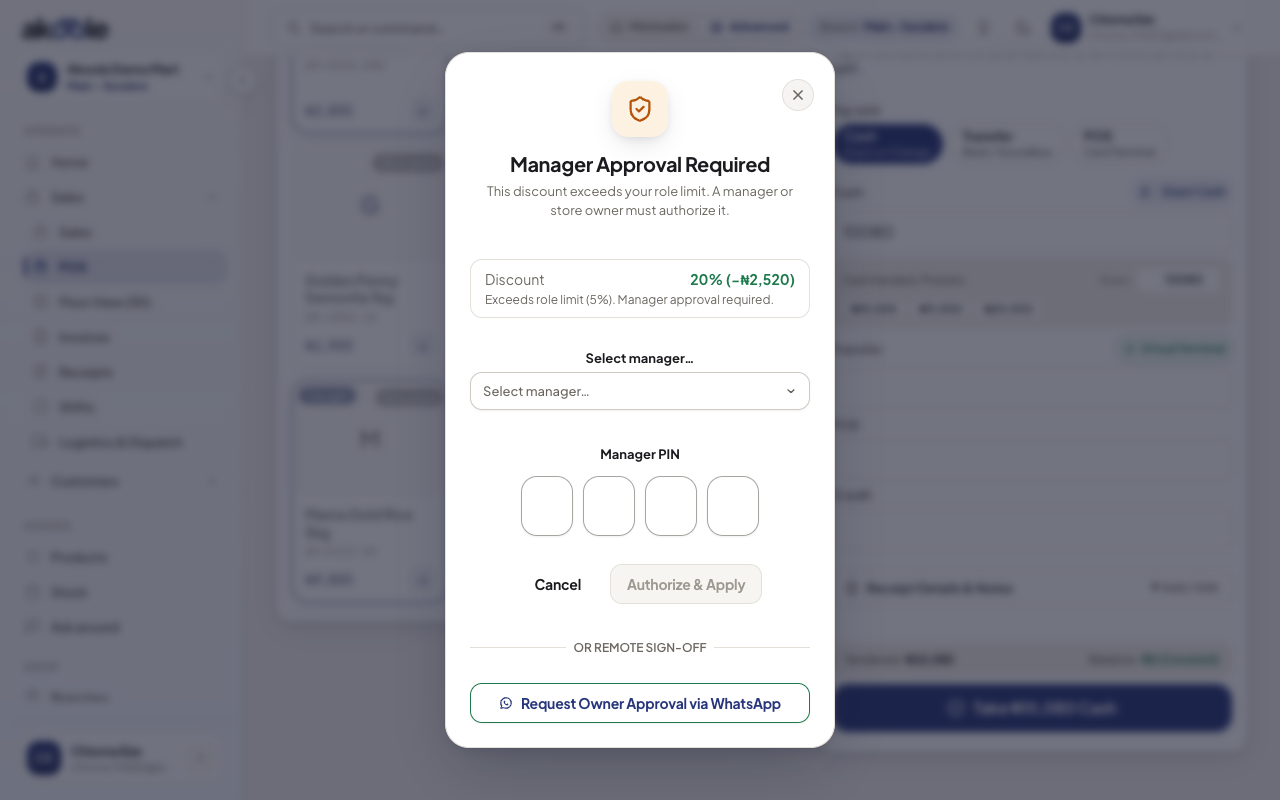
A 20% discount is above the cashier limit: the manager enters a PIN -
Complete with audit
Sale finishes. Audit stores who requested, who approved, and the naira/percent. Owner can read it later; large discounts can alert the owner.
-
Owner review
On the audit / receipts side, confirm the override is immutable. Cashiers still never see cost - a discount is not a window into margin.
If something goes wrong
Section titled “If something goes wrong”Manager PIN rejected
Wrong PIN or that user is not a manager. Do not share the owner PIN with the till.
Even managers are blocked
20% cap (or your custom role cap) still applies. Owner must change the role or complete the sale themselves.