

Preset roles
Presets are seeded, cloneable, and not deletable. Custom roles (Business+) are a separate tutorial.
Pick the right preset so till staff cannot see cost prices or billing, while inventory can receive goods.
-
Open Roles
Go to Team → Roles. You will see the system presets. Starter and Growth can assign these but cannot create new role names.
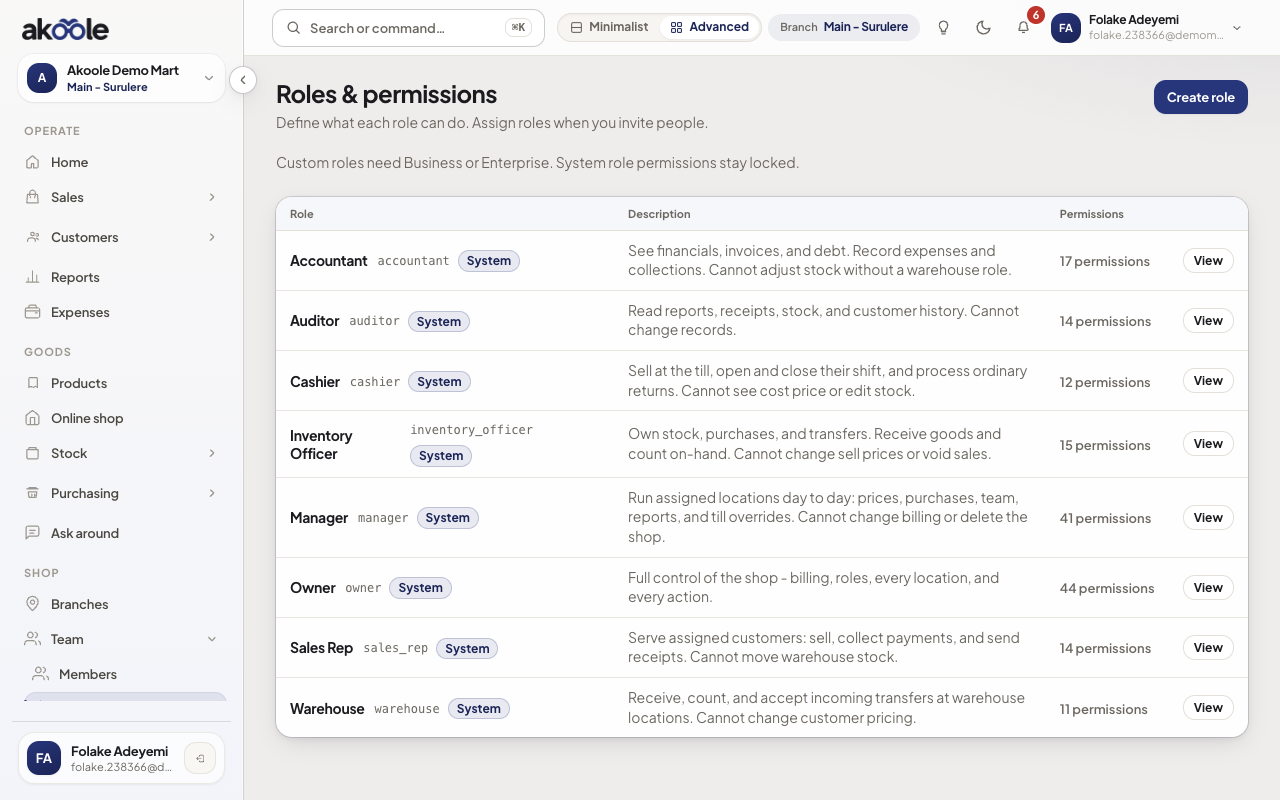
Roles: the preset roles every shop starts with -
Read what Cashier can do
Open Cashier. They can sell, hold carts, send receipts, and process policy returns on their till. They cannot see cost, run full reports, edit stock, open Billing, or Override floor price (they can still haggle down to the floor).
Show screenshot
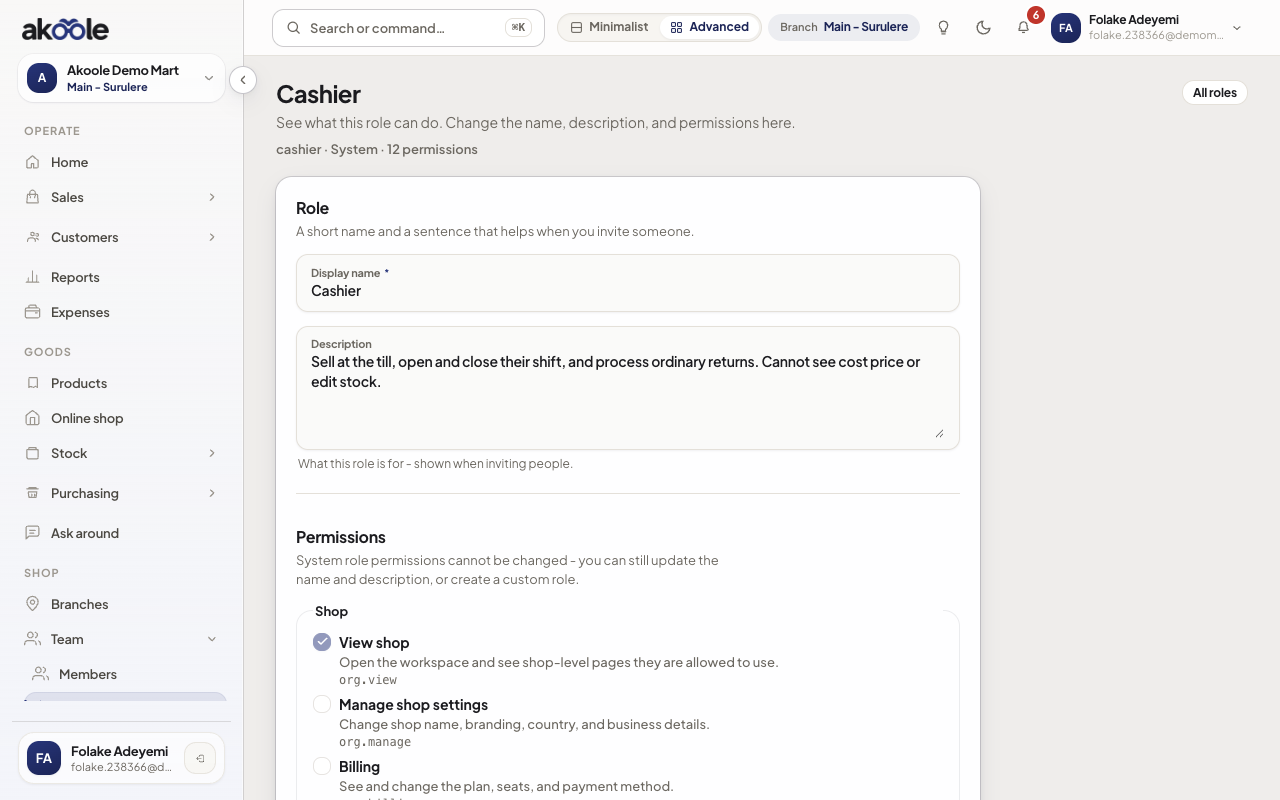
Cashier preset: sell at the POS and run shifts; no cost prices or reports -
Compare Manager and Accountant
Manager runs prices, purchases, reports, and non-Owner users on assigned branches - not billing or shop delete. They have Override floor price (sell below the haggle floor without a PIN) and discount override. Accountant collects debts, invoices, credit notes, and exports - not unapproved stock adjustments.
Show screenshot
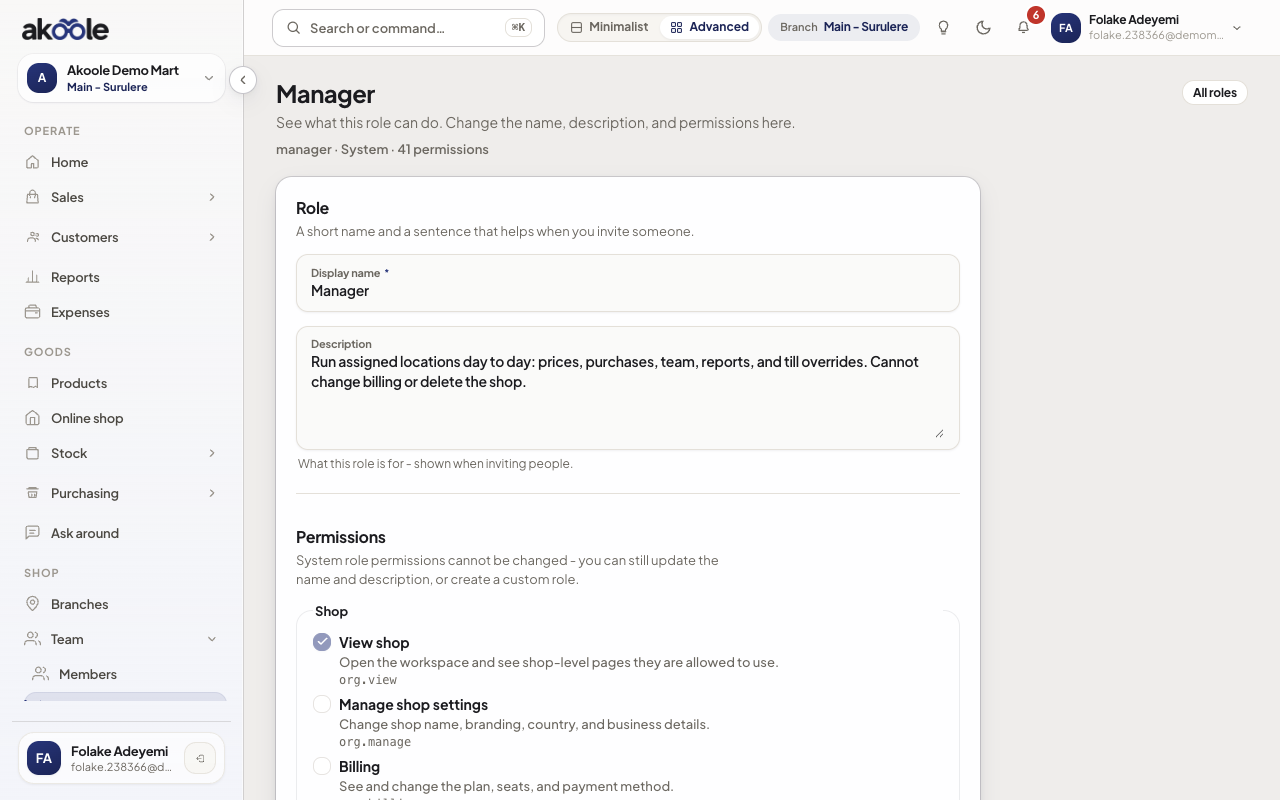
Manager preset permissions -
Inventory Officer and Warehouse
Inventory Officer receives GRNs, counts, transfers, and suppliers - not sell-price edits or voiding sales. Warehouse is pick/pack and receive, not customer pricing.
Show screenshot
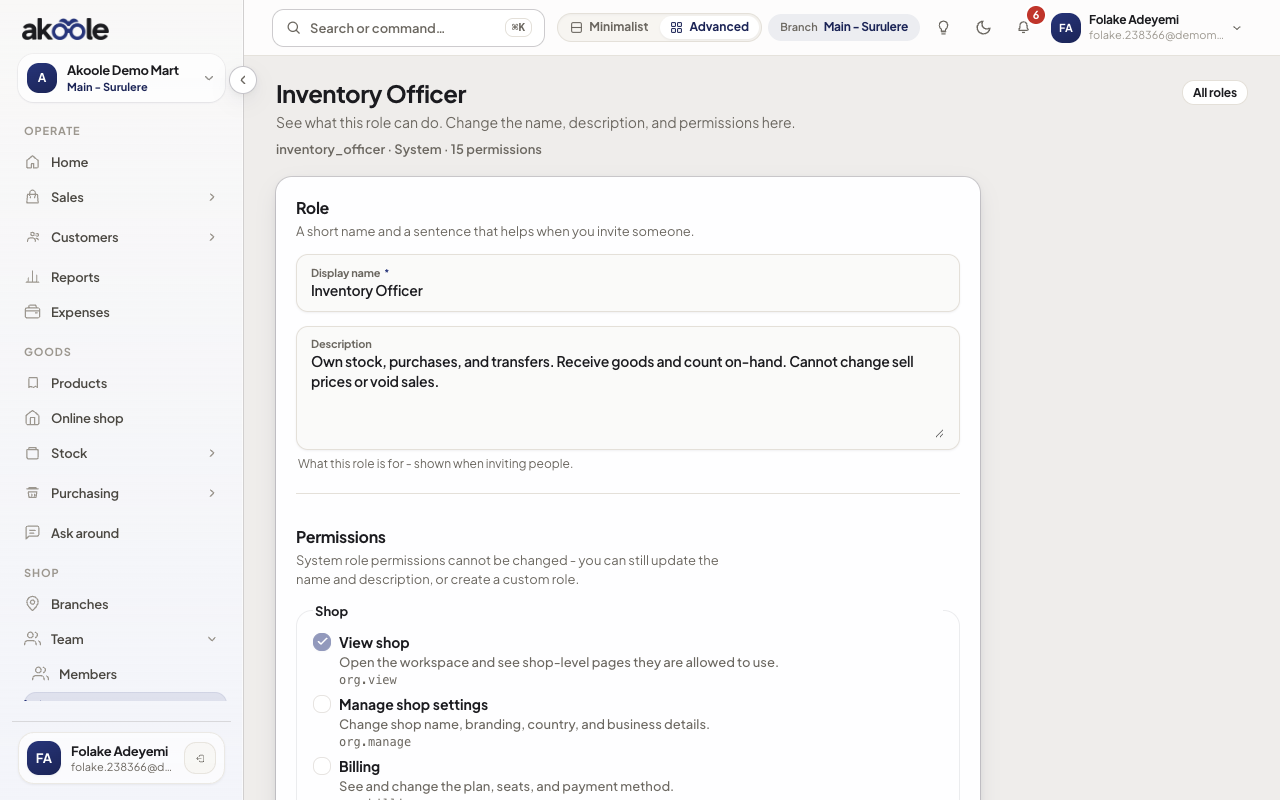
Inventory Officer preset: receive goods and manage stock -
Assign on the invite
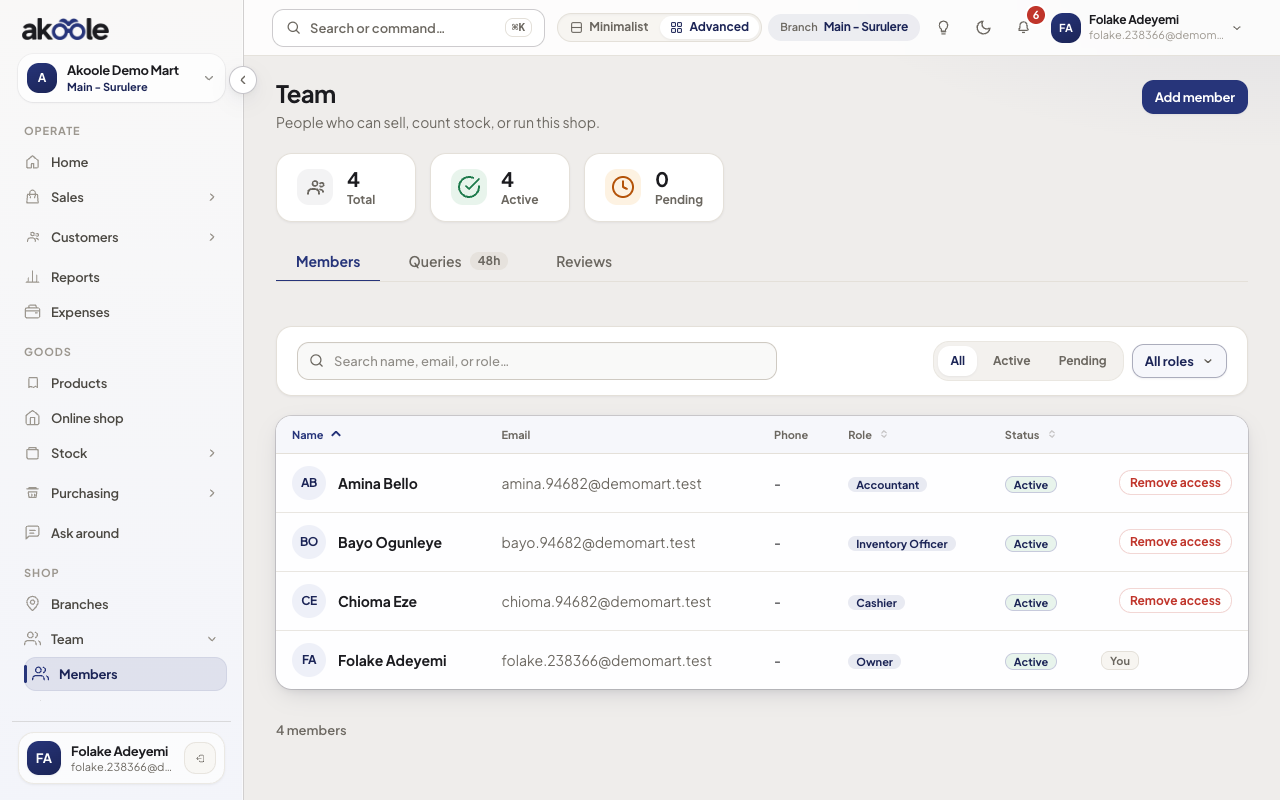
Roles stick to the membership. Change someone’s role from their Team row. Never make a shared “till” Owner account.
Show screenshot
If something goes wrong
Section titled “If something goes wrong”Need a hybrid (cashier who can receive stock)
On Starter/Growth, invite them as Inventory Officer for receiving hours or upgrade to Business for a custom role. Do not hand out Owner.
They still see another branch
Fix branch assignments on the membership. Owner (and equivalent custom roles) always see every branch.