

Staff PIN
Hand the Surulere tablet between Chioma and Tunde without typing passwords, with each sale still attributed correctly.
-
Set your PIN
Open Account → PIN (
/account/pin). Enter a 4–6 digit code twice. Do not use 0000 or the shop phone’s last four digits.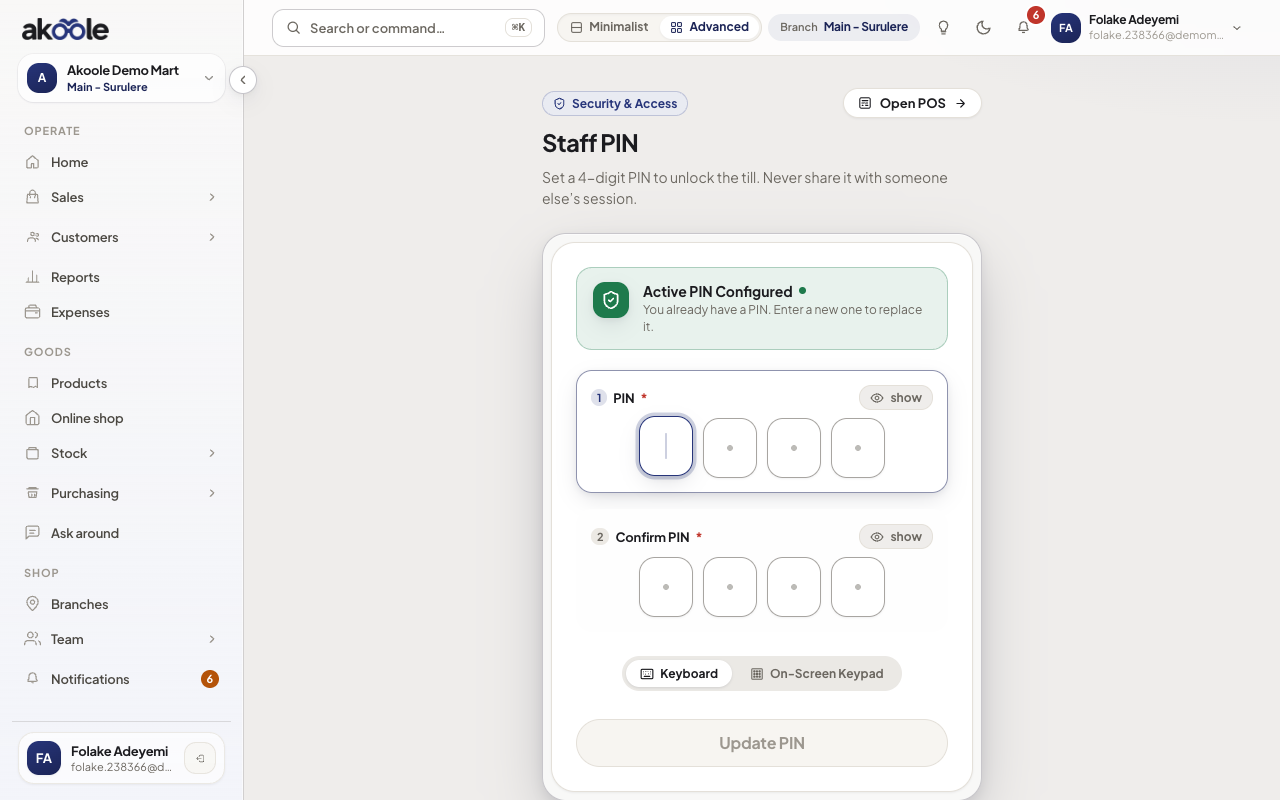
Staff PIN: a 4-digit code for switching at a shared till -
Lock the till when you step away
On POS, tap the lock control. The next person should not inherit your cart or your name on receipts.
Show screenshot

Lock till in the POS header for a shared counter -
Unlock with the next cashier’s PIN
The incoming cashier types their PIN. POS unlocks on their membership. Held carts stay on the device but new sales stamp the active cashier.
-
Use PIN for sensitive till actions when asked
Managers can require PIN confirmation before large discounts or returns. Treat the PIN like a till key, not a password you reuse on email.
Show screenshot
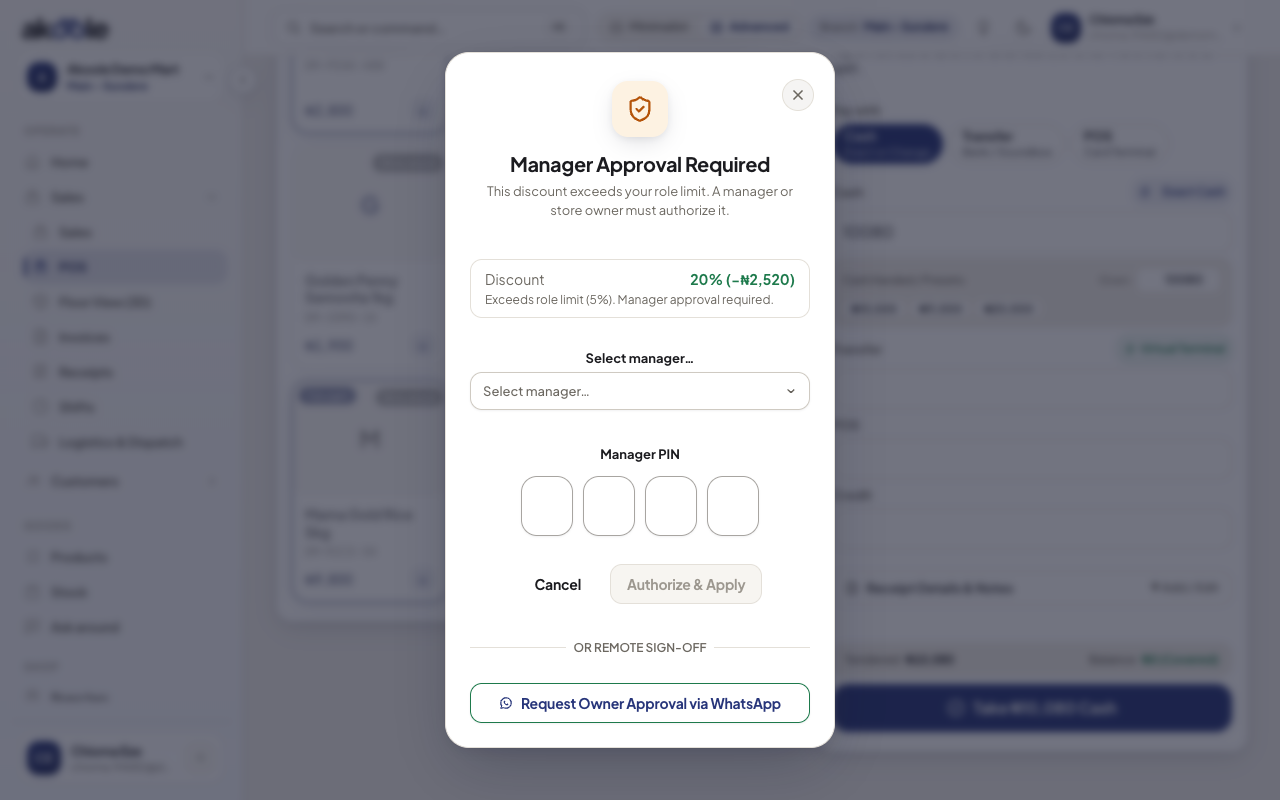
Manager PIN prompt before the discount is applied
If something goes wrong
Section titled “If something goes wrong”Forgot PIN
Sign in with email/passkey on that person’s own phone and set a new PIN under Account. Owners cannot “read” the old PIN.
Two people share one PIN
Stop. Collections and shortages become un-auditable. Invite the second person and give them their own PIN.