

Scan barcodes with camera or gun
You add the exact variant in one beep instead of searching names in a rush.
-
Focus the POS search
Open POS. Click the search field. A USB or Bluetooth gun types the barcode like a keyboard - no driver.
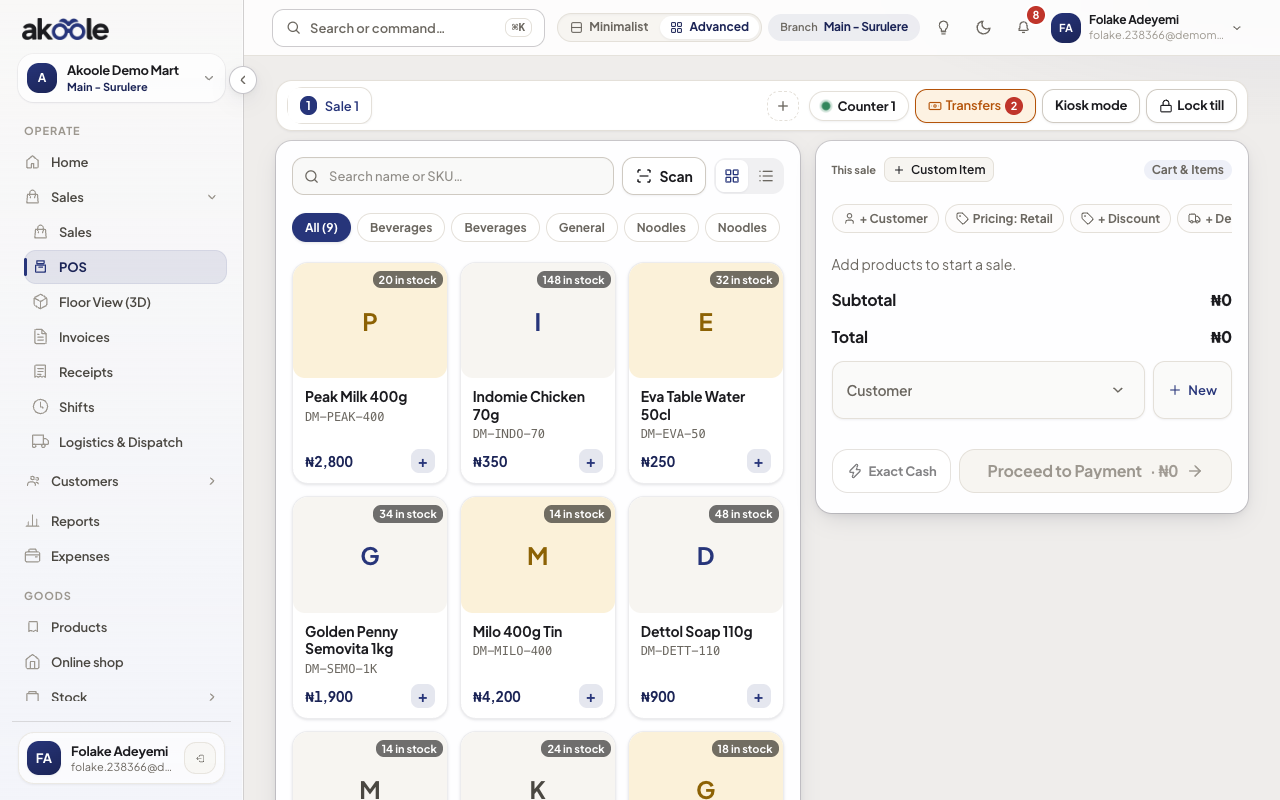
POS with the search box ready for a barcode scanner -
Scan with a gun
Beep the pack. The matching product or variant lands on the cart. Scan again to add qty.
Show screenshot
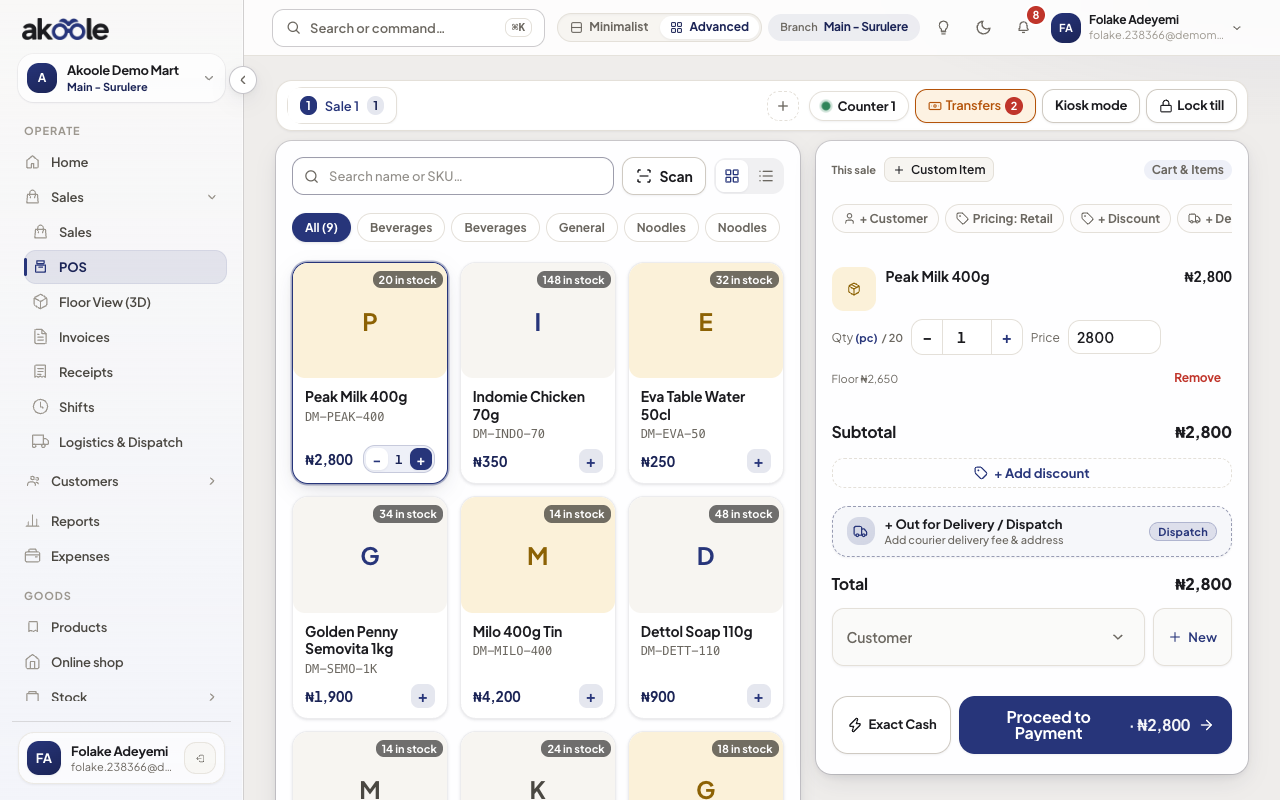
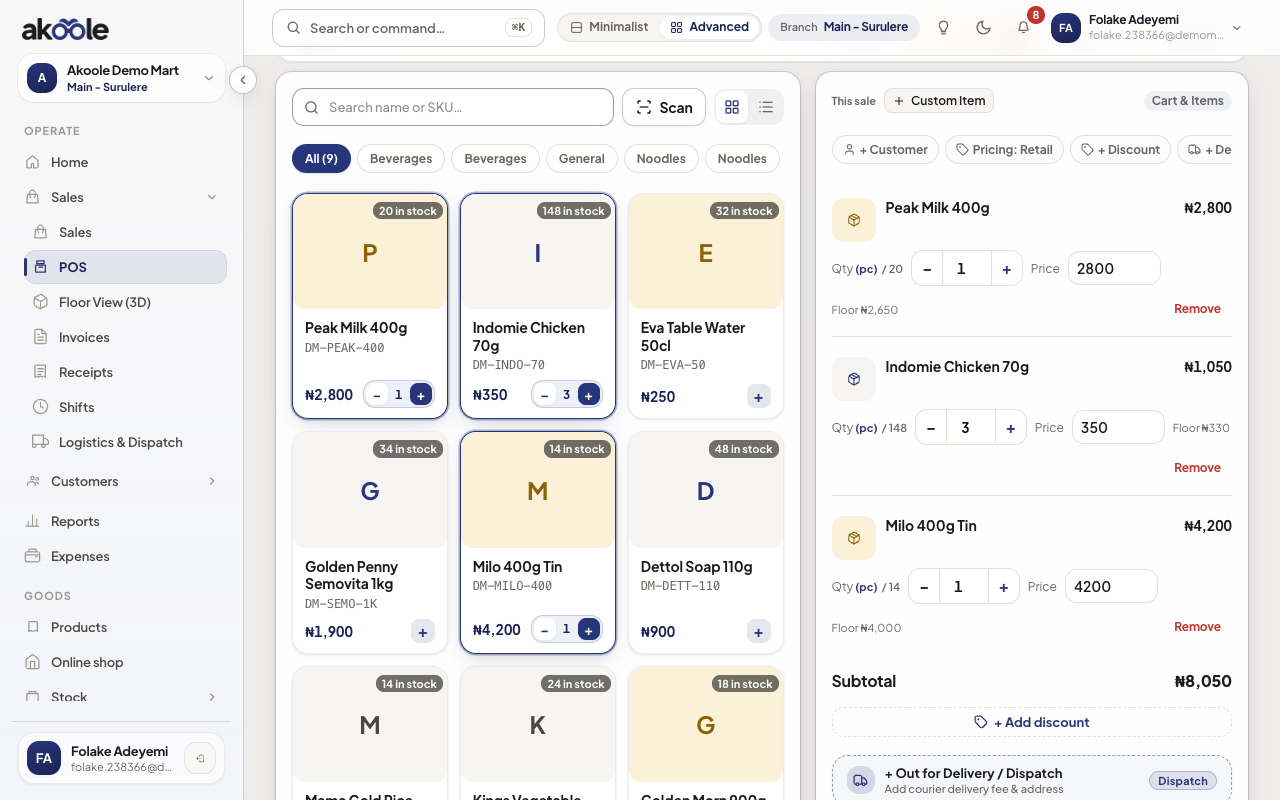
Peak Milk 400g added to the cart from its barcode -
Use the camera
Tap the barcode icon. Allow camera access. Point at EAN-13 / UPC. Akoole looks up the variant and adds it.
-
Fix unknown codes
If nothing matches, do not invent a line. Call inventory to add the barcode on the product, then rescan.
Show screenshot
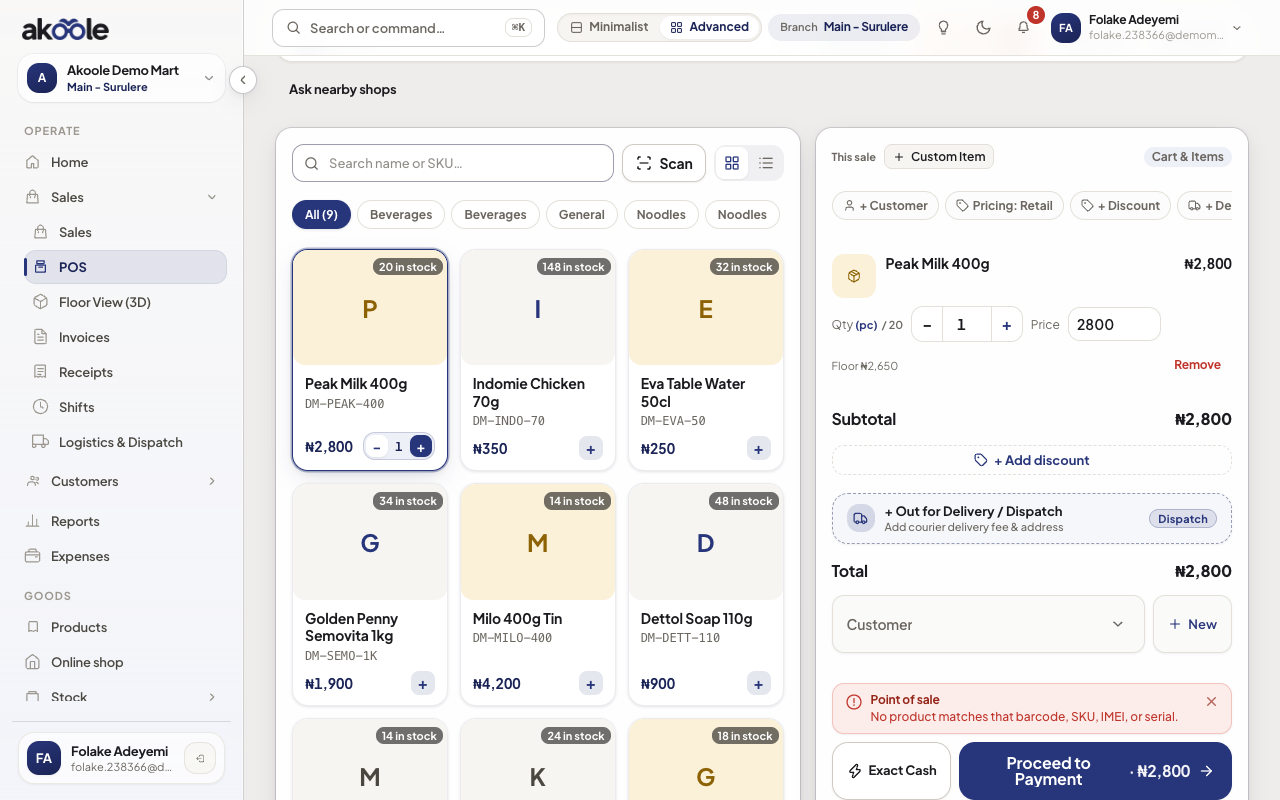
POS message for a barcode that is not in the catalogue -
Complete the sale
Tender as usual. Camera scan is the same sale as a gun scan.
Show screenshot
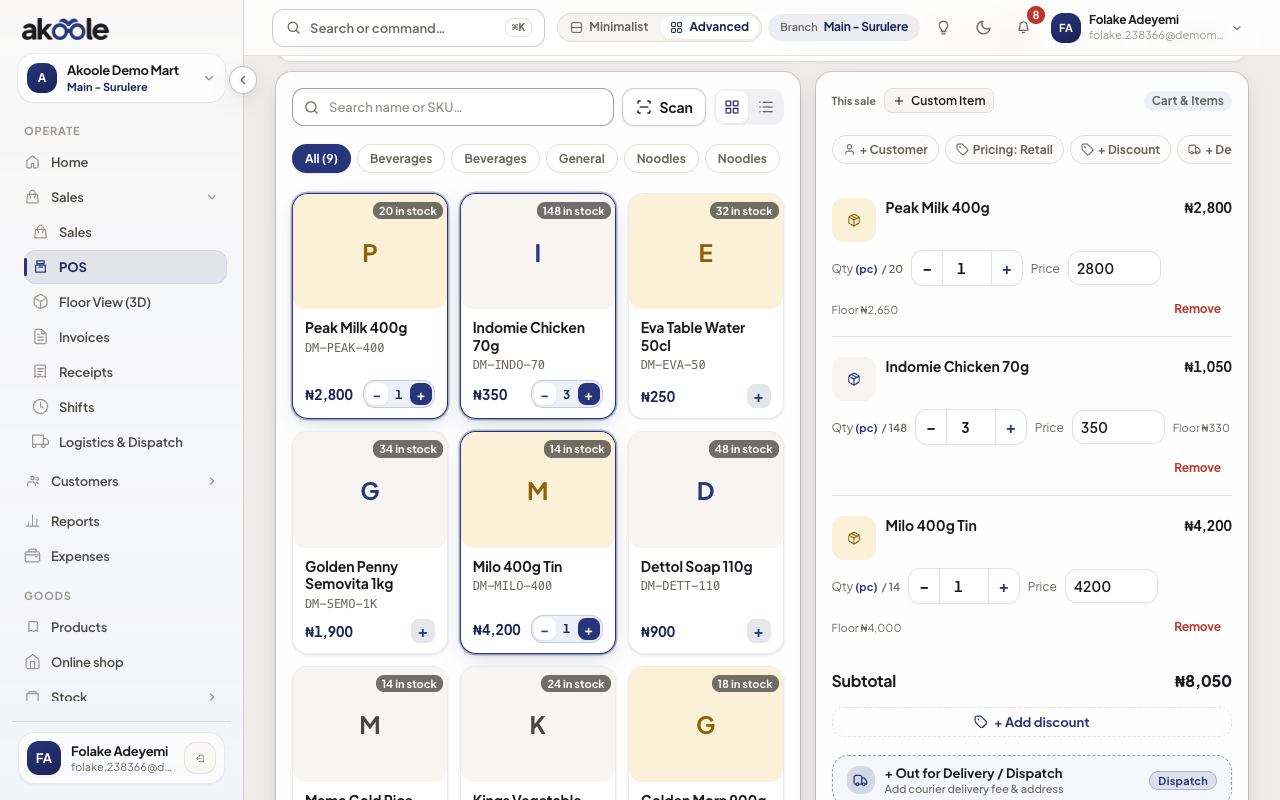
Cart after several scans: quantities add up on each line
Show screenshot
If something goes wrong
Section titled “If something goes wrong”Camera permission denied
Enable camera for the Akoole site in the browser, or use a gun / type the barcode.
Wrong product
Two SKUs share a barcode. Fix it on Products - duplicate barcodes should have been blocked at save.