

Public payment portal (pay.akoole.com)
Give debtor customers a friction-free, secure way to settle overdue balances from their phones using direct payment links embedded in WhatsApp reminders.
-
Send automated WhatsApp reminder with payment link
When sending a debt reminder from WhatsApp reminders or using AI debt recovery, Akoole embeds a unique, encrypted payment link:
pay.akoole.com/pay/:token. -
Customer opens payment portal
The debtor taps the link on their smartphone. A branded payment portal opens showing:
- Your store name and logo.
- Breakdown of overdue invoices and purchases.
- Total outstanding balance in NGN.
- Option to pay in full or enter a custom partial installment.
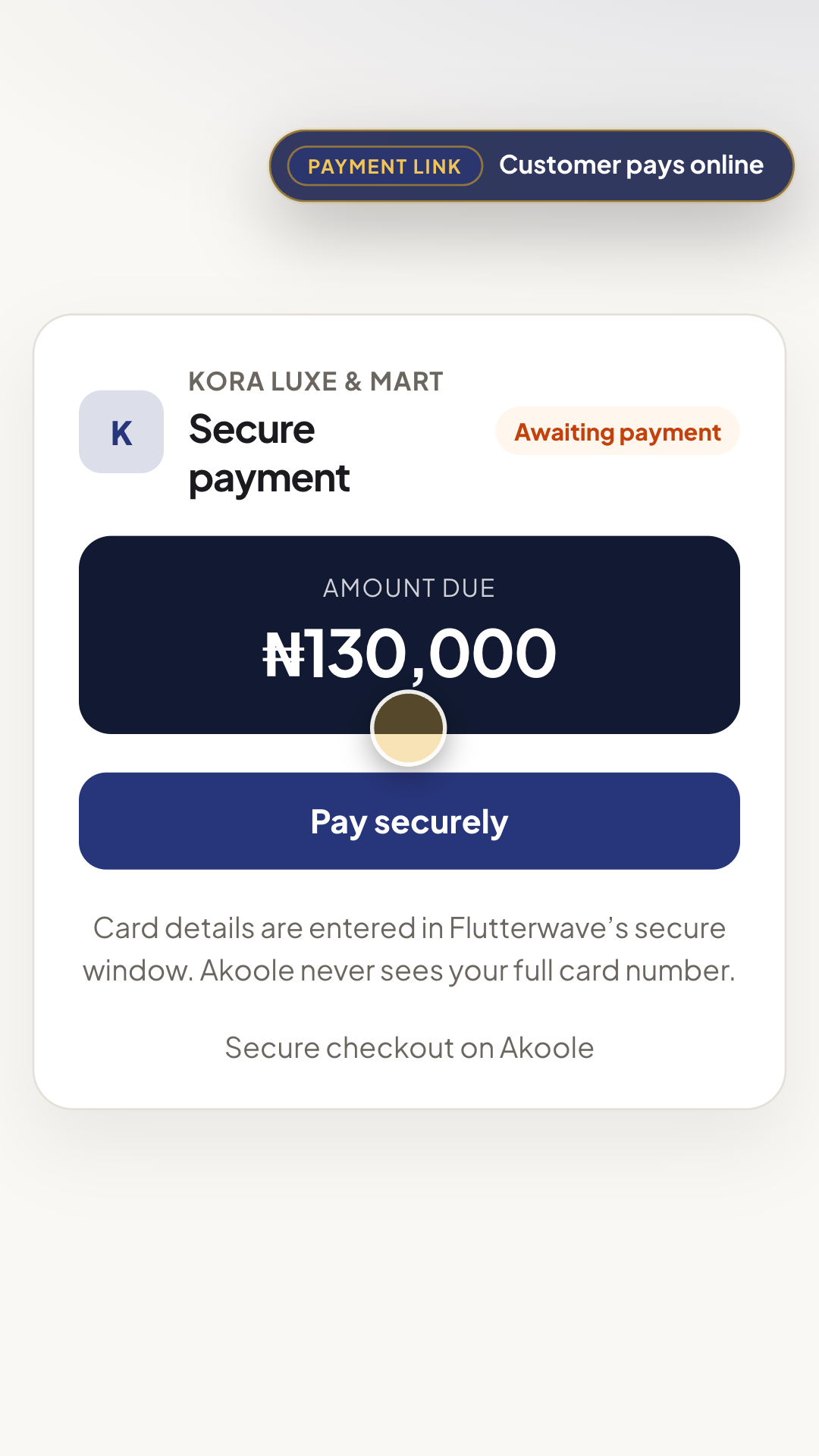
Secure payment page on pay.akoole.com showing the balance and Pay securely -
Customer pays via bank transfer or card
The customer selects Instant Bank Transfer (generating a dynamic virtual account) or Debit Card.
-
Instant automated ledger reconciliation
The moment the transaction confirms:
- The customer’s balance in your Debt ageing ledger drops automatically.
- A digital payment receipt is issued to the customer.
- The business owner receives an instant payment confirmation alert.
Common problems & fixes
Section titled “Common problems & fixes”- Customer wants to pay partially: The payment portal allows debtors to edit the payment amount to submit partial milestone payments.