

Customer profiles
Create Adewale with a Nigerian mobile so the next credit sale and WhatsApp receipt have somewhere to go.
-
Open customers
Customers. Search phone or name before adding a duplicate.
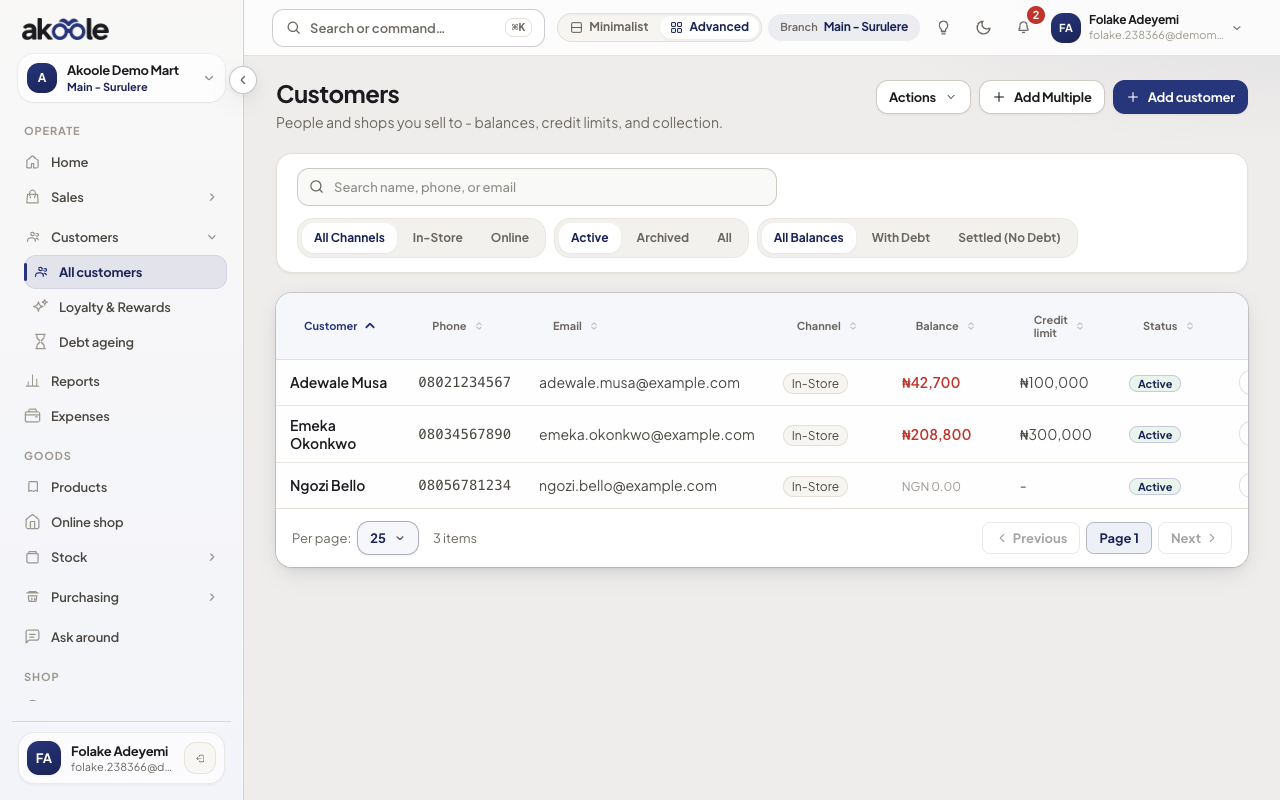
Customers list with search, Add customer and balances in naira -
Add the profile
New customer: name, phone, optional email. Credit limit comes next tutorial if you are on Growth+ book.
Show screenshot
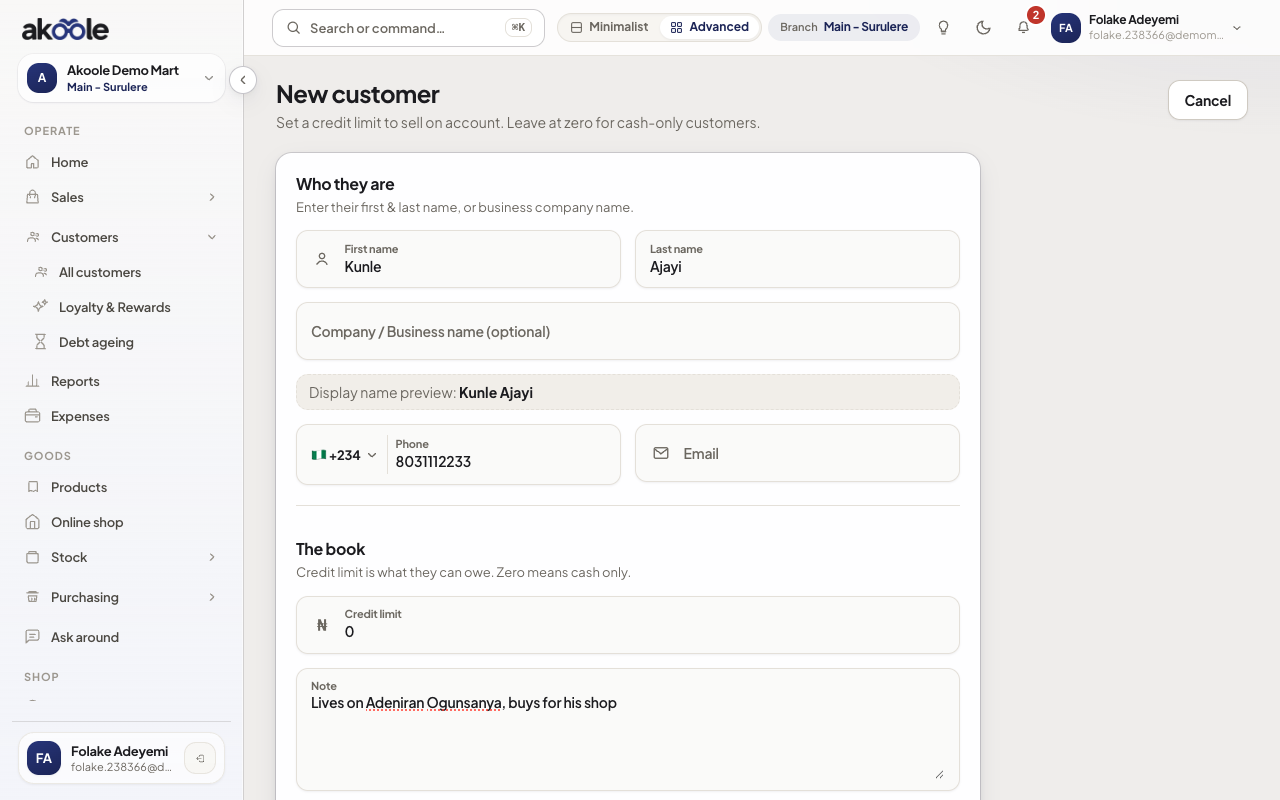
New customer form: Kunle Ajayi with phone and a note -
Open the profile
The detail page is the book for that person: sales, payments, payment links, devices, wallet.
Show screenshot
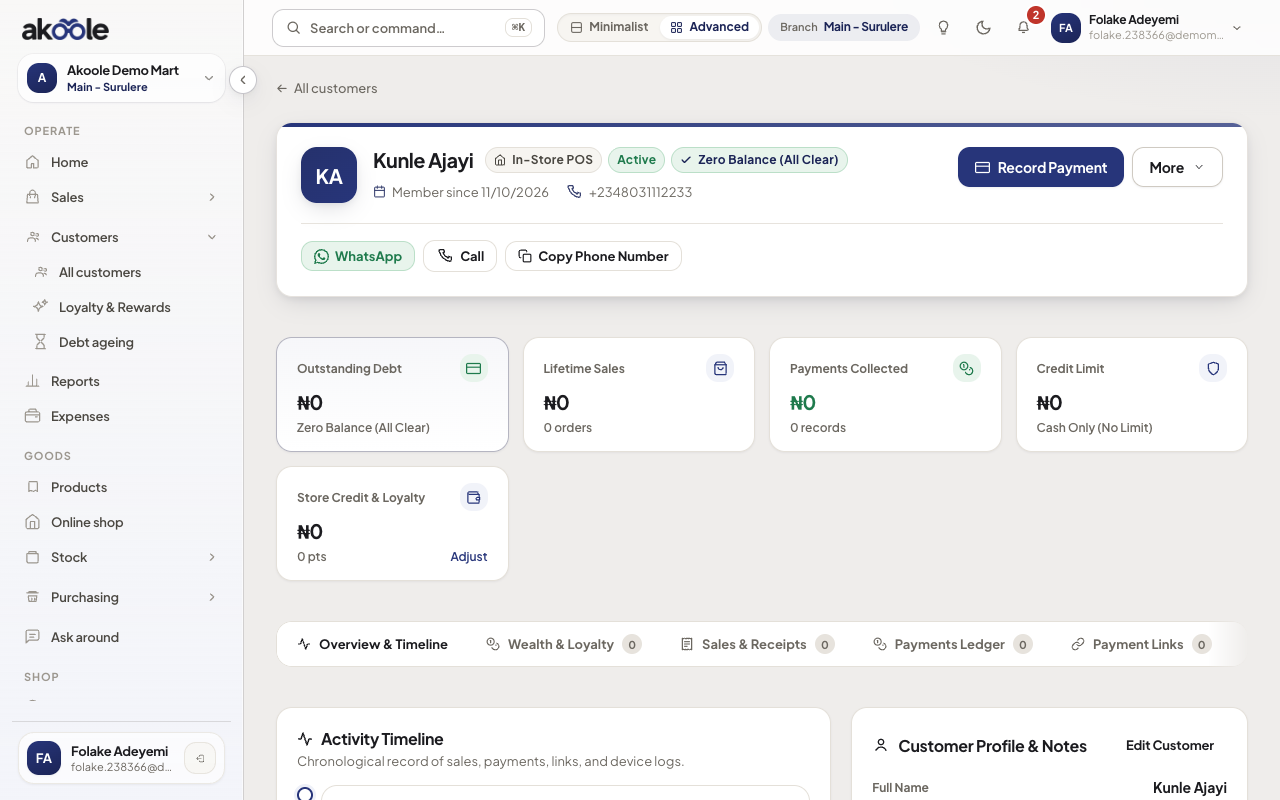
New customer profile: no balance, no wallet, no sales yet -
Attach them on POS and invoices
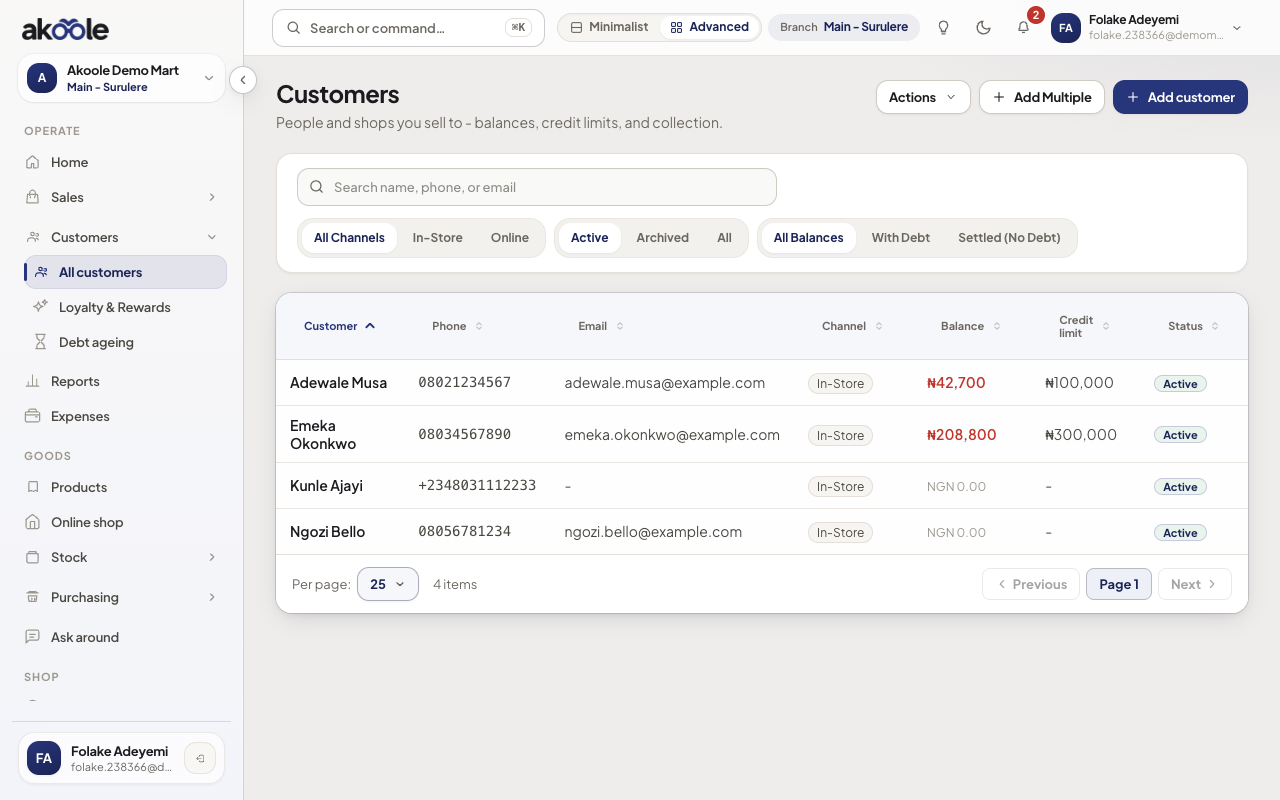
On the till, search Adewale before credit. Invoices pick the same profile so ageing stays one ledger.
Show screenshot
If something goes wrong
Section titled “If something goes wrong”Two profiles one human
Search the second number before creating. Collections on the wrong profile will not clear the invoice they actually have.
Cashier cannot add
Cashiers may only view. Ask someone with manage customers, or capture the sale as walk-in and fix later (worse).