

Voice Ops
Execute routine store operations by speaking naturally-even when your hands are busy packing bags or counting change behind the register.
-
Tap the Voice Ops microphone
In the AI Copilot drawer or in the POS header, tap the Microphone icon.
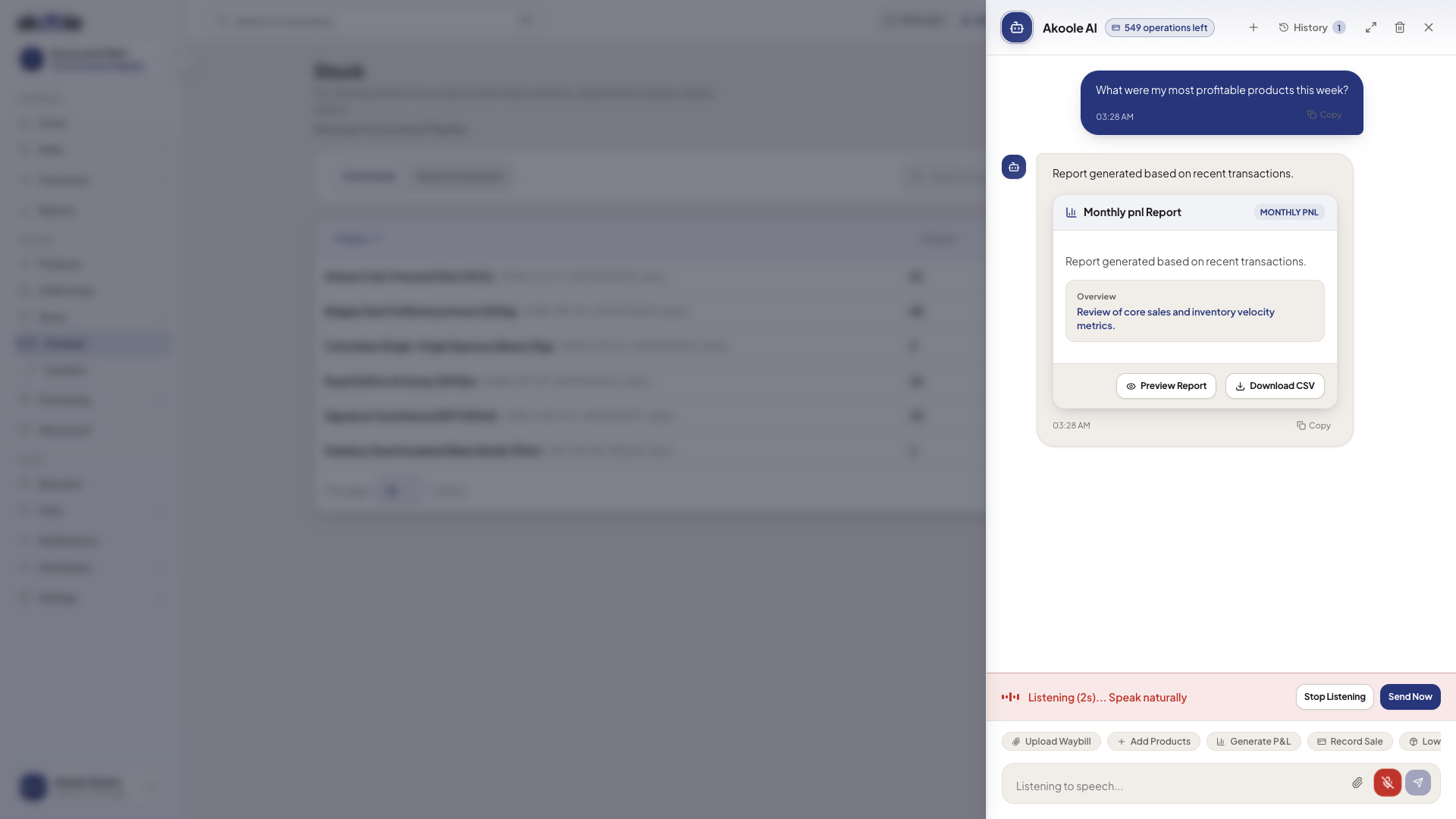
Voice Ops listening in the AI Copilot drawer, ready for a spoken instruction -
Speak your command naturally
Speak in conversational English or Nigerian retail phrasing:
- “Record ₦5,000 for generator diesel from active till”
- “Sell 2 bottles of Arabian Oud to Emeka on credit”
- “How many cartons of Peak Milk are remaining in Victoria Island?”
-
Review the parsed structured action card
Voice Ops extracts the intent, target entity, payment method, and amount into a clear preview card:
- Action:
Record Expense - Category:
Generator Fuel - Amount:
₦5,000 - Payment Source:
Active Cash Drawer
- Action:
-
Confirm and execute
Tap Confirm & Execute (or say “Confirm”). The transaction is committed immediately to your ledger.
Common problems & fixes
Section titled “Common problems & fixes”- Microphone permission blocked: Check your browser address bar permissions and ensure microphone access is granted for
app.akoole.com.