

Waybill & invoice OCR
Convert paper supplier waybills and invoices into structured Goods Received Notes (GRN) automatically, updating inventory counts and unit cost prices with zero manual typing errors.
-
Launch Waybill OCR
In the AI Copilot drawer or from the Purchase Orders page, click the document attachment / camera icon and select Scan Supplier Waybill.
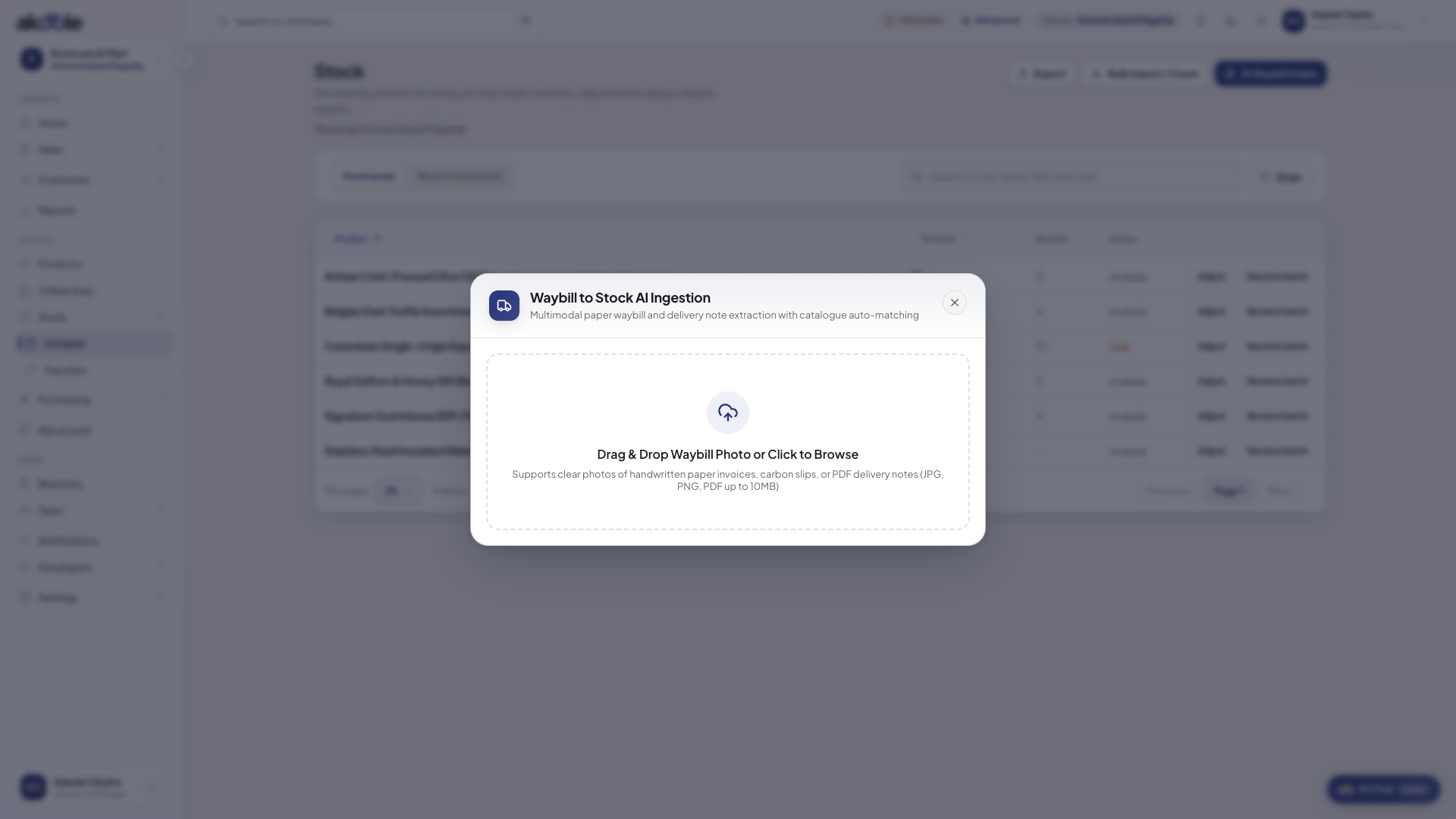
Waybill to Stock dialog ready for a photo or PDF of the supplier waybill -
Upload photo or PDF
Snap a photo of the paper waybill showing the supplier header, line items, quantities, and prices.
-
Verify AI extraction table
Optical character recognition parses the document into structured columns:
- Supplier Name: Auto-matched to your existing supplier directory.
- Line Items & Quantities: Extracted items matched to your product catalogue by name or SKU.
- Unit Cost Price (NGN): Landed unit buy price.
- Waybill / Invoice Number & Date: Recorded for audit reconciliation.
-
Choose target document
- Click Create Draft PO to generate an order for review and approval.
- Or click Receive Goods (Direct GRN) if the physical items are already offloaded in the warehouse, immediately updating your Stock on hand.
Common problems & fixes
Section titled “Common problems & fixes”- Line item is marked as Unmatched: If the supplier uses a different trade abbreviation, click the line to search and map it to the correct SKU in your catalogue.