

Create your account
Create an Akoole login (or accept an invite), know how passkeys and password reset work, and land in setup or the staff app.
Before you start
Section titled “Before you start”Anyone who needs a user. Owners start here; staff usually start from an invite email instead.
- Use an inbox you can open on this phone (Gmail, Outlook, or your domain mail).
- First name and last name are both required - Akoole does not use a single “full name” field.
- If you were invited, open the invite link rather than registering on a random email.
-
Open Create account
From akoole.com or
app.akoole.com/register, choose Create account. On a shop host ({slug}.akoole.shop) that already exists, you may only see Sign in - that shop is not a public signup form for strangers.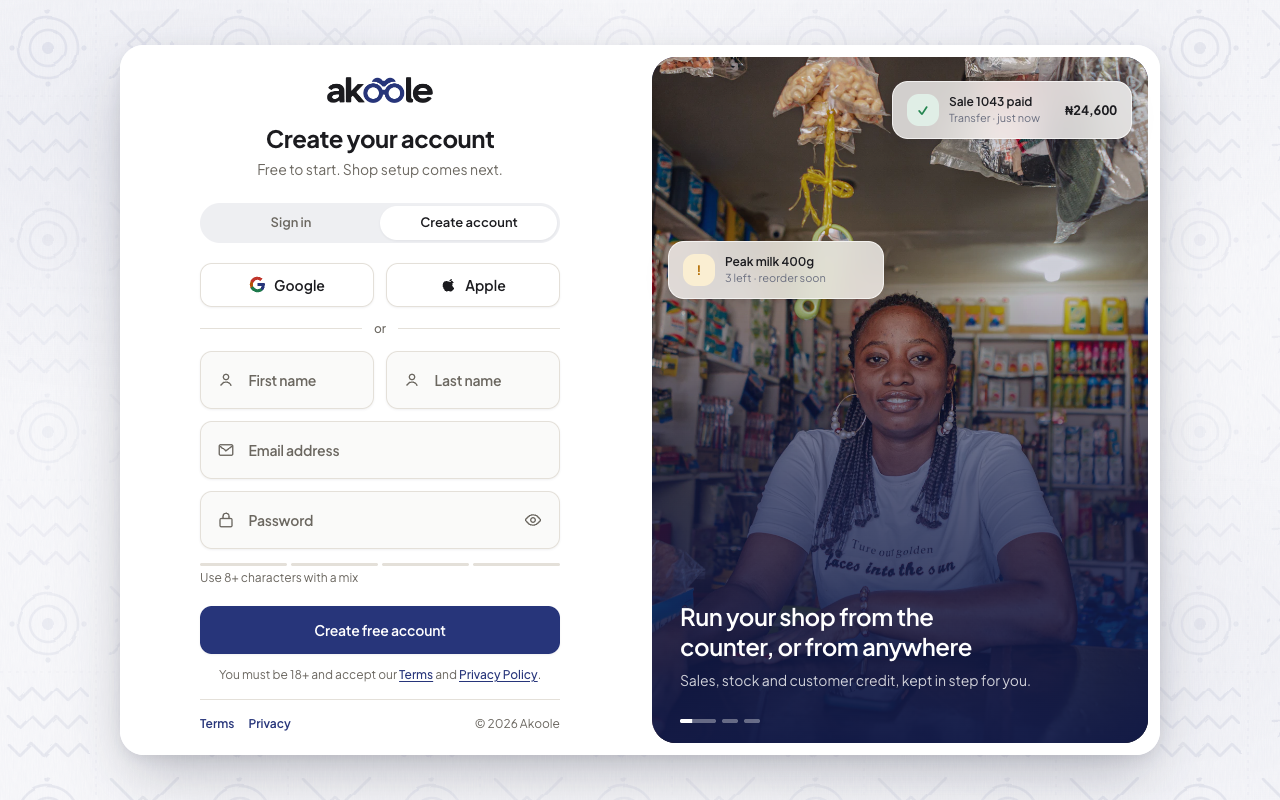
Create account: first name, last name, email and password -
Submit and stay signed in
Enter first name, last name, email, and password. Akoole sends a verification email immediately and signs you in. You are not blocked from starting shop setup while that mail is in flight.
Invites and billing will need the address confirmed later.
-
Sign in next time
Use
/loginwith email and password. If this device supports it, choose Sign in with a passkey instead of typing the password.Show screenshot
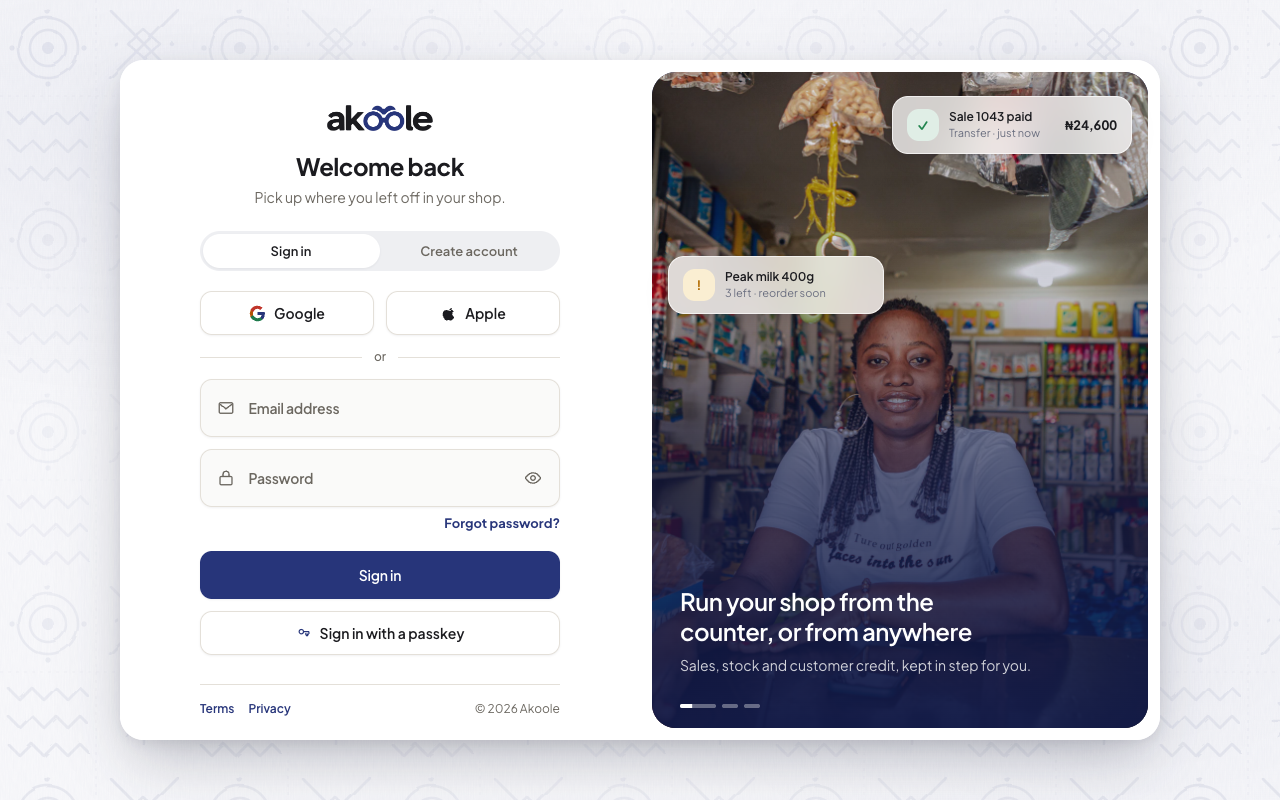
Sign in screen with Sign in with a passkey -
Add a passkey (after you are in)
Go to Account settings. Under passkeys, register this laptop or phone (Touch ID, Face ID, Windows Hello). Name it (“MacBook”, “Infinix counter”). Next visit, use Sign in with a passkey.
Passkeys sync in iCloud Keychain or Google Password Manager when your platform allows it.
Show screenshot
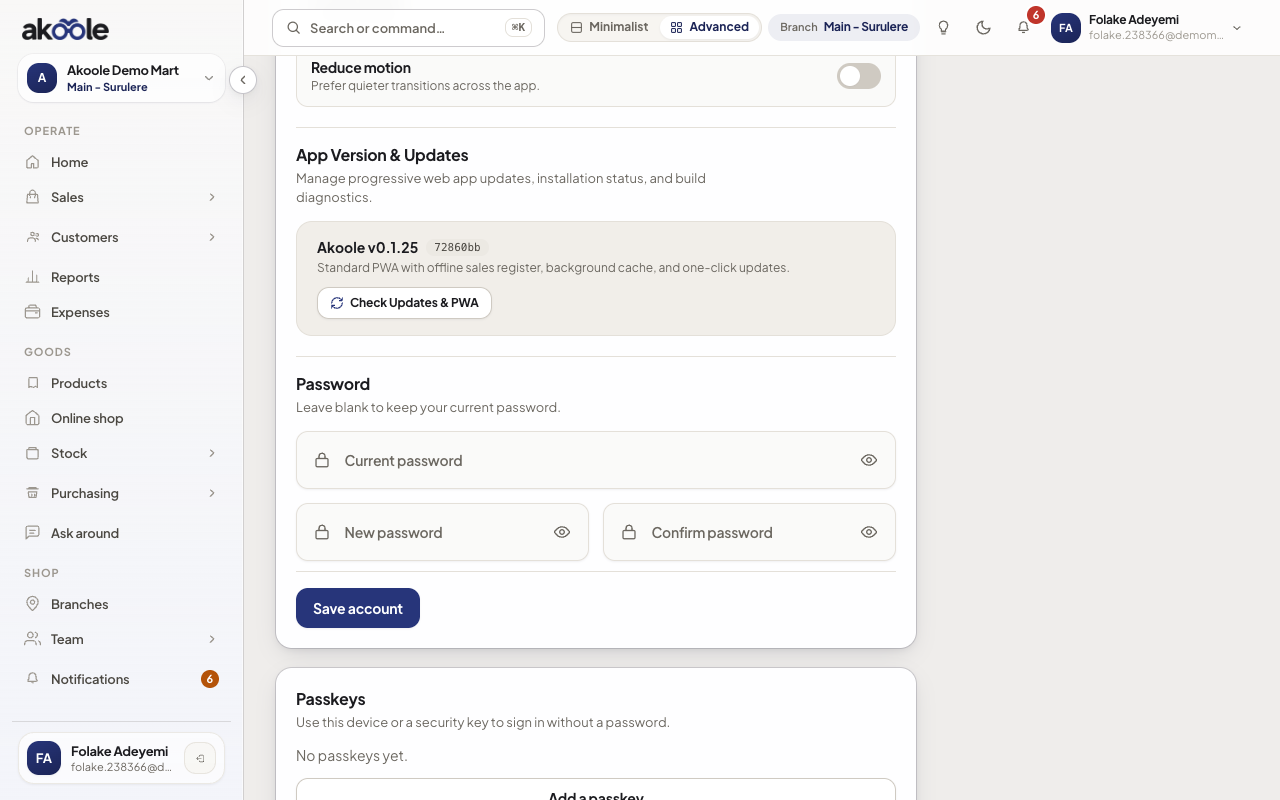
Account settings: passkeys for signing in without a password -
Forgot password
From sign-in, open Forgot password (
/forgot-password). Enter your email. The screen always says we sent a message if that address has an account - Akoole will not tell a stranger whether the email exists.Open the mail, set a new password on
/reset-password. You are signed in afterwards. A successful reset also marks the email verified.Show screenshot
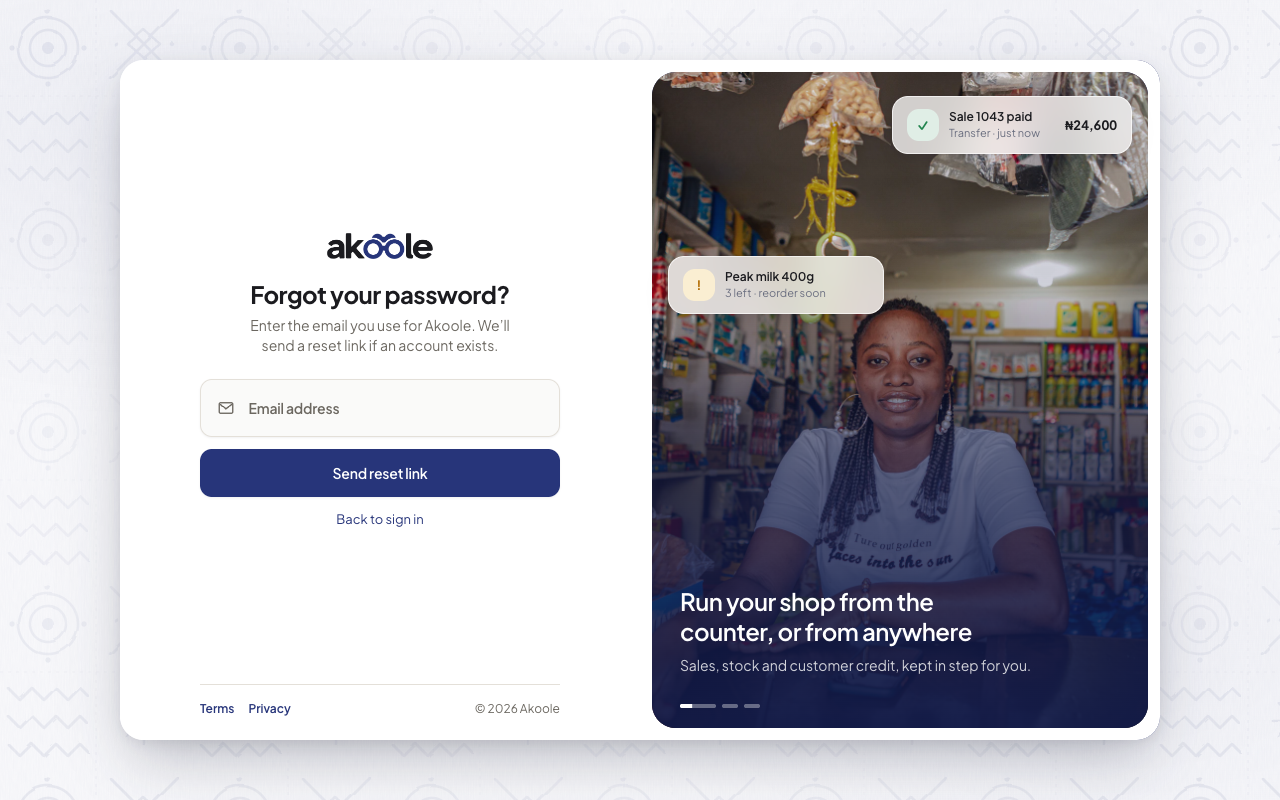
Forgot password: enter your email for a reset link -
Invited staff
If you received an invite, use the unique
/invite/{token}link. Registering with the same email alone does not join the shop. Existing accounts are added when you accept that link.
What success looks like
Section titled “What success looks like”You can sign in with password or passkey, reset a forgotten password without leaking whether an email is registered, and you know invites only complete via the token link.
If something goes wrong
Section titled “If something goes wrong”Passkey button missing
The browser or device does not support passkeys, or you are in a restricted WebView (in-app Instagram/Facebook browser). Open Chrome or Safari directly.
Forgot password mail never arrived
Check spam. If you mistyped the address, the form still succeeds - there is no account on the wrong inbox. Try the address you registered with.
I registered but I am not on the team
Ask the Owner to invite you and open the invite link. Self-signup does not attach you to Akoole Demo Mart.